
2026-08-26 · 8 min read
AI T-Shirt Logo Maker: Create Brand-Ready Designs in 2026
Use an AI t-shirt logo maker to generate print-ready, vector-quality designs in minutes. Learn what makes a great apparel logo and how to create one fast.

Recommended next
AI T-Shirt Logo Maker: Why Apparel Logos Need a Purpose-Built Tool in 2026
If you are launching a streetwear label, printing merch for your podcast, or building an ecommerce apparel brand, an AI t-shirt logo maker is the fastest path from idea to print-ready artwork. In 2026, AI-driven logo generators can produce vector-quality, fabric-optimized designs in under two minutes — no design skills, no agency retainer, and no guesswork about whether the artwork will survive a screen-print pass.
Below is a complete guide to choosing, using, and refining an AI t-shirt logo maker so your designs look professional on cotton, polyester, blends, and even all-over prints. You will learn what separates a logo that prints beautifully from one that turns into a blurry mess, plus a step-by-step workflow you can follow right now.
What Makes a Great AI T-Shirt Logo Maker in 2026?
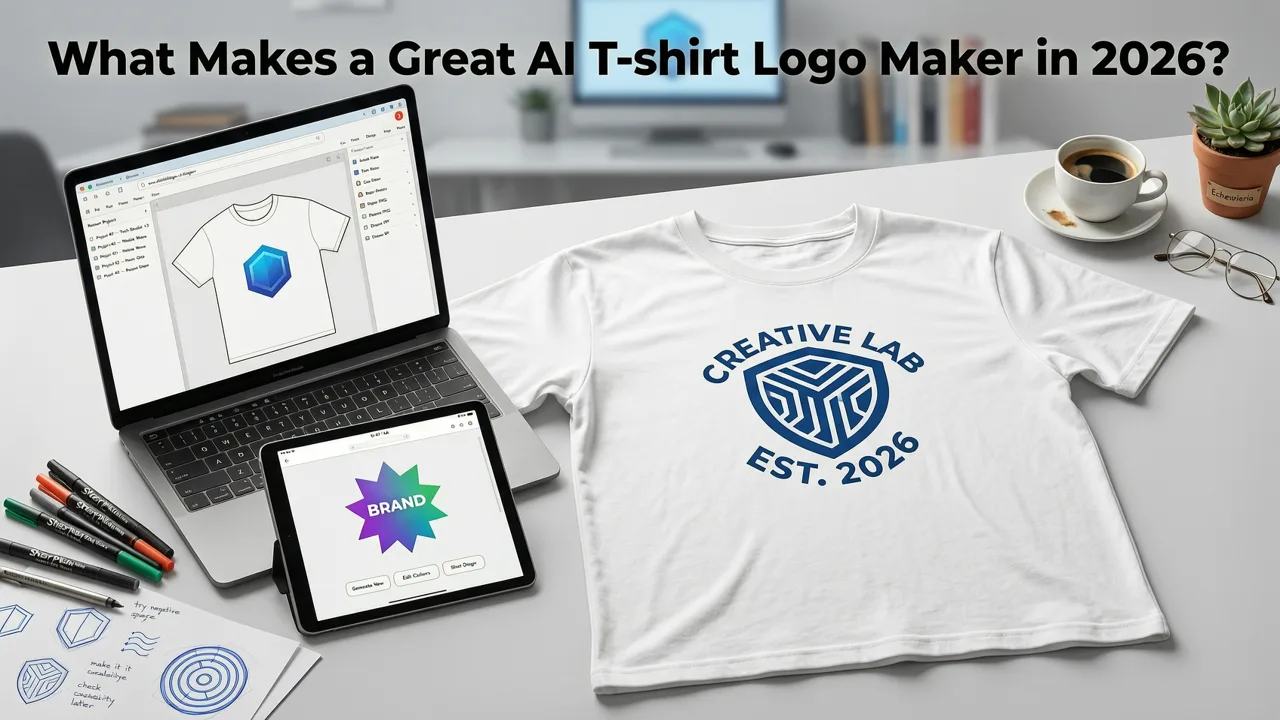
Not every logo generator understands apparel. A generic AI logo tool might produce a polished corporate mark that looks great on a website header but falls apart the moment it hits a DTG printer. A purpose-built AI t-shirt logo maker accounts for the physical realities of fabric printing: limited color counts, garment color contrast, print-area dimensions, and the way ink behaves on different textile fibers.
Here are the capabilities that separate a true apparel-focused AI logo maker from a generic design tool:
- Print-resolution vector output — SVG, EPS, or 300 DPI+ PNG files sized to standard print areas (12×16 inches for chest, full-width for all-over).
- Garment-color awareness — the AI previews your design on dark, light, and heathered fabric swatches so you catch contrast issues early.
- Color-count optimization — automatic reduction to 1–6 spot colors for screen printing cost efficiency.
- Typography licensing clarity — every font used in the generated logo is cleared for commercial print use.
- Style presets tuned for apparel — vintage, minimalist, bold streetwear, retro athletic, and hand-lettered styles trained on real merch design data.
How an AI T-Shirt Logo Maker Actually Works
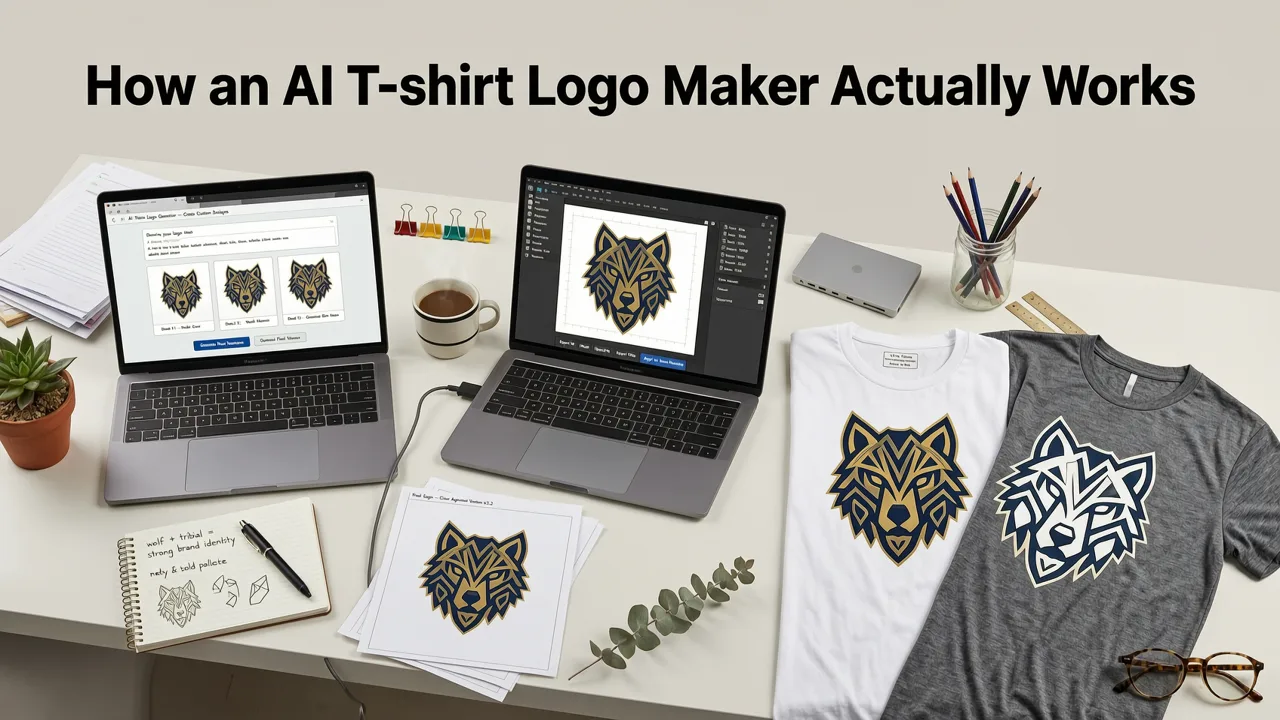
Modern AI t-shirt logo makers use a combination of diffusion-based image models and rule-based vector engines. The process typically follows four stages:
- Brand input — you enter your brand name, tagline, industry, and style preferences.
- Concept generation — the AI produces multiple layout variations, icon explorations, and typography treatments.
- Apparel simulation — designs are rendered on garment mockups so you can evaluate contrast, scale, and placement.
- Export — you download vector files, print-ready PNGs, and mockup images ready for your print shop or POD platform.
For a deeper look at how AI models are trained for design tasks, the OpenAI documentation provides useful context on the underlying generative architecture. And for brands concerned with responsible use, Google AI guidance outlines best practices around commercial content generation.
5 Design Principles Every AI T-Shirt Logo Should Follow
1. Simplicity Scales Better Than Detail
A t-shirt is a moving billboard. Viewers see your design from three to ten feet away, often while walking. Intricate illustrations with fine lines and micro-text disappear at that distance. The best AI t-shirt logo makers prioritize bold shapes, clean negative space, and type that reads at a glance.
2. Design for the Garment Color, Not Just the Canvas
A logo that looks stunning on a white digital canvas can vanish on a charcoal tee. Always preview your AI-generated design on the actual fabric color you plan to print on. Most quality tools let you toggle between light, dark, and mid-tone garment swatches in real time.
3. Limit Your Color Palette Intentionally
Each additional spot color in screen printing adds cost. A two- or three-color design is not just economical — it often looks more confident and cohesive. If your AI t-shirt logo maker offers a color-reduction feature, use it before sending files to print.
4. Choose Typography That Carries the Brand
On apparel, type often does more heavy lifting than the icon. Bold condensed sans-serifs work for athletic and streetwear brands. Serif and script faces suit heritage or lifestyle labels. Make sure the AI tool you choose offers commercially licensed fonts — using an unlicensed typeface on a product you sell is a legal liability.
5. Leave Room for Placement Strategy
A chest logo, a full-front graphic, a back print, and a sleeve tag all demand different aspect ratios and compositions. Generate your AI t-shirt logo in multiple lockups — horizontal, stacked, and icon-only — so you have flexibility across your product line.
AI T-Shirt Logo Maker vs. Hiring a Designer: 2026 Comparison
| Factor | AI T-Shirt Logo Maker | Freelance Designer | Design Agency |
|---|---|---|---|
| Turnaround time | Under 5 minutes | 3–14 days | 2–6 weeks |
| Cost per design | $0–$30 | $150–$1,500 | $2,000–$10,000+ |
| Revisions | Unlimited instant generations | 2–5 rounds typical | Structured rounds |
| Vector file output | SVG, EPS, PDF | Yes | Yes |
| Garment mockups included | Usually yes | Varies | Yes |
| Best for | Speed, iteration, testing | Custom art direction | Full brand systems |
Step-by-Step: Creating Your T-Shirt Logo with AI
Step 1: Define Your Brand Brief
Before opening any tool, write down three things: your brand name, the emotion you want the design to evoke, and two or three reference brands whose aesthetic you admire. This brief becomes your input for the AI and dramatically improves output quality.
Step 2: Select an Apparel-Specific Style Preset
Choose a style category built for clothing — vintage distressed, minimalist line art, bold typographic, retro athletic, or illustrative streetwear. Avoid generic corporate presets; they produce logos optimized for business cards, not cotton tees.
Step 3: Generate and Iterate
Run at least three to five concept generations. AI tools improve with each prompt refinement, so adjust your keywords based on what you see. If the first batch feels too corporate, add modifiers like "hand-drawn," "grunge texture," or "monoline."
Step 4: Test on Garment Mockups
Place your top three contenders on real garment mockups in your target colors. Evaluate contrast, readability, and overall vibe. If a design looks weak on a dark tee, it will look weak in production.
Step 5: Export in Print-Ready Formats
Download your final design as an SVG or EPS for screen printing, and as a 300 DPI transparent PNG for DTG or sublimation. Confirm that all text is outlined or that fonts are embedded to prevent substitution errors at the print shop.
Extending Your Logo Across Your Full Brand Toolkit
Once your t-shirt logo is finalized, you will likely want to apply it across other branded materials. The same design principles apply whether you are printing on fabric, paper, or packaging. If you also sell stamped merchandise or branded packaging, explore how a custom logo stamp maker can translate your t-shirt mark into a physical stamp for tags, envelopes, and boxes.
For brands building a cohesive merch ecosystem, consider how your t-shirt logo pairs with headwear. A baseball cap logo generator helps you adapt the same visual identity into embroidery-optimized formats that work on curved fabric panels.
And if you ship physical products, a custom rubber stamp logo lets you brand packing slips, thank-you cards, and shipping boxes with the same visual language your customers see on the tee.
Common Mistakes to Avoid When Using an AI T-Shirt Logo Maker
- Ignoring print-area constraints — a logo that fills a square canvas may not fit a standard chest print zone. Always check dimensions.
- Over-relying on gradients — gradients print beautifully on DTG but become expensive or impossible in screen printing. Flatten to spot colors when needed.
- Skipping the mockup step — a design that looks good flat can fail on a garment. Always preview in context.
- Using unlicensed fonts or assets — verify that every element in your export is cleared for commercial merchandise use.
- Designing only for one garment color — create alternate versions for light and dark fabrics to maximize product range flexibility.
When to Pair Your T-Shirt Logo with Other Branded Assets
A strong t-shirt logo is the cornerstone of your merch line, but it rarely lives in isolation. Smart brands extend their visual identity across every customer touchpoint. If your brand involves handmade or artisan products, a well-crafted logo for stamp design can add a tactile, premium feel to your packaging and labels that digital-only branding cannot replicate.
Frequently Asked Questions
Can I sell t-shirts with an AI-generated logo?
Yes, as long as the AI t-shirt logo maker grants you full commercial rights to the output and all fonts and graphic elements are licensed for merchandise. Always review the tool's terms of service before printing and selling.
What file format do I need for screen printing?
Screen printers typically prefer vector files — SVG, EPS, or AI — because they scale to any size without quality loss. A 300 DPI transparent PNG is acceptable for DTG printing but not ideal for screen separation.
How many colors should my t-shirt logo have?
For screen printing, two to four spot colors keep costs manageable and visual impact high. DTG and sublimation handle full-color designs, but a limited palette still tends to look bolder on fabric.
Is an AI t-shirt logo maker suitable for established brands?
Absolutely. Established brands use AI logo tools for rapid concept exploration, limited-edition drops, and internal mockups before committing to a full designer engagement. It is a speed and iteration advantage, not just a budget tool.
How do I make sure my AI logo looks good on dark shirts?
Preview your design on a dark garment mockup before finalizing. Increase contrast, lighten mid-tones, and consider adding a subtle outline or backing shape so the logo separates cleanly from the fabric.
Start Designing Your T-Shirt Logo Today
An AI t-shirt logo maker removes the friction between your brand idea and a print-ready design. In 2026, the technology is mature enough to deliver vector-quality, apparel-aware output in minutes — giving founders, creators, and small businesses the same professional starting point that used to require a design budget. Enter your brand name, choose your style, preview on real garments, and download files ready for your printer or POD platform. Your next best-selling tee is only a few clicks away.

