2026-08-25 · 9 min read
How to Design a Custom T-Shirt Logo with AI (2026)
Learn how to design a custom t-shirt logo with AI in 2026. Follow our step-by-step guide to create print-ready, scalable logos for your brand, team, or event.

Recommended next
How to Design a Custom T-Shirt Logo with AI in 2026
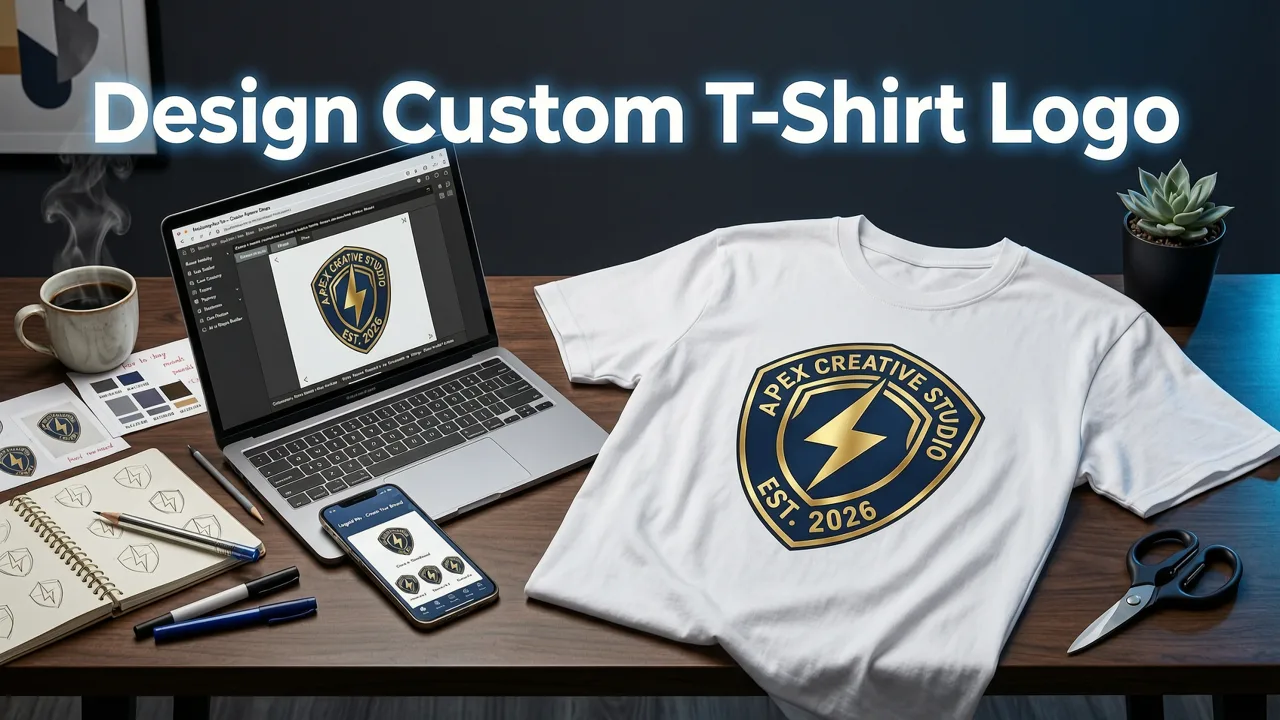
If you want to design a custom t-shirt logo that looks professional and is ready to print in minutes, AI-powered logo generators have made the process faster and more affordable than ever. Simply enter your brand name, choose a style, and let the AI produce multiple polished concepts you can refine and export as print-ready vector files.
In this guide, we walk you through every step of designing a custom t-shirt logo in 2026 — from choosing the right AI tool and understanding print requirements, to exporting the final artwork your printer needs. Whether you are launching a streetwear line, outfitting a team, or creating merchandise for an event, this walkthrough gives you a clear path from blank canvas to finished tee.
Why a Custom T-Shirt Logo Deserves More Attention in 2026
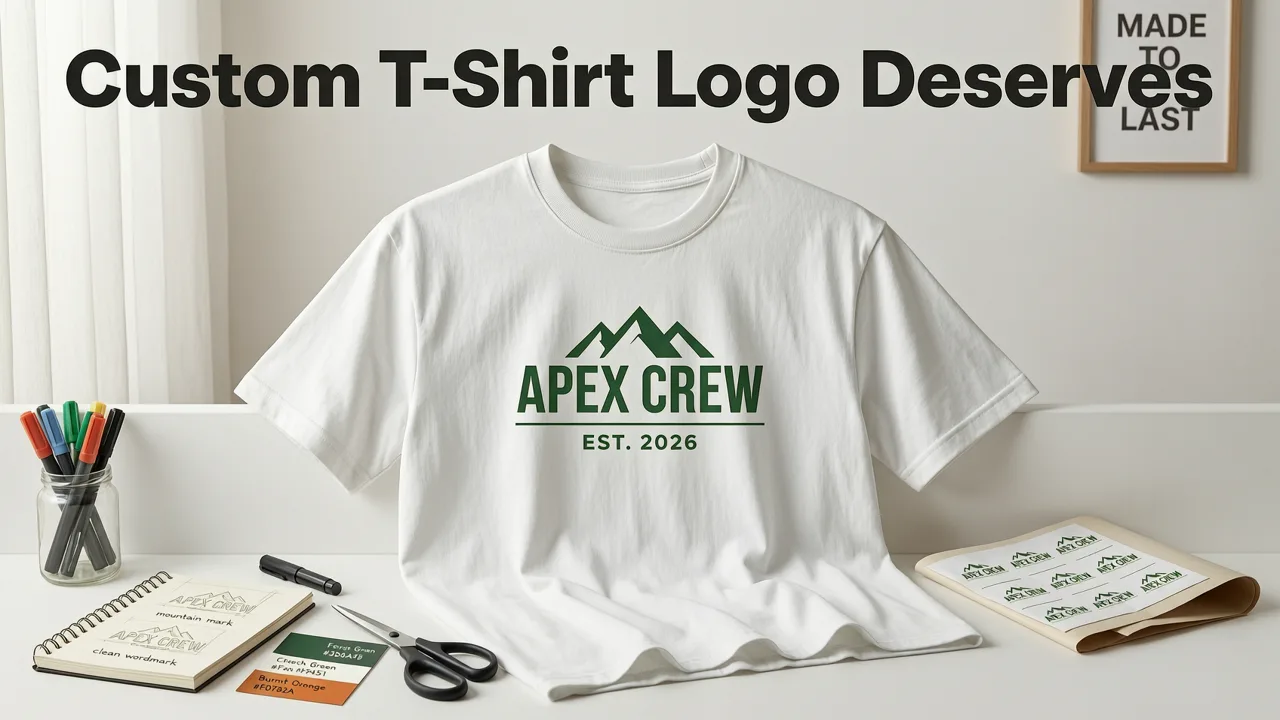
T-shirts remain one of the most powerful brand touchpoints. They travel with your customers, show up in social media photos, and create instant recognition at events. A well-designed t-shirt logo does more than decorate fabric — it communicates your brand identity in a single glance.
In 2026, the rise of print-on-demand platforms and direct-to-garment (DTG) technology means that even solo founders can produce small batches of high-quality branded apparel without minimum orders. The bottleneck is no longer manufacturing — it is design. That is where AI logo generators change the equation entirely.
A strong custom t-shirt logo must be simple enough to read at a distance, bold enough to survive fabric texture, and versatile enough to work in monochrome when needed. Getting these details right from the start saves you time, money, and reprint headaches down the road.
What Makes a Great Custom T-Shirt Logo
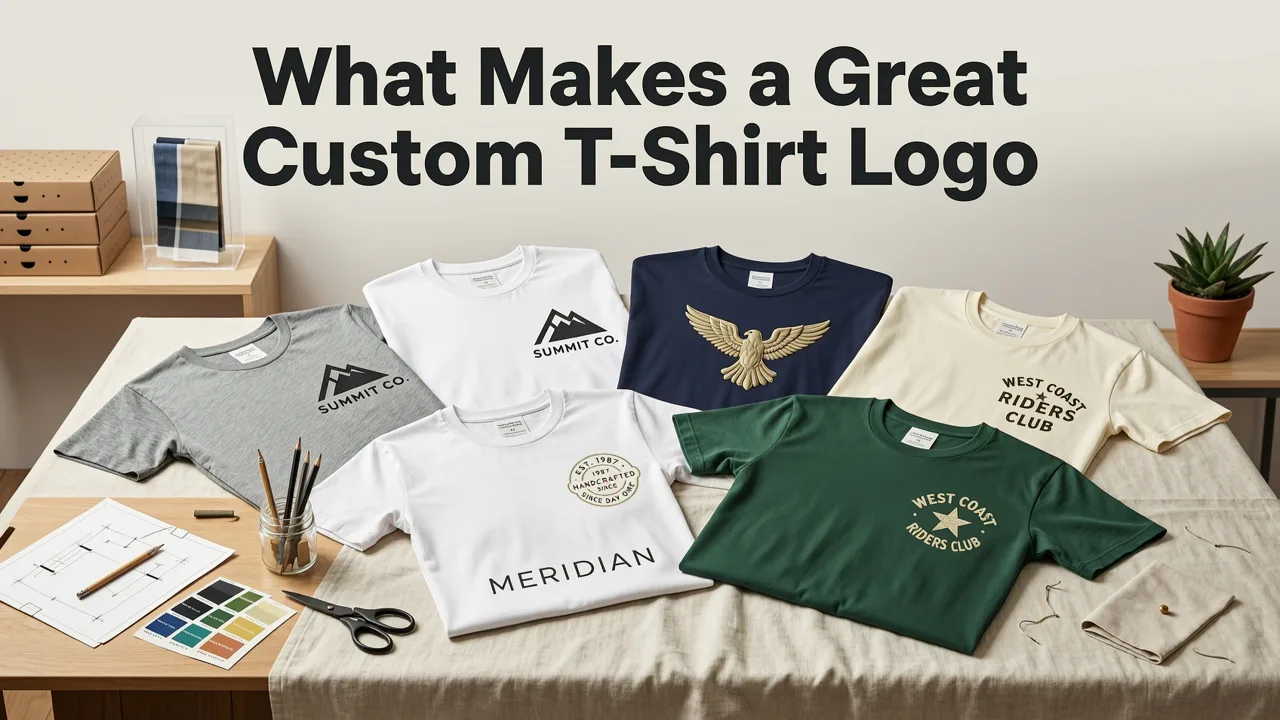
Before you open any design tool, it helps to understand the visual principles that separate a great t-shirt logo from a mediocre one. These principles apply whether you are using AI or working with a professional designer.
Simplicity and Clarity
T-shirt logos need to be legible at a glance. Intricate details, thin lines, and tiny text disappear once ink hits fabric. Aim for bold shapes, limited color palettes, and a clear focal point. Think of iconic logos — they work because they reduce complexity to a single memorable mark.
Scalability
Your logo will appear on chest prints, full-back graphics, sleeve tags, and possibly embroidered patches. It must scale from a 2-inch chest mark to a 12-inch back print without losing quality. This is why vector-based output is essential — and why modern AI logo generators prioritize vector architecture.
Color Constraints
Screen printing charges per color. More colors mean higher costs. Even with DTG printing, which handles gradients more easily, a limited palette keeps your design clean and your budget predictable. A strong t-shirt logo typically uses one to three colors plus the garment color itself.
Monochrome Readiness
Not every print situation supports full color. Embroidery, single-color screen prints, and heat transfers often require a monochrome version of your logo. If your design falls apart without color, it needs simplification.
Step-by-Step: How to Design a Custom T-Shirt Logo with AI
Here is a practical workflow for designing a custom t-shirt logo using an AI-powered generator like the one at aigeneratelogos.com.
Step 1: Define Your Brand Inputs
Start by gathering the basics: your brand or event name, tagline (if any), industry category, and the mood you want to convey. Are you going for bold and athletic, minimalist and modern, vintage and hand-drawn, or playful and colorful? Having these answers ready helps the AI produce relevant concepts on the first pass.
Step 2: Choose Industry and Style
Most AI logo generators let you select an industry and a design style. For t-shirt logos, styles like bold, vintage, streetwear, or minimalist tend to perform best. Selecting the right category gives the AI context — a fitness brand logo has very different visual DNA than a coffee shop logo, even though both might end up on a tee.
Step 3: Select Colors and Typography
Pick a color palette that reflects your brand and complements the garment colors you plan to use. If you are printing on black tees, lighter and brighter colors will pop. For white tees, darker tones create contrast. Keep typography simple — sans-serif fonts tend to read more cleanly on fabric, while display fonts work well for short, punchy brand names.
Step 4: Generate and Refine Concepts
Hit generate and review the AI-produced concepts. Most tools give you multiple variations to choose from. Look for designs that feel balanced, legible at small sizes, and aligned with your brand personality. Use the built-in editor to adjust colors, swap icons, change fonts, or reposition elements until the logo feels right.
Step 5: Export in Print-Ready Formats
Once you have settled on a final design, export it in the formats your printer requires. For t-shirt printing, you will typically need:
- SVG or EPS — vector files that scale to any size without quality loss, ideal for screen printing and embroidery.
- PNG with transparent background — high-resolution raster file for DTG printing and digital mockups.
- PDF — a universal format many print shops accept directly.
A quality AI logo generator provides all of these in a single download package, so you never have to worry about resolution or file compatibility.
Print Methods and What They Demand from Your Logo
Understanding how your t-shirt will be printed helps you make smarter design decisions. Here is a quick comparison of the most common methods in 2026:
| Print Method | Best For | Logo Requirements | Color Limitations |
|---|---|---|---|
| Screen Printing | Bulk orders (25+ units) | Vector files, limited colors, clean edges | Per-color cost; 1–6 colors typical |
| Direct-to-Garment (DTG) | Small batches, full-color designs | High-res PNG (300 DPI), transparent background | Unlimited colors, but gradients may soften |
| Heat Transfer / Vinyl | Numbers, names, simple graphics | Vector or high-res raster, solid shapes | 1–3 colors per layer |
| Embroidery | Premium feel, polos, caps | Simple shapes, no gradients, thick lines | Typically 1–4 thread colors |
If you plan to use multiple print methods — for example, screen-printed tees and embroidered caps — make sure your logo works across all of them. This is where the principles of simplicity and monochrome readiness become critical.
Common Mistakes to Avoid When Designing a T-Shirt Logo
Even with AI doing the heavy lifting, a few common pitfalls can undermine your final product. Watch out for these:
- Overloading with detail. Tiny text, thin lines, and complex illustrations look great on a screen but vanish on fabric.
- Ignoring the garment color. A logo designed for white may disappear on heather gray. Always preview your design on the actual shirt color.
- Using raster-only files. Pixel-based logos cannot be resized freely. Always secure a vector version.
- Skipping the monochrome test. If your logo does not work in black and white, it will fail in embroidery and single-color print jobs.
- Following trends too closely. Trendy aesthetics fade. A timeless, simple mark will serve your brand longer.
Using Your T-Shirt Logo Across Other Brand Touchpoints
A great t-shirt logo does not live in isolation. The same mark can anchor your entire visual identity. If you are also building an online store, consider how your t-shirt logo aligns with your ecommerce logo strategy — consistency across your website, packaging, and apparel strengthens brand recall.
Similarly, if you plan to produce custom logo shirts at scale, our guide on custom logo shirts online covers the end-to-end workflow from AI-generated artwork to printed delivery.
And if you want to extend your brand into accessories, a simplified version of your t-shirt logo can double as a baseball cap logo — just make sure it meets the constraints of embroidery or patch production.
Tips for Getting the Most Out of AI Logo Generation
AI tools have become remarkably capable, but the quality of your output depends on the quality of your input. Here are practical tips to improve your results:
- Be specific with your brand description. Vague inputs produce generic results. Tell the AI your brand personality, target audience, and the feeling you want the logo to evoke.
- Iterate, do not settle. Generate multiple rounds. Each iteration teaches you what you like and dislike, narrowing the path to the perfect mark.
- Test at real sizes. Before finalizing, shrink your logo preview to 2 inches wide. If it is still legible and balanced, it will work on a shirt.
- Request all file formats. A complete brand package should include vector, raster, and print-ready files. Do not accept a tool that only gives you a JPEG.
- Check licensing. Ensure the AI platform grants you full commercial rights to the logo, especially if you plan to sell merchandise.
Why AI Is the Smart Choice for T-Shirt Logo Design in 2026
The traditional path to a professional logo — hiring a designer or agency — can cost anywhere from a few hundred to several thousand dollars and take weeks. AI-powered logo generators compress that timeline to minutes and reduce the cost to a fraction of the price, without sacrificing quality.
Modern AI models understand design principles like hierarchy, contrast, and negative space. They produce concepts that are not just visually appealing but structurally sound. When you combine that capability with vector-first output architecture, you get a logo that is ready for every print method a t-shirt brand might need.
For startup founders, small business owners, and creators who need to move fast, AI removes the design bottleneck entirely. You can go from idea to print-ready artwork in a single sitting — and iterate as your brand evolves.
Final Thoughts
Designing a custom t-shirt logo in 2026 is no longer a complex or expensive process. With the right AI tool and a clear understanding of print requirements, you can create a professional, scalable, and brand-ready logo in minutes. Focus on simplicity, secure vector files, and test your design across different garment colors and print methods — and your t-shirt will become a powerful extension of your brand identity.
Ready to create your logo? Head to aigeneratelogos.com and generate your first custom t-shirt logo today — no design skills required.
Related resources
Related Articles
- How to Create a Logo Without a Designer (2026 Guide)
- Custom Logo Stickers Online — Design & Print in Minutes (2026)
- Free Custom Logo Maker – AI-Generated in Minutes (2026)
- Custom Logo Design for Startups: Fast, Affordable & On-Brand in 2026
- Ecommerce Logo Maker — Brand-Ready Logos for Shopify & More (2026)


