2026-08-18 · 10 min read
Ecommerce Logo Maker — Brand-Ready Logos for Shopify & More (2026)
Use this AI ecommerce logo maker to design professional, brand-ready logos for Shopify, Etsy, and WooCommerce in minutes — no design skills required. Try it free.

Recommended next
Ecommerce Logo Maker — What It Is and Why It Matters in 2026
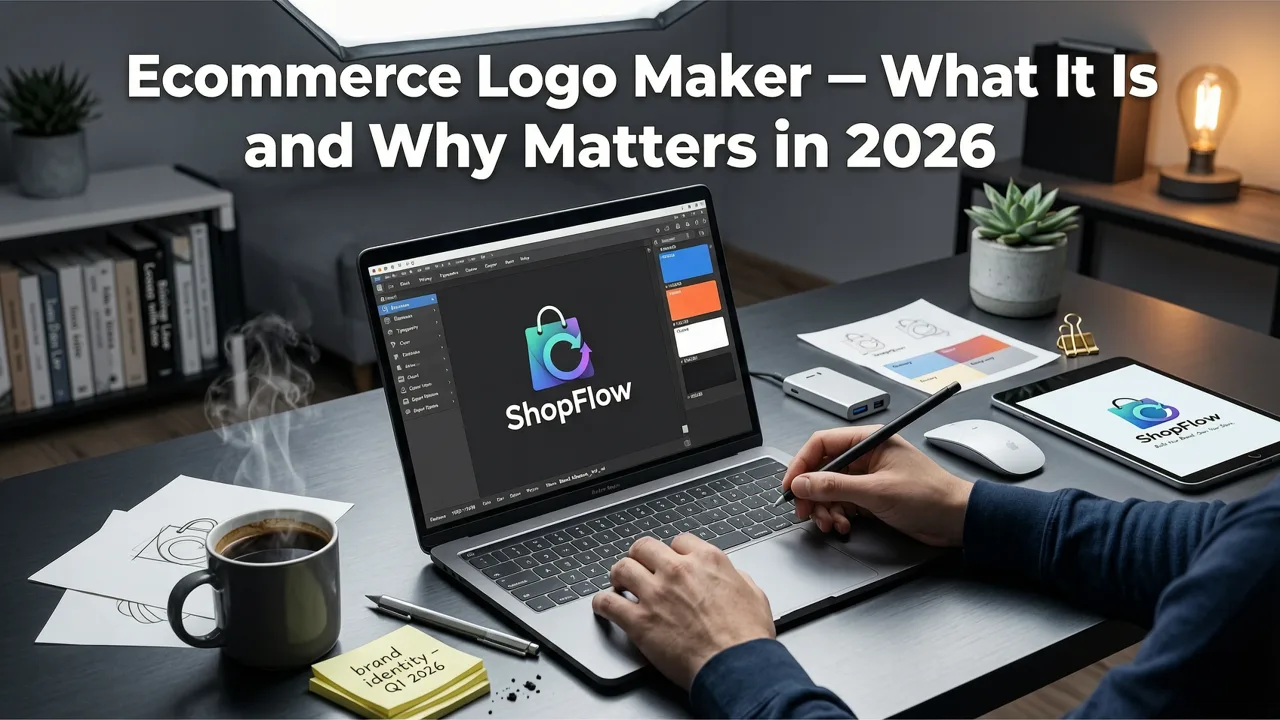
In 2026, your ecommerce logo is the single most important visual asset your online store will ever produce. It appears on product packaging, social ads, shipping labels, app icons, and Google Shopping feeds — and it forms a first impression in under 40 milliseconds. An ecommerce logo maker powered by AI gives founders, creators, and small business owners a way to generate polished, brand-ready logos in minutes, without paying thousands to an agency or wrestling with complex design software.
The best ecommerce logo makers in 2026 go far beyond clip-art templates. They use generative AI trained on thousands of high-performing brand identities to produce vector-ready, platform-optimized logos that look sharp at every size — from a 16-by-16 favicon to a billboard. Whether you run a Shopify store, an Etsy shop, a WooCommerce site, or a multi-channel DTC brand, this guide shows you exactly how to use an AI ecommerce logo maker to build a logo that converts browsers into buyers.
What Makes a Truly Great Ecommerce Logo Maker in 2026?
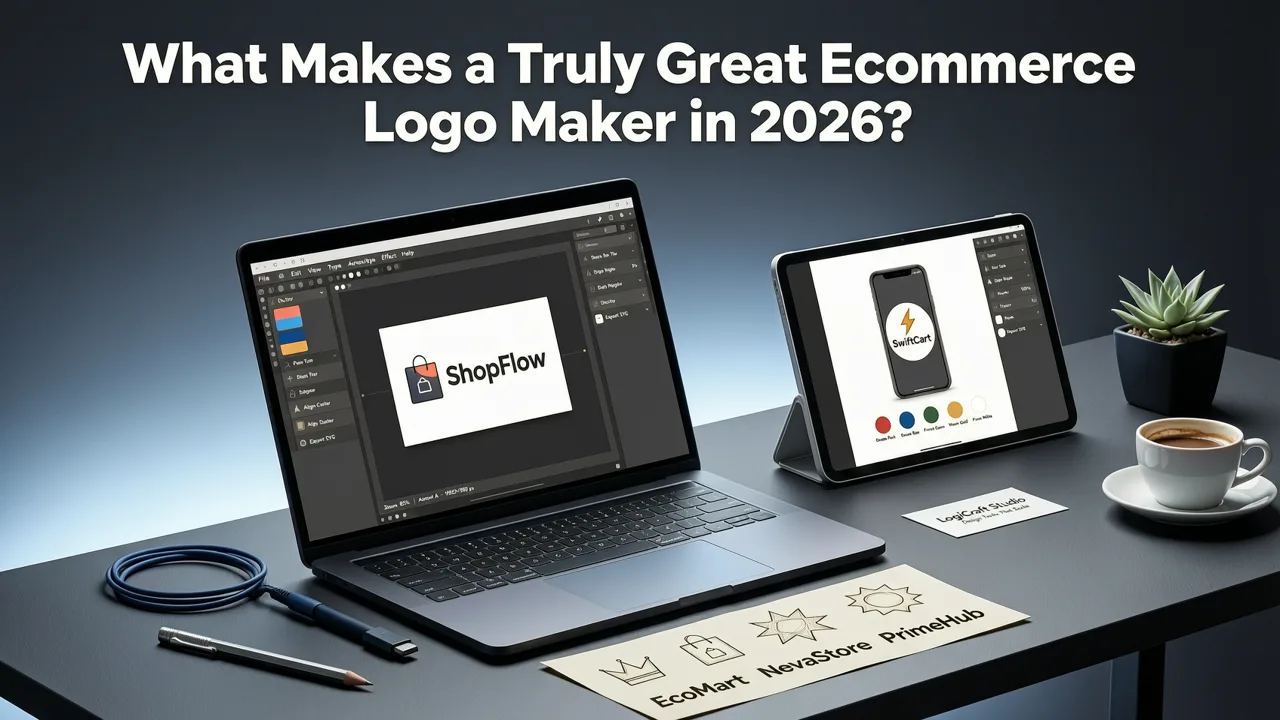
Not all logo tools are created equal. A generic logo generator might hand you a decent icon, but a purpose-built ecommerce logo maker understands the unique demands of digital storefronts, marketplace thumbnails, and mobile-first shopping. Here are the capabilities that separate the best from the rest.
1. Platform-Aware Output Presets
Shopify storefronts, Etsy listings, Amazon A+ Content, Google Merchant Center, and Instagram Shops all require different logo dimensions and aspect ratios. A strong ecommerce logo maker exports your design in every required format automatically — including the square 512-pixel storefront icon, the horizontal header lockup, and the ultra-small favicon. For detailed technical specs, the Shopify developer docs outline exact asset requirements for themes and storefronts.
2. Vector-First Architecture for Infinite Scalability
Your logo will appear on a product tag, a truck wrap, and a mobile notification. SVG and EPS vector output ensures your mark stays crisp at any resolution. Raster-only tools produce blurry results the moment you scale up — a dealbreaker for packaging and print.
3. AI That Understands Ecommerce Categories
A logo for a handmade candle brand should look nothing like a logo for a tech gadget store. The leading ecommerce logo maker tools in 2026 use category-aware AI models that adjust typography, iconography, and color palettes based on your niche — fashion, beauty, electronics, food, fitness, pet supplies, and dozens more.
4. Color System Intelligence
Your logo needs a primary palette, a secondary palette, and accessible contrast ratios for ADA compliance and marketplace readability. Advanced generators build a full brand color system, not just a single hex code.
5. One-Click Export for Every Channel
You should never have to open Photoshop to resize your logo. Look for one-click export packs that deliver PNG, SVG, JPG, PDF, and WebP files pre-sized for Shopify, Etsy, WooCommerce, social media, email signatures, and Google Merchant Center listings. Google's Google Merchant Center help center provides specific image guidelines that a good logo maker will already account for.
How an AI Ecommerce Logo Maker Works: From Brand Name to Storefront in Under 90 Seconds

The process is designed for speed without sacrificing quality. Here is the step-by-step workflow you will follow inside a modern AI ecommerce logo maker.
Step 1: Enter Your Brand Identity
Start by typing your brand name and optional tagline. Then select your industry — for example, apparel, home goods, supplements, or digital products. The AI uses this context to pull from the right design vocabulary. A minimalist sans-serif wordmark suits a luxury skincare brand, while a bold illustrated emblem fits a craft brewery selling on Shopify.
Step 2: Choose a Style Direction
Pick from style categories such as modern, vintage, playful, luxury, or geometric. You can also upload a mood-board image or a competitor logo you admire, and the AI will use it as a directional reference. This is where ecommerce-specific intelligence matters: the tool knows that a "playful" style for a children's toy brand looks very different from a "playful" style for a novelty sock company.
Step 3: Refine Colors and Typography
Select a color palette or let the AI suggest one based on color psychology and industry norms. Adjust typography weight, letter spacing, and layout (stacked, horizontal, icon-only). Most founders land on a final direction within two or three iterations.
Step 4: Preview Your Logo in Real-World Contexts
The best ecommerce logo makers let you see your design on a Shopify storefront mockup, a product label, a shipping box, and a mobile app icon — before you commit. This context preview eliminates the guesswork that used to require a designer's mockup deck.
Step 5: Download Your Complete Brand Kit
Once you approve a concept, download the full package: vector files (SVG, EPS), web-optimized files (PNG, WebP), favicon set, social media profile images, and a brand guidelines one-pager with hex codes, font names, and clear-space rules.
Ecommerce Logo Maker vs. Hiring a Designer: A 2026 Comparison
Founders often weigh AI tools against freelance designers or agencies. The right choice depends on your budget, timeline, and brand ambitions. Here is an honest side-by-side.
| Factor | AI Ecommerce Logo Maker | Freelance Designer | Branding Agency |
|---|---|---|---|
| Cost | $0 – $49 one-time | $300 – $2,500 | $3,000 – $25,000+ |
| Turnaround time | Under 5 minutes | 3 – 14 days | 2 – 8 weeks |
| Iterations | Unlimited | 2 – 5 rounds | 2 – 3 rounds |
| Vector file output | Yes (SVG, EPS) | Yes | Yes |
| Platform-specific presets | Built-in | Manual | Manual |
| Full brand identity system | Basic to mid-level | Varies | Comprehensive |
| Best for | Startups, solopreneurs, MVPs | Growing brands needing custom work | Established brands with complex needs |
For the vast majority of new ecommerce stores, an AI ecommerce logo maker delivers 80 to 90 percent of the quality of a freelance designer at a fraction of the cost and time. As your brand scales, you can always commission a refresh or refinement.
Essential Logo Specs Every Ecommerce Store Needs in 2026
Regardless of which tool you use, make sure your final logo package includes every asset below. Missing even one creates friction when you expand to new channels.
- Primary logo (horizontal): For website headers, email signatures, and invoice templates.
- Primary logo (stacked): For square and vertical layouts such as social profiles.
- Icon or monogram only: For favicons, app icons, and watermarks.
- Vector files (SVG, EPS, PDF): For print, packaging, and large-format use.
- Web-optimized PNG and WebP: Transparent background, multiple sizes.
- Favicon set: 16×16, 32×32, 180×180 (Apple touch icon).
- Social media profile images: Pre-cropped for Instagram, TikTok, X, Facebook, Pinterest, and LinkedIn.
- Brand color codes: HEX, RGB, CMYK, and Pantone references.
A strong ecommerce logo maker generates all of these automatically. If you also sell physical products and need branded packaging seals, pair your logo with an AI logo stamp generator to create custom embossing-ready stamp designs in seconds.
Common Ecommerce Logo Mistakes to Avoid
Even with AI assistance, it helps to know the pitfalls that undermine store credibility. Keep these principles in mind as you design.
Mistake 1: Ignoring Thumbnail Readability
Your logo will appear at 80 pixels wide or smaller on marketplace search results, Google Shopping, and social feeds. If your design relies on fine detail or thin strokes, it will become an unreadable blob. Always test your logo at icon size before finalizing.
Mistake 2: Choosing Trendy Fonts That Age Poorly
Ultra-thin display fonts and over-stylized lettering may look striking on a mood board but fail at small sizes and on low-resolution screens. Clean, geometric, or humanist sans-serif typefaces tend to perform best in ecommerce contexts.
Mistake 3: Skipping the Transparent Background Version
Every platform and template assumes a transparent PNG. If you only have a white-background JPG, you will waste hours trying to composite your logo onto dark or colored surfaces. A proper ecommerce logo maker exports transparent PNGs by default.
Mistake 4: Forgetting Accessibility and Contrast
Your logo must maintain a minimum 4.5:1 contrast ratio against its background to meet WCAG standards. This matters not just for compliance but for legibility on mobile screens in bright sunlight.
Mistake 5: Designing Only for Digital and Forgetting Print
Even digital-first brands eventually need business cards, packaging inserts, or booth graphics at trade shows. Vector output solves this problem permanently.
How to Use Your Ecommerce Logo Across Every Touchpoint
A great logo only delivers value if it is applied consistently. Here is a quick deployment checklist for new store owners.
- Website header and footer: Upload the horizontal lockup in SVG or high-res PNG.
- Favicon: Install the 32×32 and 180×180 icons in your theme settings.
- Email signature: Use the horizontal logo with your brand colors.
- Social profiles: Use the icon or stacked version for profile pictures; the horizontal version for cover images.
- Product packaging: Supply your printer with the vector EPS or PDF file.
- Marketplace listings: Upload the square icon to Etsy, Amazon, and eBay storefronts.
- Google Merchant Center: Ensure your logo meets image policy requirements for shopping ads.
- Shipping and unboxing: Consider a branded tape design or sticker using your logo mark — if you sell apparel or accessories, you can even preview your logo on a baseball cap logo generator to create branded merchandise.
Consistency across these touchpoints is what transforms a simple graphic into a recognizable brand. For more ideas on extending your logo into physical branding, explore how a custom logo stamp maker can turn your mark into a tactile asset for packaging and correspondence.
Why Ecommerce Founders Are Choosing AI Logo Makers in 2026
The shift toward AI-powered branding tools reflects a broader change in how new businesses launch. Founders no longer want to spend two weeks and two thousand dollars on a logo before they have validated their product. They need to test, iterate, and ship fast — and then refine their brand once revenue justifies the investment.
An ecommerce logo maker fits this workflow perfectly. It compresses the design process from weeks to minutes, removes the skill barrier, and produces professional-grade output that holds up alongside logos created by established agencies. In 2026, the technology behind these tools has matured to the point where the gap between AI-generated and designer-made logos is often indistinguishable to the average shopper.
Tips for Getting the Best Results from Your AI Ecommerce Logo Maker
Follow these practical tips to maximize the quality of your output.
- Be specific with your industry selection. "Handmade soap" will yield better results than the generic "retail" category.
- Upload real reference images. A photo of a competitor's packaging or a Pinterest board gives the AI stronger directional cues than a vague style label.
- Limit your color palette to two or three colors. Simplicity increases memorability and keeps printing costs low.
- Test at multiple sizes. View your logo at 200 pixels, 80 pixels, and 32 pixels before committing.
- Get a second opinion. Show your top three options to potential customers or peers — the one they notice first is usually the right choice.
- Lock in your final file set. Store your vector and transparent PNG files in a cloud folder so they are always accessible.
Final Thoughts: Your Logo Is the Foundation of Your Ecommerce Brand
Your ecommerce logo is the visual anchor of every customer interaction — from the first Google search result to the unboxing moment. In 2026, you no longer need a design degree or a five-figure budget to get it right. An AI-powered ecommerce logo maker puts professional branding within reach of every founder, creator, and small business owner ready to take their store seriously.
Head to aigeneratelogos.com and generate your brand-ready logo in minutes. Enter your brand name, pick your style, and walk away with a complete logo package optimized for Shopify, Etsy, WooCommerce, and every channel your business touches. Your brand deserves a logo that works as hard as you do — start building it today.


