
2026-08-19 · 10 min read
Custom Logo Stickers Online — Design & Print in Minutes (2026)
Order custom logo stickers online in 2026. Design brand-ready decals with AI, choose materials and finishes, and print in minutes — no design skills needed.

Recommended next
Custom Logo Stickers Online — What You Need to Know in 2026
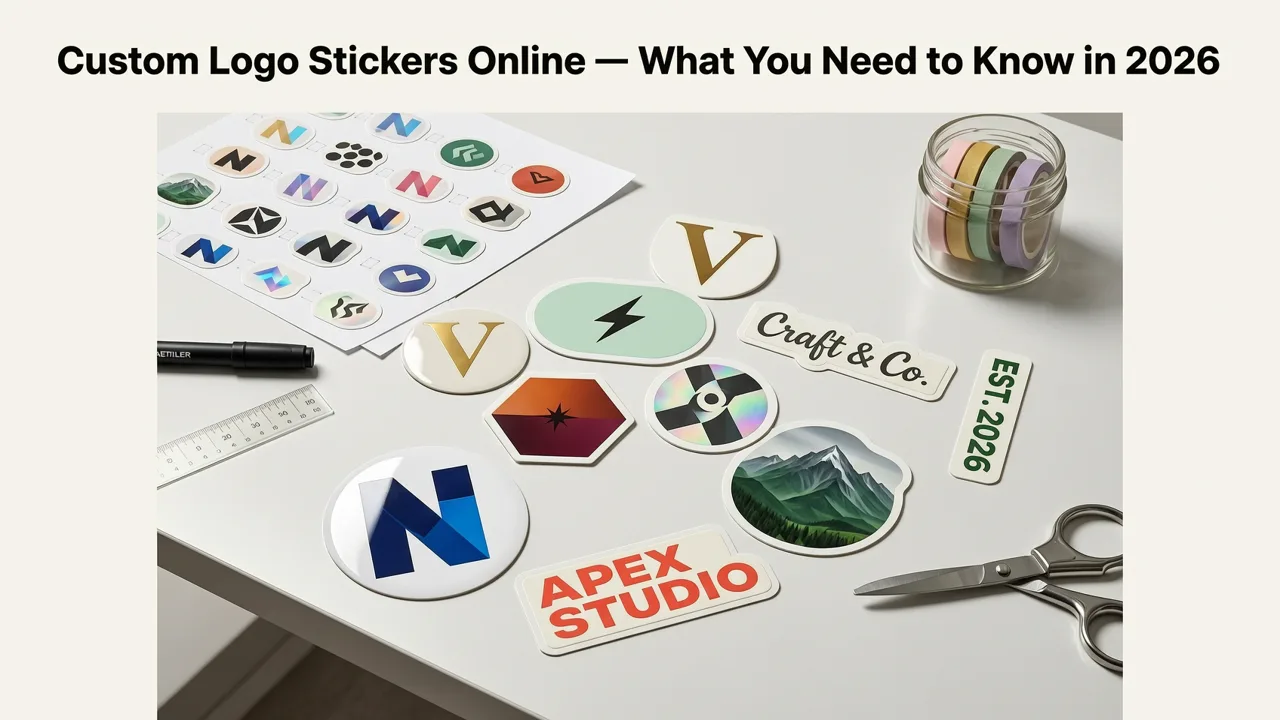
If you run a small business, ship products, or sell on platforms like Etsy and Shopify, custom logo stickers are one of the fastest ways to turn every package, laptop, or product into a mobile billboard. In 2026, ordering custom logo stickers online has become faster, cheaper, and more design-forward than ever — you no longer need a graphic designer or a minimum order of 10,000 units to get professional results.
The short answer: AI-powered design tools now let you generate a polished, print-ready logo in under two minutes, and modern sticker printers accept those files directly for same-day production. Whether you need vinyl decals for product packaging, kiss-cut stickers for event swag, or transparent labels for glass and bottles, the workflow from concept to doorstep is shorter than a lunch break.
Why Custom Logo Stickers Are a Strategic Branding Asset in 2026
Stickers have quietly become one of the highest-ROI branding tools available to founders and small teams. Unlike a business card that often ends up in the trash, a well-designed logo sticker lives on laptops, water bottles, storefronts, and shipping boxes — sometimes for years.
Here is what makes custom logo stickers especially valuable right now:
- Unboxing experience. A branded sticker on a package signals care and professionalism. Customers notice it, photograph it, and share it.
- Low cost per impression. At roughly $0.15 to $0.60 per sticker depending on size and finish, the cost-per-view rivals digital ads — without any algorithm dependency.
- Versatility across channels. The same sticker file works for packaging, mailers, product labeling, trade-show giveaways, and employee laptops.
- AI-accelerated design. Tools like an AI logo stamp generator can produce vector-ready artwork in seconds, eliminating the traditional design bottleneck.
How to Design Custom Logo Stickers Online — Step by Step
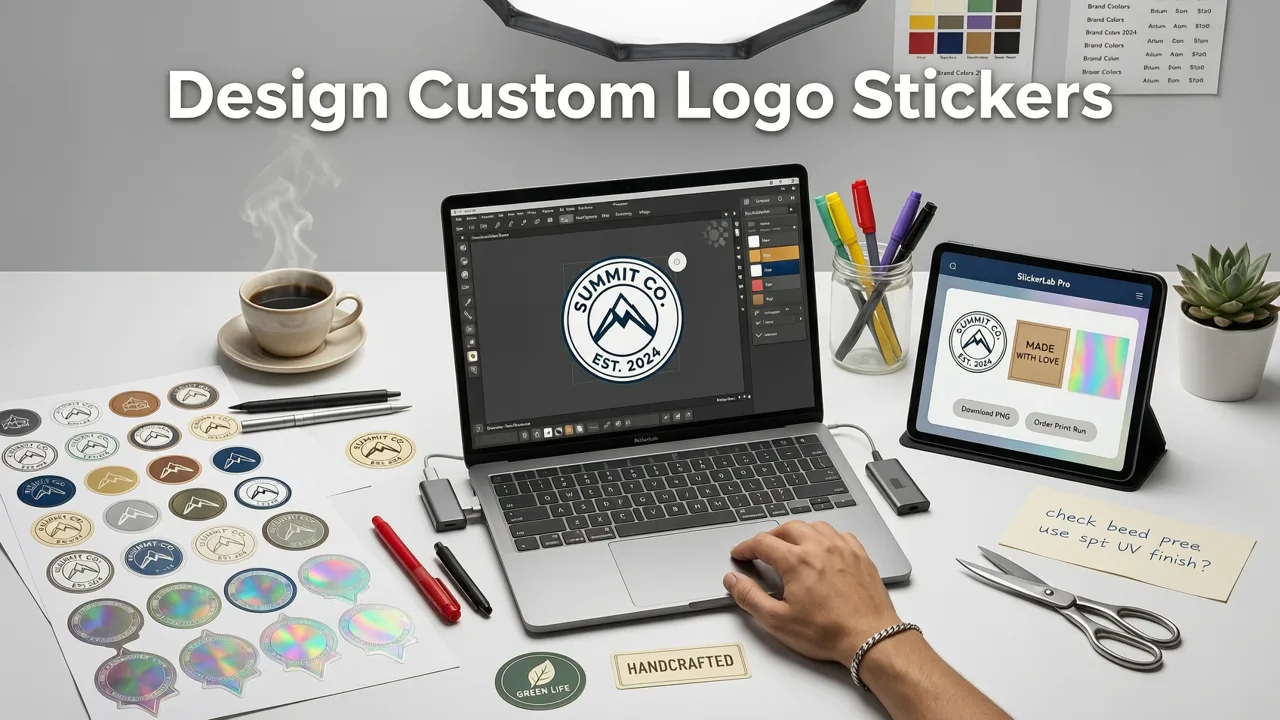
The process breaks into three phases: design, file preparation, and ordering. Here is the exact workflow we recommend for founders who want results without hiring a designer.
Step 1: Generate Your Logo Concept with AI
Start by entering your brand name, industry, and preferred style into an AI logo generator. The system produces multiple concepts using your inputs along with current design trends. You can refine colors, typography, and layout until the concept feels right.
If you are also planning branded merchandise — say, apparel or packaging seals — you might explore a baseball cap logo generator to ensure your mark translates well across embroidery and print surfaces.
Step 2: Optimize the Artwork for Sticker Printing
Not every logo translates perfectly to a sticker. Before you upload, check these essentials:
- Vector format. SVG or PDF output ensures crisp edges at any size. Raster files (JPG, PNG) can pixelate when scaled.
- High contrast. Stickers are often viewed at a distance or on busy surfaces. Bold color differences between your mark and the background improve legibility.
- Simple shapes. Intricate details get lost at small sizes. If your logo works as a logo for stamp design, it will almost certainly work as a sticker.
- Bleed and safe zones. Most printers require 1/8 inch of bleed beyond the cut line and a safe zone inside it. Your file should account for both.
Step 3: Choose Material, Finish, and Cut Style
This is where the sticker becomes a physical brand asset. Your choices here determine durability, appearance, and use case.
| Material | Best For | Finish Options | Typical Durability |
|---|---|---|---|
| White vinyl | Product packaging, mailers, outdoor use | Gloss, matte, holographic | 3–5 years outdoor |
| Clear (transparent) vinyl | Glass, bottles, windows | Gloss, matte | 3–5 years outdoor |
| Kraft paper | Handmade goods, eco brands, rustic packaging | Uncoated matte | Indoor only |
| Holographic vinyl | Streetwear, music merch, limited editions | Prismatic, rainbow | 2–4 years outdoor |
| Static cling | Windows, car mirrors, reusable placement | Gloss | 1–2 years |
Step 4: Select Cut Style
Three cut options dominate the market in 2026:
- Kiss-cut. The sticker is cut through the vinyl but not the backing paper, leaving a border. Ideal for sticker sheets and multi-design orders.
- Die-cut. Cut exactly to the shape of your logo with no border. Cleanest look for single-logo placement.
- Roll-cut. Continuous rolls for application machines or high-volume packaging lines.
Custom Logo Stickers Online: Pricing Guide for 2026
Pricing varies by material, quantity, and finish, but here are realistic ranges you can expect from reputable online printers this year:
| Quantity | Standard Vinyl (3"×3") | Holographic Vinyl (3"×3") | Clear Vinyl (3"×3") |
|---|---|---|---|
| 50 | $20 – $30 | $30 – $45 | $25 – $35 |
| 250 | $45 – $65 | $70 – $95 | $55 – $75 |
| 500 | $65 – $90 | $100 – $140 | $80 – $110 |
| 1,000 | $95 – $140 | $150 – $210 | $120 – $170 |
Most printers offer free shipping on orders above $50 and turnaround times of three to five business days. Rush production (24–48 hours) is available for an additional fee at most major providers.
AI-Powered Design: The Shortcut Most Founders Overlook
The biggest friction point in ordering stickers has always been the design step. You needed a logo first, and getting one traditionally meant weeks of back-and-forth with a designer or hundreds of dollars in agency fees.
In 2026, AI logo generators have eliminated that bottleneck entirely. You input your brand name and a few style preferences, and the system produces multiple polished concepts — complete with color palettes and typography pairings — in under 60 seconds. The output is vector-ready, meaning it scales perfectly from a 1-inch sticker to a 10-foot banner without quality loss.
This matters because it means you can go from brand idea to physical stickers in a single afternoon. For early-stage founders testing a product-market fit, that speed is a genuine competitive advantage.
Common Mistakes to Avoid When Ordering Custom Logo Stickers
Even with great design tools, a few recurring errors can ruin your sticker order. Watch out for these:
- Using raster files. A low-resolution PNG will look pixelated when printed at scale. Always export SVG or PDF.
- Ignoring the bleed area. If your design runs to the edge, extend it into the bleed zone or risk white borders after cutting.
- Choosing the wrong material for the use case. Kraft paper stickers look beautiful but will degrade quickly if exposed to moisture. Use vinyl for anything that might encounter water or outdoor conditions.
- Overloading the design. Stickers are small. Limit text to a wordmark or short phrase and let the icon or symbol carry the visual weight.
- Forgetting about color profiles. Print uses CMYK, while screens display RGB. Colors can shift — especially bright neon greens and electric blues — so request a digital proof before approving a large run.
Where Custom Logo Stickers Deliver the Most Value
Not every use case is equal. Here is where stickers generate the strongest return for small businesses and creators:
E-commerce Packaging
A branded sticker on a mailer box or tissue wrap costs pennies but elevates the unboxing experience dramatically. Repeat customers begin to recognize your packaging before they even open it.
Product Labeling
For handmade goods — candles, soaps, ceramics, baked items — a custom sticker is often the entire label. Clear vinyl works beautifully on glass jars, while kraft paper complements natural or organic product lines.
Event and Trade Show Giveaways
Stickers remain one of the most requested items at trade shows and pop-up events. They are lightweight, cheap to ship, and recipients actually keep them — unlike brochures that go straight to recycling.
Community and Loyalty Building
Brands that include a free sticker with every order create a small but memorable touchpoint. Customers apply them to laptops and water bottles, turning into walking brand ambassadors at zero additional cost.
How to Choose the Right Online Sticker Printer
With dozens of providers competing in 2026, narrowing your options comes down to five factors:
- File format acceptance. Confirm the printer accepts SVG or PDF uploads. Some budget printers only accept PNG or JPG, which limits quality.
- Material range. A good provider offers at minimum white vinyl, clear vinyl, holographic, and kraft paper options.
- Cut precision. Die-cut accuracy matters. Read reviews specifically mentioning cut quality — misaligned cuts are the most common complaint in the industry.
- Turnaround time. Standard production should be three to five business days. Anything longer suggests outdated equipment or outsourcing to third-party facilities.
- Proofing process. Reputable printers send a digital proof before production. Never skip this step on your first order with a new provider.
Custom Logo Stickers vs. Other Branded Merch
Stickers are not the only option for physical branding. Here is how they compare to common alternatives:
| Item | Cost Per Unit | Lifespan | Design Flexibility | Best Use Case |
|---|---|---|---|---|
| Custom stickers | $0.15 – $0.60 | 1–5 years | Unlimited shapes, colors | Packaging, giveaways, labeling |
| Branded tape | $0.08 – $0.20/ft | 6–12 months | Repeating patterns only | Sealing mailers and boxes |
| Custom stamps | $25 – $60 (one-time) | 5,000+ impressions | Single-color, limited detail | Thank-you cards, packaging seals |
| Engraved labels | $1.00 – $4.00 | Permanent | Material-limited (metal, wood) | Premium products, luxury goods |
For most small businesses, stickers offer the best balance of cost, visual impact, and versatility. If you also want a tactile element for thank-you cards or packaging seals, consider pairing stickers with a custom logo stamp maker to create a layered unboxing experience.
Sustainability Considerations for Sticker Orders
Consumer expectations around sustainability have intensified in 2026. If your brand positions itself as eco-conscious, consider these options:
- Recyclable vinyl alternatives. Some printers now offer mono-material PE vinyl that is recyclable in standard plastic streams.
- FSC-certified paper stocks. For indoor-only applications, paper stickers on FSC-certified stock reduce environmental impact.
- Soy-based inks. Ask your printer whether they use soy or vegetable-based inks instead of petroleum-based alternatives.
- Right-sized orders. Order only what you need. Unused stickers that expire or degrade are wasted material.
Final Checklist Before You Place Your Order
Before hitting "add to cart," run through this quick verification:
- Logo is exported in vector format (SVG or PDF).
- Design includes proper bleed (at least 1/8 inch).
- Text is legible at the intended sticker size — print a test on paper if unsure.
- Material matches the use case (vinyl for outdoor or moisture, paper for indoor only).
- Cut style is appropriate (die-cut for single placement, kiss-cut for sheets).
- You have reviewed the digital proof and confirmed color accuracy.
Conclusion: Start Small, Iterate Fast
Custom logo stickers are one of the simplest, most cost-effective branding investments a small business can make in 2026. With AI-powered design tools handling the creative heavy lifting and modern printers delivering professional results in days, there has never been a lower barrier to entry.
Start with a small batch — 50 to 100 stickers — test how your audience responds, and scale up once you know which material, size, and placement work best for your brand. The entire process, from generating your logo to holding finished stickers in your hand, can take less than a week.
Ready to create your first batch? Head to aigeneratelogos.com to generate a brand-ready logo in minutes, then take your vector file straight to your preferred sticker printer. Your next package, product, or event deserves to look as professional as the idea behind it.
Related resources
Related Articles
Next steps
Start on the homepage, or jump to the main CTA via contact. You can also explore localized pages like United Kingdom or Germany.
Related blogs

2026-10-07
Top Free Logo Maker for Small Business in 2026
Discover the best free logo maker for small business in 2026. Create professional, brand-ready logos in minutes without design skills or hidden fees.

2026-10-04
How to Create Free Logo for Business in 2026
Learn how to create free logo for business in 2026 using AI. Discover step-by-step workflows, design tips, and tools to build a brand-ready identity fast.

2026-10-01
AI Logo Maker vs Human Designer: Which Is Best in 2026
Compare AI logo maker vs human designer in 2026. Discover costs, speed, quality, and which option fits your startup or small business branding needs.