2026-08-27 · 9 min read
Small Business Logo for Shirts – Fast, Pro & Printable (2026)
Create a small business logo for shirts in minutes. AI-powered, print-ready, and built for apparel brands, merch lines, and startup founders in 2026.

Recommended next
Small Business Logo for Shirts: Why Apparel Branding Demands More in 2026
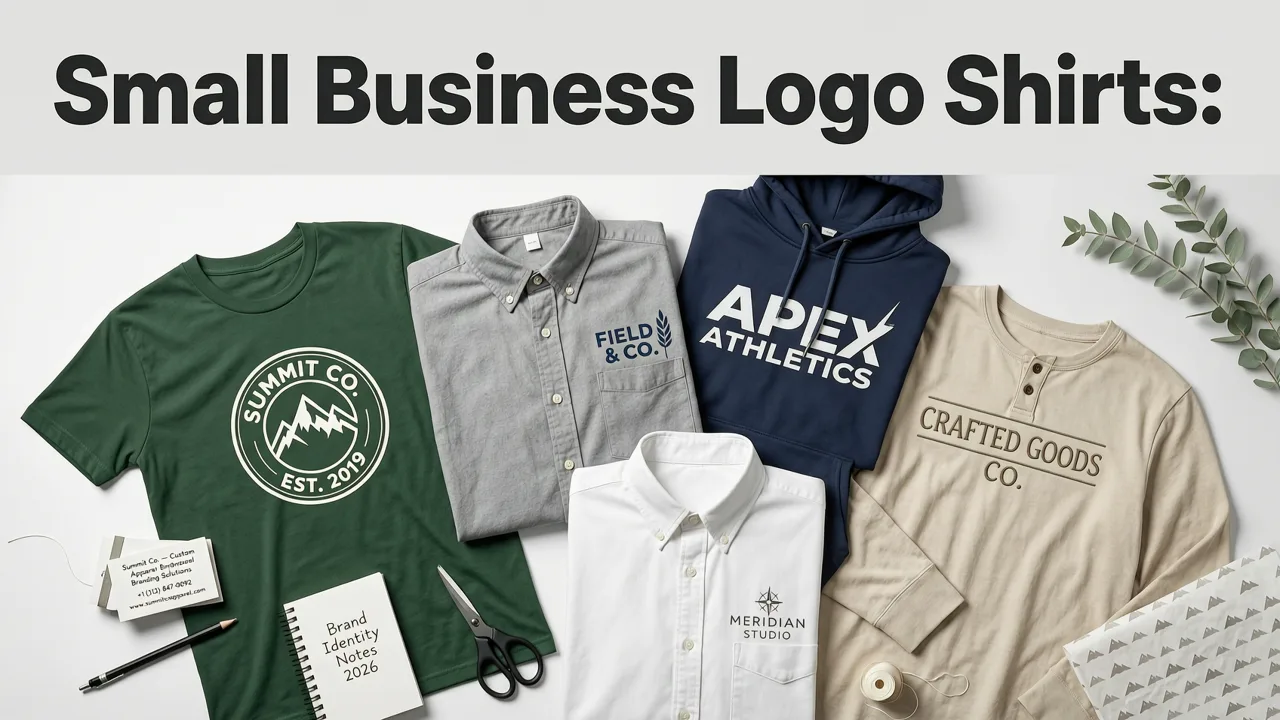
If you're launching a streetwear label, outfitting your retail team, or selling branded merch on Shopify, you need a small business logo for shirts that looks sharp at every size and prints flawlessly on fabric. In 2026, AI-powered logo generators have closed the gap between agency-quality design and instant, affordable output — so founders no longer have to choose between speed and professionalism.
The short answer: a purpose-built AI logo generator can deliver a print-ready, vector-based shirt logo in under two minutes. You enter your brand name, choose an industry and style, and the system produces concepts optimized for screen printing, embroidery, and direct-to-garment (DTG) output. No design degree. No agency retainer. Just a logo that works on cotton, polyester, and everything in between.
What Makes a Small Business Logo for Shirts Different from a Regular Logo
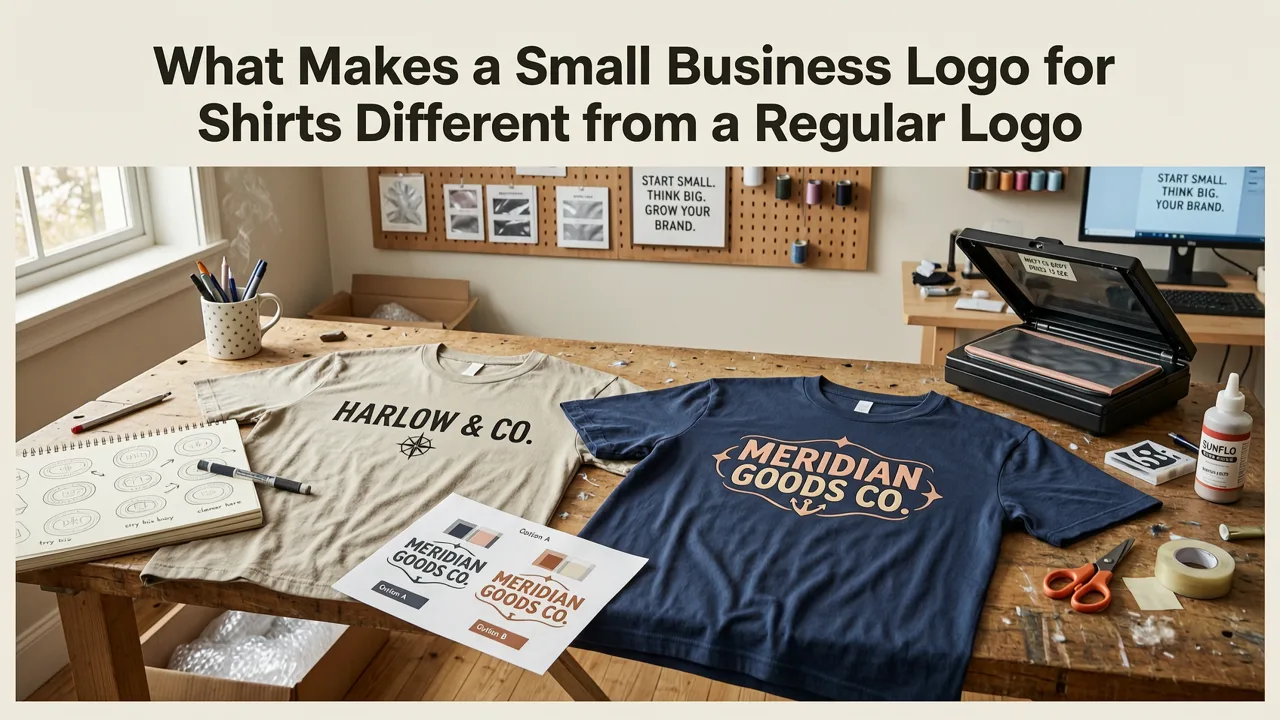
Not every logo translates well to apparel. A mark that looks stunning on a website header can fall apart when reduced to a left-chest embroidery or stretched across a oversized tee. A small business logo for shirts must satisfy a unique set of physical-world constraints that digital-first logos simply don't encounter.
Fabric and Print-Method Compatibility
Different decoration methods impose different design rules. Screen printing favors bold shapes and limited color palettes. Embroidery demands clean outlines and sufficient spacing between elements. DTG printing handles gradients and detail more gracefully but still benefits from high-contrast artwork. Your logo needs to survive all three.
Scalability Across Garment Sizes
A logo printed on a youth small and a 3XL hoodie must remain legible and visually balanced. Thin lines, tiny text, and intricate details disappear at small chest-print sizes. This is why vector-first output architecture matters — it ensures your artwork scales infinitely without pixelation or degradation.
Color Count and Separation Efficiency
Every additional ink color in screen printing adds cost and complexity. A smart shirt logo keeps the palette tight — typically two to four spot colors — while still conveying brand personality. Gradient-heavy designs may look great on-screen but become expensive nightmares on press.
How to Create a Small Business Logo for Shirts Using AI in 2026
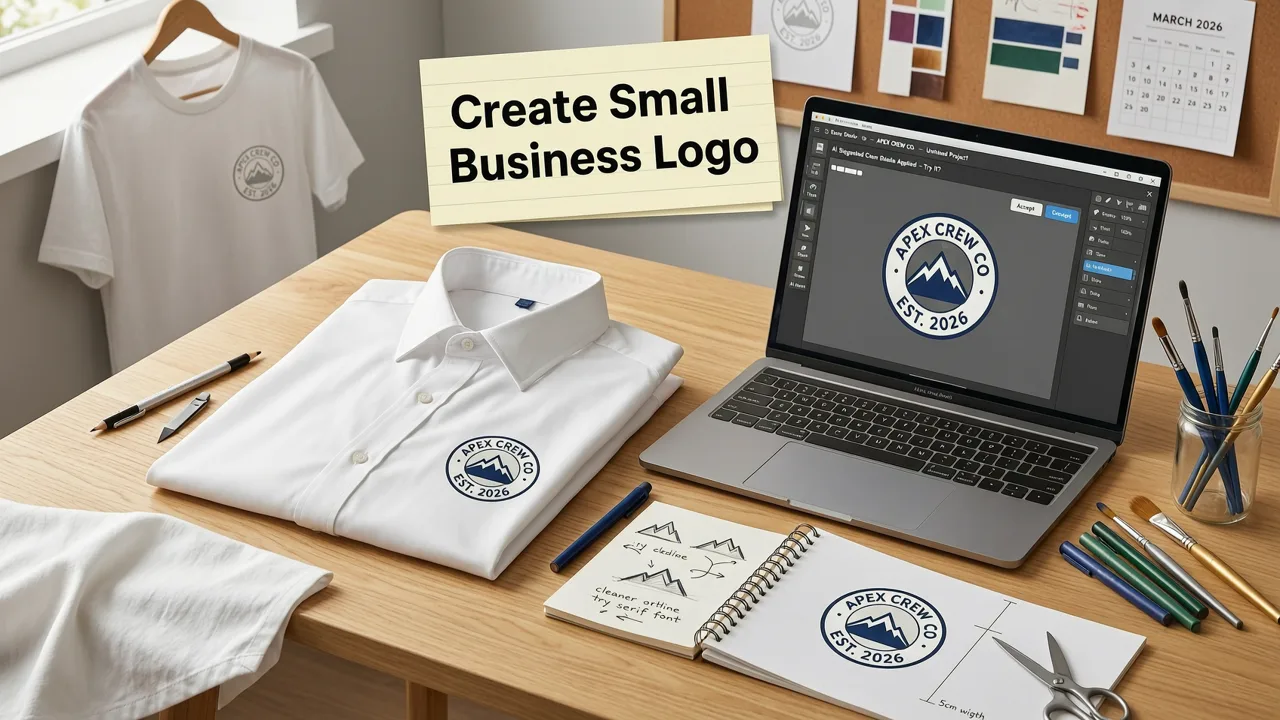
The process has become remarkably streamlined. Modern AI logo generators use advanced rendering models trained on thousands of apparel applications, so the output you receive is already optimized for physical products — not just digital mockups.
Step 1: Enter Your Brand Identity
Start with your business name, tagline, and industry category. The AI uses this context to generate typographic treatments and icon styles that align with your market. A coffee roaster's shirt logo will look very different from a CrossFit gym's, and the system accounts for that automatically.
Step 2: Choose Style, Industry, and Color Strategy
Select a visual style — minimal, vintage, bold, hand-drawn, geometric — and narrow your color palette. For shirt applications, consider choosing monochrome or two-tone options first, since these translate most reliably across print methods. You can always generate full-color versions afterward.
Step 3: Review AI-Generated Concepts and Refine
The generator produces multiple concepts ranked by relevance. Review each for legibility at small sizes, color simplicity, and overall brand fit. Most platforms let you swap icons, adjust typography weight, and test the logo on garment mockups before committing to a final download.
Step 4: Download Vector and Print-Ready Files
Once satisfied, export your logo in SVG, EPS, and high-resolution PNG formats. Vector files are essential for any professional printer and allow unlimited resizing. Request a transparent-background version for direct garment application.
Print-Ready Output: What File Formats You Actually Need
One of the most common mistakes small business owners make is downloading a JPEG and sending it to a print shop. That approach leads to blurry edges, color shifts, and frustrated vendors. Here's what your shirt logo file package should include:
| File Format | Best Use Case | Why It Matters |
|---|---|---|
| SVG | Scalable vector for any size | Infinite resolution; ideal for screen printing and embroidery digitizing |
| EPS | Professional print shops | Industry-standard vector format accepted by most apparel decorators |
| High-Res PNG (300 DPI) | DTG printing, online mockups | Transparent background; ready for direct-to-garment presses |
| Vendor communication |
Design Principles That Make Shirt Logos Work Harder
Beyond technical file requirements, certain design principles separate amateur shirt graphics from logos that build brand recognition over years of wear.
Monochrome Optimization Is Non-Negotiable
Test your logo in single-color black and single-color white before finalizing. If it loses impact or becomes illegible in monochrome, it will fail on dark garments, light garments, and embroidered applications. The same principle applies when you're designing a logo for stamp design — physical-world applications always reward simplicity.
Negative Space Does Heavy Lifting
Clever use of negative space creates memorable marks that remain clear at small sizes. Think of the FedEx arrow or the NBC peacock — these logos use the background as an active design element. On a shirt, negative space prevents the design from feeling heavy or cluttered when printed on fabric.
Typography Should Be Readable at One Inch
If your business name is part of the logo, ensure it remains legible when the entire mark is reduced to roughly one inch tall — the typical size for a left-chest print. Avoid ultra-thin font weights, tightly kerned letterforms, and overly decorative scripts that break down at small scale.
Common Mistakes to Avoid When Designing a Shirt Logo
Even with AI assistance, certain pitfalls can undermine your final product. Awareness of these issues helps you evaluate generated concepts more critically.
- Too many colors: Each additional screen-print color increases per-unit cost. Keep it to two or three spot colors for production efficiency.
- Relying on gradients: Gradients don't translate to screen printing or embroidery without significant adaptation. Use flat color fills instead.
- Oversized detail: Intricate illustrations that work on a website header vanish at chest-print scale. Simplify ruthlessly.
- Ignoring garment color: Always preview your logo on both light and dark shirt backgrounds. A design that disappears on navy fabric is useless for half your inventory.
- Skipping vector export: Raster-only files limit your print options and force vendors to recreate artwork from scratch.
Small Business Logo for Shirts vs. Other Branded Merch
Your shirt logo often serves as the foundation for broader branded merchandise. The same mark might appear on hats, tote bags, stickers, and packaging. Designing with this versatility in mind saves time and ensures brand consistency across every touchpoint.
For example, a simplified version of your shirt logo might work perfectly as a baseball cap logo where embroidery constraints are even tighter. Or a compact badge variant could double as a custom logo stamp for packaging and shipping materials. The AI generation process makes it easy to produce these variants from a single brand identity.
Cost Comparison: AI Logo Generator vs. Traditional Design Routes
Understanding the cost landscape helps you make an informed decision about where to invest your branding budget.
| Option | Typical Cost (2026) | Turnaround | Includes Vector Files |
|---|---|---|---|
| AI Logo Generator | $20 – $65 | Under 5 minutes | Yes |
| Freelance Designer (Fiverr/Upwork) | $100 – $500 | 3 – 10 days | Varies |
| Branding Agency | $1,500 – $10,000+ | 2 – 6 weeks | Yes |
| DIY Canva/Free Tools | $0 – $15 | 30 – 60 minutes | Limited |
For most small businesses, an AI logo generator delivers 80 to 90 percent of the quality of a freelance designer at a fraction of the cost and timeline. The vector files, mockup previews, and print-ready exports included in most premium packages eliminate the back-and-forth revision cycles that stretch traditional projects over weeks.
AI Technology Behind Modern Shirt Logo Generation
The AI models powering today's logo generators are built on large-scale design datasets and fine-tuned for commercial applications. Platforms leverage generative architectures similar to those documented in OpenAI's technical documentation, combined with proprietary training on typography, iconography, and brand identity systems.
Responsible AI practices — including those outlined in Google's AI responsibility framework — ensure that generated logos are original, non-infringing, and safe for commercial use. Reputable generators include trademark screening and originality verification as part of the output pipeline.
Use Cases: Who Benefits Most from AI Shirt Logos
The flexibility of AI-generated shirt logos makes them valuable across a wide range of small business scenarios:
- Ecommerce apparel brands: Launch your first collection without waiting weeks for designer deliverables.
- Local service businesses: Outfit your team in branded polos that look professional at client sites.
- Event organizers and nonprofits: Produce volunteer shirts and merchandise quickly for time-sensitive campaigns.
- Content creators and influencers: Monetize your audience with merch that reflects your visual identity.
- Restaurant and retail owners: Create staff uniforms and branded takeaway packaging from a single logo system.
Optimizing Your Shirt Logo for Long-Term Brand Equity
A great shirt logo doesn't just look good today — it builds recognition over years of repeated exposure. Consider these long-term strategies:
- Lock in a primary version and resist the urge to redesign annually. Consistency builds familiarity, and familiarity builds trust.
- Create a simplified submark for applications where the full logo is too detailed — social avatars, zipper pulls, hat tags.
- Document your brand colors in Pantone and CMYK alongside RGB and HEX values so your shirt prints remain consistent across vendors and years.
- Register your logo with your local trademark office once you've confirmed its originality and commercial availability.
Final Thoughts: Your Shirt Logo Is Your Most Worn Marketing Asset
Every time a customer wears your branded shirt, they're providing free advertising — at the gym, at the grocery store, on public transit. A well-designed small business logo for shirts turns that exposure into brand recognition, credibility, and ultimately revenue. In 2026, AI-powered tools make it possible to create a professional, print-ready shirt logo in minutes rather than weeks, at a price point that makes sense for businesses of any size.
Ready to create a logo that looks as good on fabric as it does on-screen? Head to AIGenerateLogos.com, enter your brand details, and download a vector-ready shirt logo before your next coffee break.

