2026-08-24 · 10 min read
Custom Logo Shirts Online – Design & Print in Minutes (2026)
Custom logo shirts online made simple: generate a brand-ready logo with AI, then design and print custom logo shirts online in minutes. No design skills needed.

Recommended next
Custom Logo Shirts Online – Design & Print in Minutes (2026)
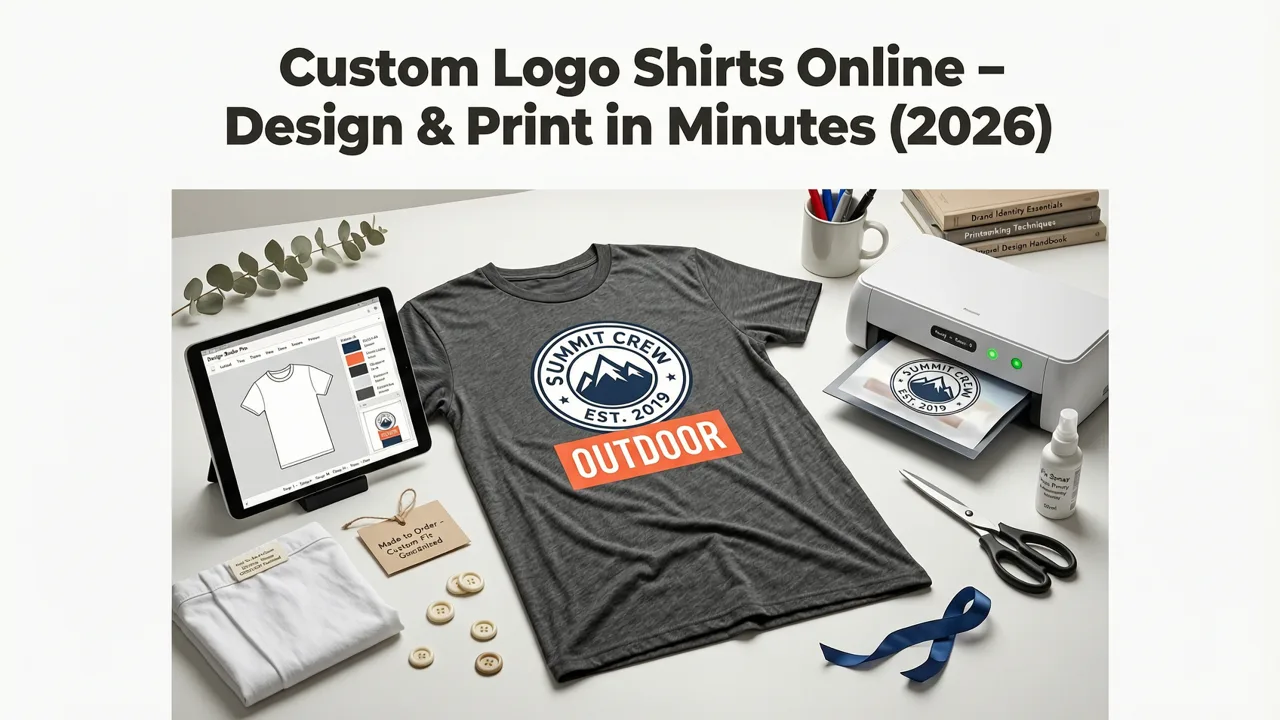
If you need custom logo shirts online for your startup, team, event, or ecommerce brand, the fastest path in 2026 starts with an AI-generated logo and ends with a print-ready design in under ten minutes. The process is straightforward: generate a polished logo with an AI logo tool, export it in vector or high-resolution PNG format, upload it to your chosen shirt printing platform, and place your order.
This guide walks you through every step — from choosing a logo style that translates well to fabric, to picking the right printing method, to avoiding the common mistakes that cause blurry logos, cracked prints, and wasted budget on bad batches.
Why Custom Logo Shirts Online Have Become a Core Branding Channel in 2026
Custom apparel has shifted from a once-a-year team-building exercise to a year-round brand touchpoint. In 2026, founders, creators, and small business owners use branded shirts as walking advertisements, onboarding welcome kits, event merchandise, and Shopify storefront products. The economics have changed too: AI-driven logo generation has eliminated the biggest bottleneck — creating a professional logo — while on-demand printing platforms have eliminated minimum order requirements.
The result is a workflow that used to take weeks and thousands of dollars now takes minutes and a few hundred. Whether you are outfitting a ten-person team or launching a streetwear capsule, the barrier to entry has never been lower.
How to Order Custom Logo Shirts Online: A Step-by-Step Workflow
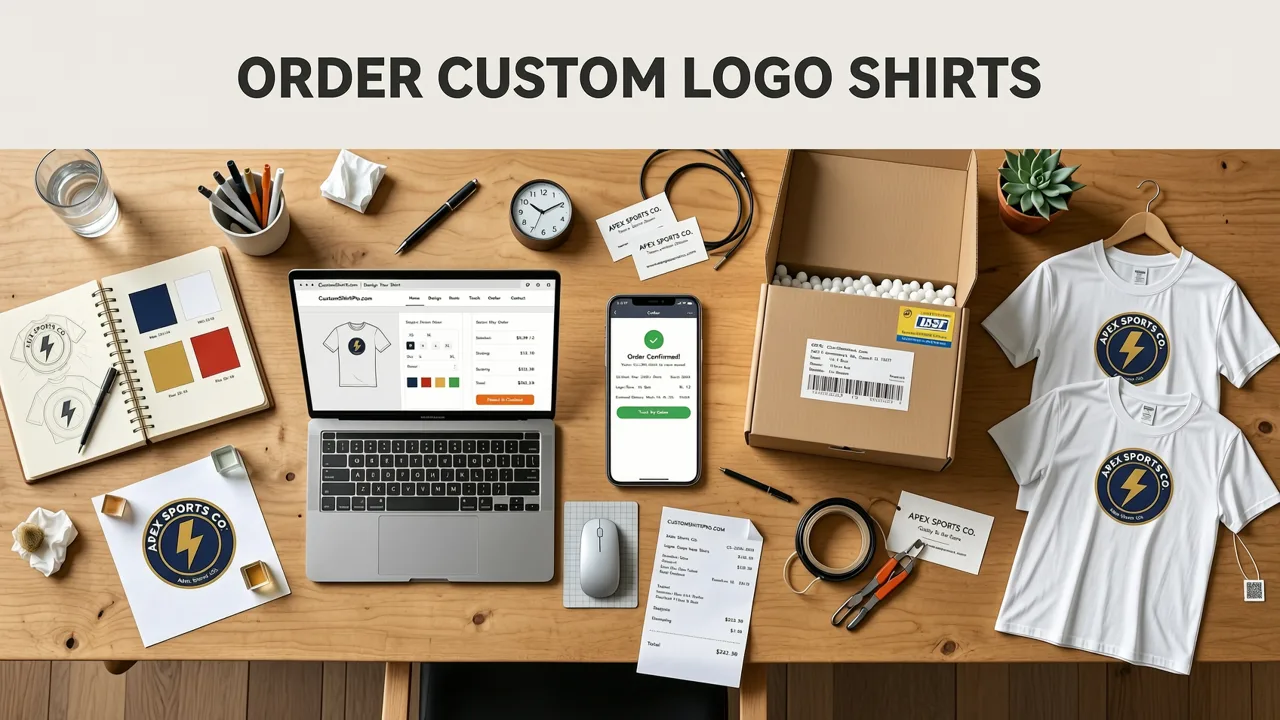
The following workflow is designed for people who need a complete result — logo plus printed shirt — without hiring a designer or negotiating with a print shop.
Step 1: Generate a Print-Ready Logo with AI
Start by entering your brand name, selecting your industry, and choosing a style direction. A modern AI logo generator produces multiple concepts in seconds, each available in vector formats like SVG and EPS — which are essential for shirt printing because they scale to any size without losing quality.
Focus on simplicity. Logos with clean lines, limited colors, and bold typography reproduce far better on fabric than detailed illustrations. If your logo will also appear on packaging or marketing materials, consider how it will look as a logo for stamp design as well — the same principles of monochrome clarity and vector output apply.
Step 2: Optimize Your Logo for Fabric Printing
Not every logo that looks great on a screen translates well to a shirt. Before uploading, run through this quick checklist:
- Color count: Each additional color in screen printing increases cost. Aim for one to three colors when possible.
- Line weight: Thin lines below 1pt may disappear or bleed on fabric. Bold strokes reproduce cleanly.
- Text size: Any text smaller than 6mm at print size risks becoming illegible.
- Background: Transparent backgrounds (PNG or SVG) give you the most flexibility across shirt colors.
- Resolution: If using raster files, export at a minimum of 300 DPI at the intended print size.
Step 3: Choose Your Shirt Style and Color
The blank shirt you choose matters as much as the logo on it. In 2026, the most popular options for custom logo shirts include:
- Ring-spun cotton tees — soft hand-feel, retail quality, ideal for brand merchandise.
- Tri-blend shirts — polyester-cotton-rayon mix with a vintage, slightly heathered look.
- Heavyweight cotton — structured, durable, popular in streetwear and workwear.
- Performance polyester — moisture-wicking, ideal for team uniforms and athletic brands.
Choose a shirt color that creates strong contrast with your logo. Light shirts with dark logos and dark shirts with light or white logos consistently produce the best visual impact.
Step 4: Select a Printing Method
Each printing method has trade-offs in cost, durability, and minimum order quantity. Here is a comparison to help you decide:
| Printing Method | Best For | Min Order | Durability | Cost Per Shirt |
|---|---|---|---|---|
| Screen Printing | Bulk orders, simple logos | 12–25 units | Excellent (50+ washes) | $ |
| DTG (Direct-to-Garment) | Small batches, full-color designs | 1 unit | Good (30–50 washes) | $$ |
| DTF (Direct-to-Film) | Vibrant color on any fabric | 1 unit | Very Good (40–60 washes) | $$ |
| Embroidery | Premium brands, polos, caps | 1 unit | Excellent (lifetime) | $$$ |
| Heat Transfer / Vinyl | Numbers, names, simple text | 1 unit | Fair (20–30 washes) | $ |
For most small businesses ordering fewer than 50 shirts, DTG or DTF offers the best balance of quality and flexibility. If you are ordering 100 or more with a simple logo, screen printing delivers the lowest per-unit cost and the longest-lasting result. If you are creating premium branded apparel — or want your logo on a cap as well — embroidery is worth the investment. You can explore how AI handles apparel-adjacent branding in our baseball cap logo generator guide.
Step 5: Place Your Order and Track Production
Most online printing platforms now offer real-time digital proofs, production timelines of three to seven business days, and standard shipping within ten to fourteen days. Upload your logo, position it on the shirt using the platform's mockup tool, approve the digital proof, and submit your order.
Design Principles for Logos That Look Great on Shirts
A logo that works on a website header may fail on a shirt. Fabric printing introduces physical constraints that demand a slightly different approach to design.
Keep It Monochrome-First
Design your logo so it works in a single color before adding gradients or multiple hues. A strong monochrome logo can be printed in any shirt color, keeps screen printing costs low, and maintains clarity at small sizes — like a chest logo or sleeve tag. The same principle applies if you plan to use the logo on custom brand stamps or other physical collateral.
Test at Print Size Before Ordering
Before committing to a full order, print your logo on paper at the exact size you plan to use on the shirt. A chest logo typically measures 7 to 10 centimeters wide. A full-front logo can be 25 to 30 centimeters. If the text is hard to read or the shapes feel muddy at paper scale, they will look worse on fabric.
Consider Placement Strategy
Placement affects how your shirt is perceived. Left chest logos signal professionalism and are ideal for team uniforms and corporate merchandise. Full-front prints make a bold statement and work well for event shirts and streetwear. Back prints pair naturally with a small chest logo for a layered, retail-quality look.
Common Mistakes to Avoid When Ordering Custom Logo Shirts Online
Even with AI handling the logo design, a few preventable errors can derail your order.
- Uploading low-resolution files. A logo saved as a small JPEG will pixelate when scaled up. Always export in SVG, PNG at 300 DPI, or PDF.
- Ignoring fabric color contrast. A navy logo on a black shirt is nearly invisible. Use the platform's mockup tool to preview before ordering.
- Choosing the cheapest blank shirt. Thin, rough-feeling tees reflect poorly on your brand. A modest upgrade in blank quality dramatically improves perceived value.
- Overcomplicating the design. More detail does not mean more impact. The cleanest logos consistently outperform busy ones on fabric.
- Forgetting to order extras. Production runs are cheapest when done in a single batch. Order 10 to 15 percent more than your current need to cover future team members or late registrations.
AI Logo Generation vs. Hiring a Designer for Shirt Logos
In 2026, the choice between AI-generated logos and human designers is no longer all-or-nothing. Here is how the two options compare for custom shirt projects:
| Factor | AI Logo Generator | Freelance Designer |
|---|---|---|
| Turnaround time | Minutes | 3–14 days |
| Cost | $0–$50 | $200–$2,000+ |
| Vector file output | Yes (SVG, EPS, PDF) | Yes (standard deliverable) |
| Revisions | Unlimited instant variations | 2–3 rounds typically included |
| Custom illustration | Limited to template styles | Fully bespoke |
| Best for | Speed, iteration, budget-conscious brands | Complex brand identities, illustration-heavy logos |
For most small businesses ordering custom logo shirts online, an AI-generated logo delivers more than enough quality — especially when the design is kept clean, bold, and print-optimized. If your brand requires a hand-drawn mascot or intricate illustration, a freelance designer remains the right choice.
Scaling Your Custom Shirt Brand Beyond the First Order
Once your first batch of custom logo shirts arrives, you have a foundation to build on. Here are practical next steps:
- Set up a Shopify or Etsy store with product mockups generated from your logo files.
- Expand to other products — hoodies, tote bags, and caps — using the same logo assets.
- Create a cohesive brand kit by pairing your logo with consistent brand colors and typography across all merchandise.
- Explore embroidery for premium product lines. If you are considering caps, our baseball cap logo generator guide covers embroidery-specific design logic.
- Use your shirts as content — customer photos, unboxing videos, and team shots all reinforce brand trust.
Why Vector Output Matters More Than Ever in 2026
Modern AI logo generators produce vector-based files by default, and this matters enormously for apparel. Vector files — SVG, EPS, and PDF — are resolution-independent, meaning they can be scaled from a business card to a billboard without any loss of quality. For shirt printing, this means your logo will look sharp whether it is a small chest mark or a full-back graphic.
Raster files (JPEG, PNG) are pixel-based and lose clarity when enlarged. If your only option is a raster file, make sure it is exported at the highest possible resolution — at least 300 DPI at the final print dimensions. But whenever possible, start with a vector file to give yourself maximum flexibility.
Frequently Asked Questions
Below are answers to the most common questions about ordering custom logo shirts online in 2026.
What file format should I upload for custom shirt printing?
The best file formats are SVG, EPS, or PDF for vector output. If you only have a PNG, make sure it has a transparent background and is at least 300 DPI at the size you plan to print. Avoid JPEG files, as they do not support transparency and often compress in ways that degrade edge quality.
How many colors can I use in my shirt logo?
There is no technical limit with DTG or DTF printing, which handle full-color designs. However, for screen printing, each color adds a separate screen and increases cost. Sticking to one to three colors keeps costs low and produces a cleaner, more professional look on fabric.
What is the minimum order for custom logo shirts online?
With DTG and DTF printing, you can order as few as one shirt. Screen printing typically requires a minimum of 12 to 25 units because of the setup cost per color. Embroidery usually has no minimum but has a higher per-unit cost.
How long does it take to receive custom logo shirts?
Production typically takes three to seven business days, and standard shipping adds another five to ten days depending on your location. Rush production and express shipping options are available on most platforms for an additional fee.
Can I use the same logo for shirts, caps, and stamps?
Yes — if your logo is designed with simplicity and scalability in mind. A clean, vector-based logo will work across shirts, caps, packaging, and even custom rubber stamps. The key is to test it at multiple sizes and in monochrome before committing to production across different products.
Final Thoughts: Start with the Logo, End with the Shirt
Ordering custom logo shirts online in 2026 is faster, cheaper, and more accessible than ever. The entire workflow — from generating a professional logo to placing a print order — can be completed in a single afternoon. The only requirement is a clear brand name and a few minutes of focus on design choices that translate well to fabric.
If you are ready to get started, generate your logo now and have a print-ready file in minutes. Your first batch of custom logo shirts is closer than you think.
Related resources
Related Articles
Next steps
Start on the homepage, or jump to the main CTA via contact. You can also explore localized pages like United Kingdom or Germany.
Related blogs

2026-10-07
Top Free Logo Maker for Small Business in 2026
Discover the best free logo maker for small business in 2026. Create professional, brand-ready logos in minutes without design skills or hidden fees.

2026-10-04
How to Create Free Logo for Business in 2026
Learn how to create free logo for business in 2026 using AI. Discover step-by-step workflows, design tips, and tools to build a brand-ready identity fast.

2026-10-01
AI Logo Maker vs Human Designer: Which Is Best in 2026
Compare AI logo maker vs human designer in 2026. Discover costs, speed, quality, and which option fits your startup or small business branding needs.