
2026-08-23 · 11 min read
Custom Die Cut Logo Stickers — Design & Order Online in 2026
Create custom die cut logo stickers with AI in minutes. Design print-ready, kiss-cut or die-cut branded stickers for laptops, packaging, and merch. Order in 2026.

Recommended next
Custom Die Cut Logo Stickers — What They Are and Why They Matter in 2026
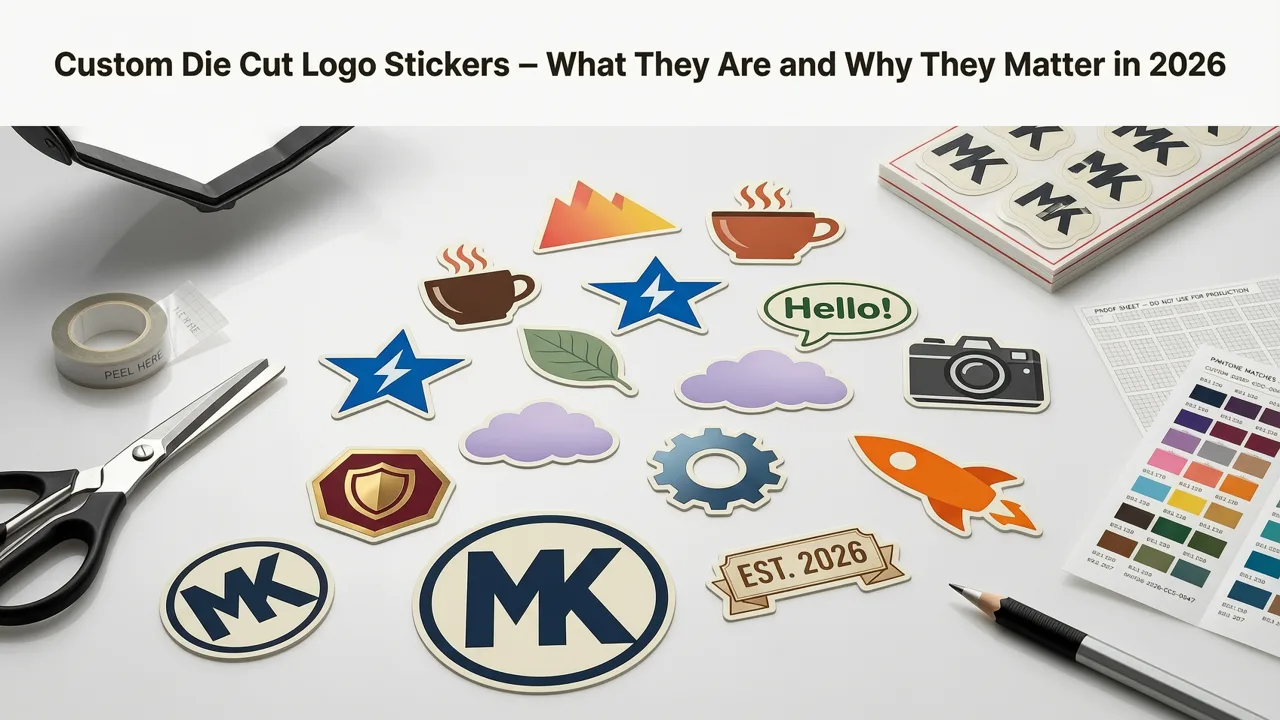
Custom die cut logo stickers are brand decals cut precisely to the outline of your logo or design — no generic shapes, no wasted white space, just your mark in full color on a durable adhesive surface.
In 2026, a branded sticker is no longer a throwaway giveaway. It is a portable brand asset that travels on laptops, water bottles, packaging, storefront windows, and product shipments. For founders, ecommerce brands, and creators, ordering custom die cut logo stickers is one of the fastest ways to turn a digital logo into a tangible touchpoint that builds recognition at nearly zero marginal cost.
This guide walks you through exactly what die cut stickers are, how to design one that prints cleanly, and how to order a batch that looks professional — all without hiring a graphic designer or guessing at file specs.
Die Cut vs. Kiss Cut vs. Circle Cut — Understanding the Options
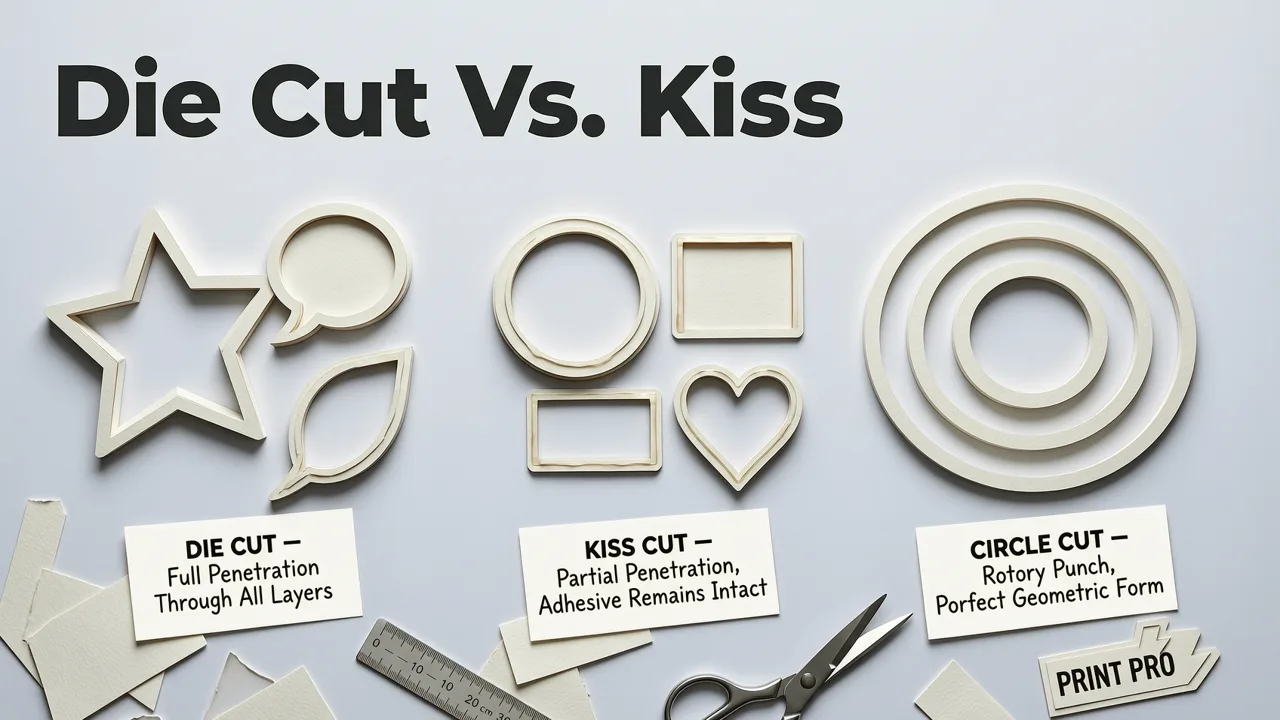
Before you upload a logo, it helps to understand the three main cut styles offered by most sticker printers in 2026. Choosing the right cut affects durability, application, and cost.
| Cut Type | How It's Cut | Best Use Case | Typical Cost Tier |
|---|---|---|---|
| Die Cut | Blade cuts through both sticker and backing paper | Individual stickers for laptops, merch, packaging | $$ |
| Kiss Cut | Blade cuts sticker only, leaving backing intact on a sheet | Sticker sheets, giveaways, mailers | $ |
| Circle / Square Cut | Pre-set shape, no custom contour | Seals, badges, simple branding | $ |
Die cut gives you a single sticker per piece with a clean contour edge. Kiss cut stickers sit on a continuous backing sheet, making them ideal if you plan to hand out multiples. Most AI sticker tools, including the AI Logo Sticker Maker, generate print-ready files compatible with both cut types.
How to Design Custom Die Cut Logo Stickers That Print Cleanly
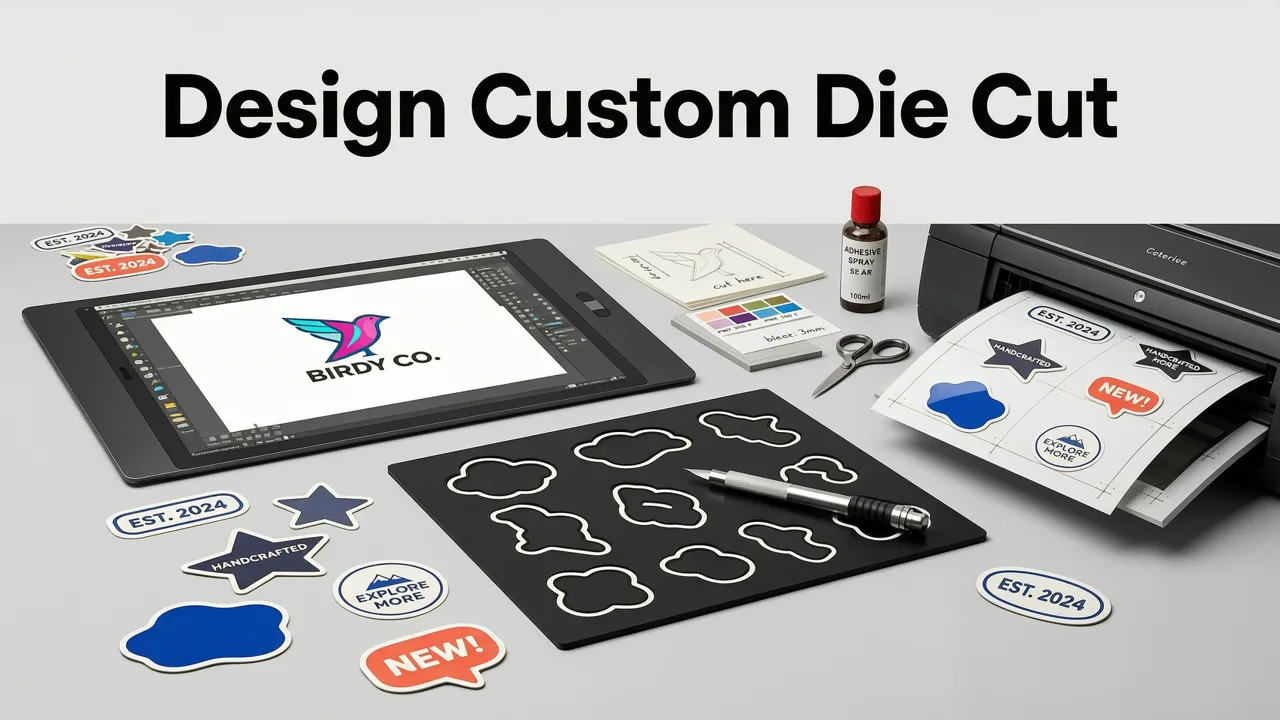
A great sticker starts with a logo that is optimized for small-scale print. Follow these steps to make sure your die cut stickers look sharp at any size.
Step 1 — Start With a Vector or High-Resolution Logo
Your logo file should be a vector (SVG, EPS, or PDF) or a raster file at a minimum of 300 DPI at the final print size. Blurry edges are the number-one reason stickers look amateur. If you do not have a logo yet, an AI logo generator can produce a vector-ready mark in under two minutes.
Step 2 — Simplify for Scale
Die cut stickers are typically between 2 and 4 inches wide. Fine lines thinner than 0.5 pt, tiny text under 6 pt, and tightly nested elements will not reproduce well. Remove unnecessary detail and let your core mark breathe.
Step 3 — Add a White Border or Offset Outline
Most printers recommend a minimum 1/8-inch white border around the design contour. This border prevents ink from bleeding to the edge and gives the die-cut blade a safe margin. Many AI tools add this border automatically.
Step 4 — Choose the Right Material
For outdoor or high-wear applications (water bottles, vehicle decals, storefronts), specify vinyl with a laminate overlay. For indoor or short-term use (packaging seals, event giveaways), BOPP or paper stock is cost-effective and still looks premium.
Step 5 — Export in the Printer's Preferred Format
In 2026, most sticker printers accept PDF, PNG with transparency, or SVG. Confirm bleed settings (usually 1/8 inch) and color mode (CMYK for offset, RGB is often accepted for digital short-run). The AI Logo Sticker Maker exports print-optimized files that meet these specs out of the box.
What Makes a Truly Great Custom Die Cut Logo Sticker in 2026?
Not all stickers are created equal. The ones that earn a permanent spot on a laptop lid or a product box share a handful of traits.
1. Instant Brand Recognition
Your sticker should communicate your brand in under one second. That means a bold mark, limited color palette, and zero clutter. Think of it as a billboard the size of a postage stamp.
2. Durable Adhesive and UV Resistance
In 2026, consumers expect stickers to survive dishwashers, sunlight, and daily abrasion. Specify UV-resistant ink and a permanent adhesive rated for at least three years of outdoor exposure if your stickers will live on water bottles or car bumpers.
3. Tactile Finish That Matches Brand Personality
Matte finishes convey sophistication and minimalism. Gloss finishes amplify color saturation and energy. Holographic or metallic finishes create collectibility. Choose a finish that aligns with the emotion you want your brand to evoke.
4. Scalable Across Touchpoints
A well-designed die cut sticker should also work as a logo for stamp design, an embroidered patch, or a social media avatar. If the mark collapses when shrunk to one inch, rethink the complexity before ordering.
How to Order Custom Die Cut Logo Stickers Online — A 2026 Workflow
Ordering stickers in 2026 is a five-step process that can be completed in under ten minutes from a single browser tab.
- Generate or upload your logo. Use an AI logo tool to create a brand mark, or upload an existing vector file.
- Select sticker shape and size. Choose die cut for individual stickers or kiss cut for sheets. Common sizes range from 2×2 in to 4×4 in.
- Pick material and finish. Vinyl with matte or gloss laminate for durability; BOPP for budget-friendly indoor use.
- Set quantity. Most printers offer tiered pricing — 50 stickers for a product launch, 500 for a trade show, or 5,000+ for ongoing fulfillment.
- Approve the digital proof and checkout. Review the proof for color accuracy, border clearance, and cut-line alignment before confirming.
Turnaround times in 2026 average three to five business days for standard orders, with rush options available for next-day production.
Custom Die Cut Logo Stickers vs. Other Branded Merch — A Quick Comparison
Stickers are not the only way to extend your brand into the physical world. Here is how they stack up against other common merch categories.
| Merch Type | Unit Cost (50 pcs) | Production Time | Brand Exposure | Best For |
|---|---|---|---|---|
| Die Cut Stickers | $0.30–$0.80 | 3–5 days | High (laptops, bottles, packaging) | Giveaways, product seals, guerrilla marketing |
| Enamel Pins | $2.50–$5.00 | 2–3 weeks | Medium (lapels, bags) | Collector merch, loyalty rewards |
| Embroidered Patches | $3.00–$6.00 | 2–4 weeks | Medium (hats, jackets) | Apparel branding, team uniforms |
| Custom Packaging Tape | $0.10–$0.25/linear ft | 1–2 weeks | High (unboxing experience) | E-commerce shipments |
Stickers win on unit cost, speed, and versatility. If you need a brand touchpoint that ships flat, costs pennies, and still feels premium, custom die cut logo stickers are the clear choice.
Common Mistakes to Avoid When Ordering Die Cut Stickers
Even experienced founders make these errors. Catching them before you hit checkout saves time and money.
- Ignoring bleed and safe zones. Always leave at least 1/8 inch of bleed beyond the cut line and keep critical elements 1/16 inch inside the safe zone.
- Using low-resolution images. A 72 DPI web PNG will look pixelated in print. Start with 300 DPI minimum or a vector file.
- Overloading the design. More than three colors and intricate gradients can muddy at small scale. Simplify first, add complexity only if it still reads at two inches.
- Choosing the wrong adhesive. Removable adhesive peels off glass and painted surfaces without residue — ideal for temporary promotions. Permanent adhesive is better for long-term branding on product packaging.
- Forgetting to order extras. Stickers have a habit of disappearing fast. Order 20–30% more than your initial estimate to avoid a second run.
Using AI to Streamline Your Sticker Design Workflow
In 2026, AI tools have closed the gap between amateur and agency-quality output. A modern AI sticker workflow typically looks like this:
- Enter your brand name, industry, and style preferences.
- The AI generates multiple logo concepts with print-ready vector output.
- Select a concept and the tool automatically creates a die cut outline, white border, and bleed zone.
- Export the file in your printer's preferred format — PDF, SVG, or high-res PNG.
- Upload to your sticker printer and approve the proof.
This workflow eliminates the back-and-forth with a designer, reduces file-prep errors, and lets you iterate on colorways and finishes before committing to a print run. For founders who also need branded stamps for packaging or certificates, the AI Logo Stamp Generator follows the same principle — turning a brand identity into a production-ready asset in under 90 seconds.
Where to Use Custom Die Cut Logo Stickers for Maximum Impact
The versatility of die cut stickers is what makes them such a high-ROI branding investment. Here are the touchpoints where they deliver the most value in 2026:
- Product packaging seals. A die cut sticker on a mailer box or tissue paper elevates the unboxing experience at a fraction of the cost of custom-printed boxes.
- Laptop and water bottle branding. Hand a sticker to a customer and it becomes free advertising every time they open their laptop or refill their bottle.
- Trade show and event giveaways. Stickers are the most-taken item at any booth. A well-designed die cut sticker ends up on luggage, notebooks, and phone cases — extending your reach far beyond the event floor.
- Local guerrilla marketing. Stick branded decals on storefront windows, community bulletin boards, or vehicle rear windows (with permission) for hyper-local awareness.
- Influencer and creator kits. Include a custom die cut sticker in every PR package. Creators love applying stickers to their gear, and their audience sees your mark in every photo and video.
Pricing Guide — What Custom Die Cut Logo Stickers Cost in 2026
Pricing varies by material, size, finish, and quantity. Here is a general reference based on 2026 market rates for standard 3-inch die cut vinyl stickers with gloss laminate:
| Quantity | Price Per Sticker | Total Estimate |
|---|---|---|
| 50 | $0.75–$1.00 | $37–$50 |
| 100 | $0.50–$0.70 | $50–$70 |
| 250 | $0.35–$0.50 | $87–$125 |
| 500 | $0.25–$0.40 | $125–$200 |
| 1,000+ | $0.15–$0.30 | $150–$300 |
Matte and standard BOPP options typically run 10–20% less. Holographic, metallic, or transparent finishes add a premium of 20–40%. Always request a digital proof before approving a large run — it costs nothing and catches errors early.
Frequently Asked Questions
Below are the most common questions founders and brand owners ask about custom die cut logo stickers.
What is the difference between die cut and kiss cut stickers?
Die cut stickers are cut through both the sticker material and the backing paper, producing individual pieces. Kiss cut stickers are cut only through the sticker layer, leaving the backing paper intact so multiple stickers sit on a single sheet.
What file format do I need to order die cut stickers?
Most printers accept PDF, SVG, or high-resolution PNG (300 DPI minimum). A vector file is preferred because it scales to any size without quality loss.
How long do custom die cut stickers last?
Printed on vinyl with a UV-resistant laminate, die cut stickers last three to five years outdoors and even longer indoors. Paper or BOPP stickers are best for short-term or indoor use.
Can I use my AI-generated logo for die cut stickers?
Yes. As long as your AI logo tool exports a vector or 300 DPI raster file with a transparent background, it is fully compatible with die cut sticker production.
What is the minimum order for custom die cut stickers?
Most online printers in 2026 accept orders as small as 25–50 stickers. However, the per-unit cost drops significantly at 100+ quantities, so ordering a slightly larger batch is usually more economical.
Final Thoughts — Turn Your Logo Into a Physical Brand Asset Today
Custom die cut logo stickers are one of the simplest, most cost-effective ways to extend your brand from screen to surface. Whether you are sealing ecommerce packages, rewarding loyal customers, or handing out branded decals at your next event, a well-designed sticker works harder than almost any other merch item per dollar spent.
Start with a strong, print-optimized logo. Choose the right material and finish for your use case. Order a batch that matches your near-term needs — and keep a few extras in your bag at all times. Your brand will travel further than you expect.
Ready to create your first run? Use the AI Logo Sticker Maker to generate a print-ready design in minutes, then send the file straight to your preferred sticker printer. Your next great brand touchpoint is one click away.


