2026-07-24 · 10 min read
Best Logo Maker for Small Business in 2026
Discover the best logo maker for small business in 2026 — fast, professional, no design skills needed. Compare AI-powered tools, pricing, export options, and real-world

Recommended next
Best Logo Maker for Small Business in 2026
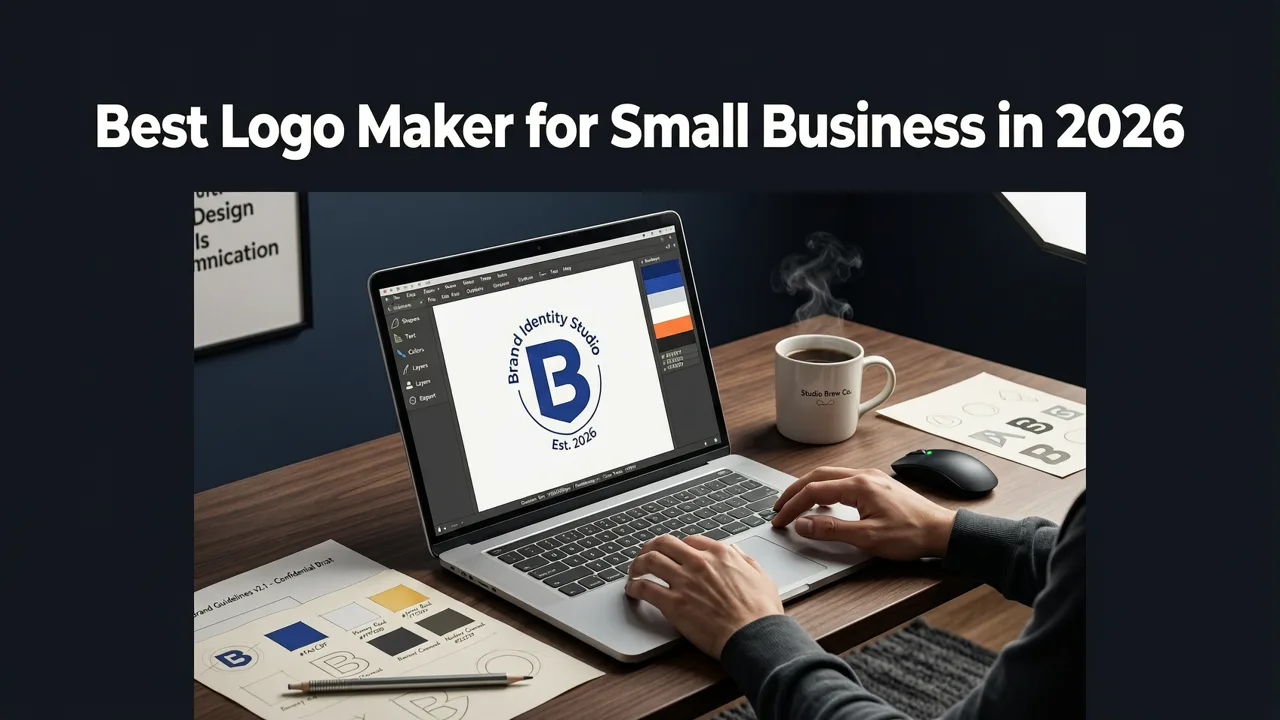
If you’re launching a local bakery, scaling a solopreneur service, or prepping your first Shopify store, you need a professional logo — fast, affordable, and brand-aligned. In 2026, the best logo maker for small business isn’t a desktop app or freelance marketplace: it’s an AI-powered platform that understands context, industry nuance, and real-world usage — from social bios to embroidered apparel. Unlike generic design tools, modern solutions generate not just graphics, but brand-ready assets: vector files, transparent PNGs, favicon sets, and even merch-optimized variants — all in under 90 seconds.
This guide cuts through the noise. We’ll break down what makes a logo maker truly effective for small businesses in 2026 — not just in speed or price, but in strategic alignment, scalability, and technical readiness. You’ll learn how to evaluate options, avoid common pitfalls (like hidden watermarks or unusable file formats), and leverage AI to build visual consistency across every customer touchpoint.
Why Small Businesses Need a Purpose-Built Logo Maker in 2026
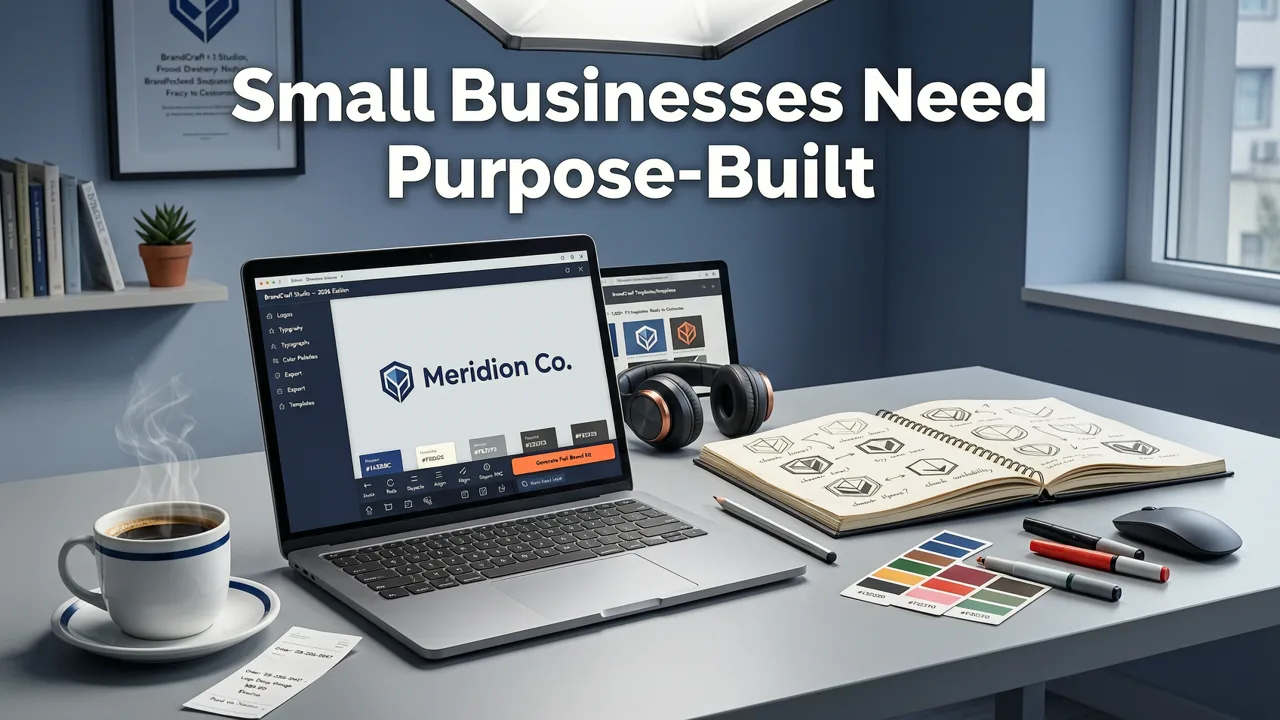
Small businesses operate under three non-negotiable constraints: time, budget, and expertise. A traditional logo design process — briefing a designer, waiting days for revisions, paying $300–$1,500 — simply doesn’t scale for a founder juggling product development, sales, and fulfillment. But the alternative — dragging shapes in Canva or downloading low-res clipart — erodes credibility before the first sale.
In 2026, AI logo generation has matured beyond novelty into strategic infrastructure. According to Google AI guidance on responsible deployment, modern generative models now incorporate domain-specific training — including typography hierarchy, color psychology for conversion, and responsive scaling logic for multi-channel use (e.g., mobile app icon vs. storefront signage) [Google AI guidance]. That means today’s top-tier logo makers don’t just output pretty icons — they output functionally intelligent branding.
Consider these real 2026 small business needs:
- A food truck owner needing a bold, legible logo that works on a vinyl wrap and a square Instagram profile photo;
- An Etsy ceramicist requiring a minimalist monogram that scales cleanly to a stamp, packaging tape, and product tag;
- A B2B SaaS micro-startup needing a tech-forward mark that conveys trust — without looking like every other fintech logo on Dribbble.
A generic ‘logo maker’ can’t address those nuances. A small business–first logo maker does — by embedding industry logic, real-time file optimization, and usage-aware styling into its core workflow.
Key Criteria for Evaluating a Logo Maker for Small Business (2026 Edition)
Not all AI logo tools are built for small business realities. Here’s what actually matters — ranked by impact:
- Zero hidden watermarks or attribution locks — Your logo is your IP. If the tool forces a visible credit or blocks high-res download until you upgrade, it fails the most basic test of professionalism. As explored in our deep-dive on the Free AI Logo Maker — No Watermark, Instant Download (2026), watermarking undermines brand authority before launch — especially on platforms like Google Business Profile or LinkedIn where first impressions are permanent.
- Industry-aware style logic — A law firm’s logo needs gravitas; a kids’ toy brand needs playfulness. The best tools let you select your sector (e.g., “Health & Wellness”, “Ecommerce”, “Creative Agency”) and apply trained stylistic rules — font pairing, contrast ratios, icon symbolism — not just random aesthetic filters.
- True vector output (.SVG/.EPS) + web-optimized exports — PNGs blur when scaled. JPEGs lack transparency. Without scalable vector files, you’ll hit roadblocks printing business cards, embroidering apparel, or updating your website header. In 2026, any serious logo maker must deliver production-grade assets — not just previews.
- No subscription lock on core functionality — Many tools offer ‘free trials’ that restrict downloads, hide file formats, or throttle generations. For small businesses, flexibility > friction. You should be able to generate, refine, and download full-resolution assets — one-time — without committing to monthly billing.
- Usage-specific variants (beyond the logo) — Your logo isn’t used in isolation. It appears as a favicon, a social media banner, a product label, or even a baseball cap embroidery layout. Tools that auto-generate optimized versions — like our Baseball Cap Logo Generator — AI-Powered & Brand-Ready (2026) — save hours of manual adaptation.
Top Features a Modern Logo Maker for Small Business Must Offer
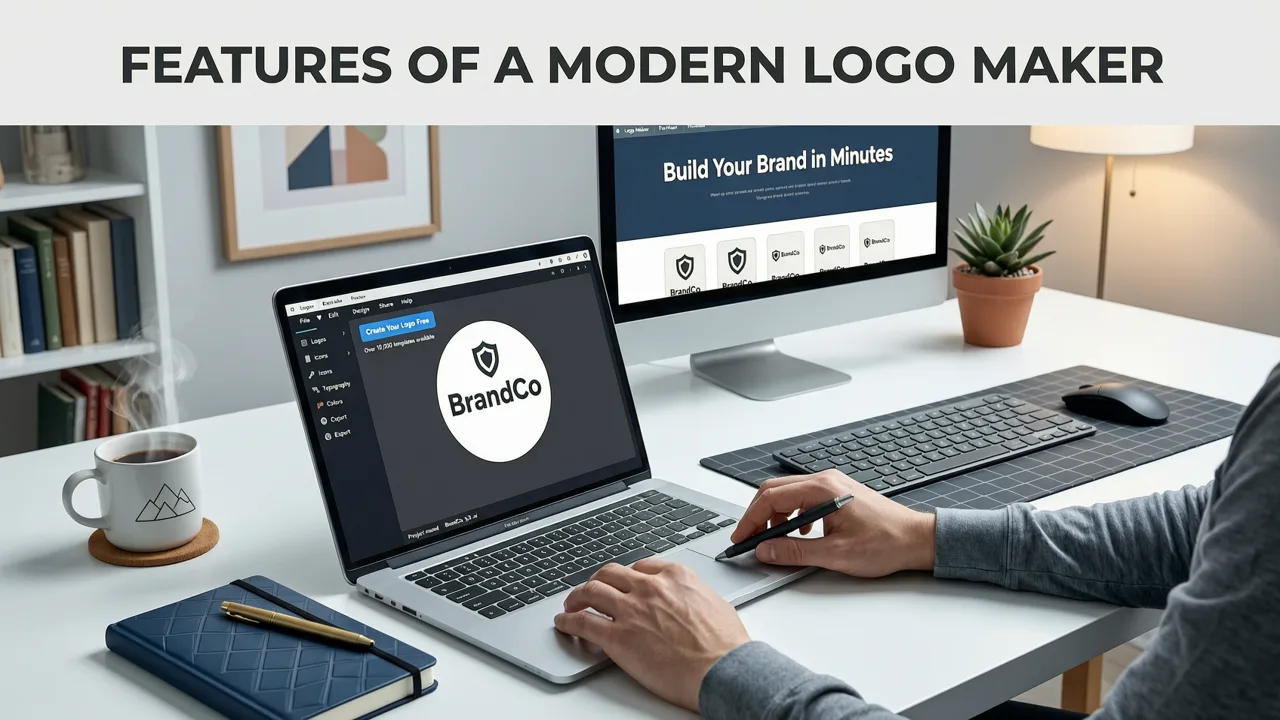
Let’s translate those criteria into tangible features — and why each matters operationally.
1. Contextual Input — Not Just a Name
Typing “Sunrise Bakery” into a field and clicking “Generate” yields generic results. In 2026, leading tools ask for brand context:
- Your primary audience (e.g., “parents aged 30–45”, “local professionals”, “Gen Z eco-conscious shoppers”);
- Your differentiator (“organic ingredients”, “24-hour delivery”, “hand-thrown ceramics”);
- Your preferred vibe (“warm & nostalgic”, “clean & modern”, “bold & energetic”).
This isn’t fluff — it’s prompt engineering grounded in semantic branding principles. OpenAI’s documentation emphasizes that LLM-aligned visual generation benefits significantly from structured, domain-relevant input [OpenAI documentation]. The result? Logos that feel intentional, not algorithmic.
2. Real-Time Style & Color Strategy
Color isn’t decorative — it’s functional. Blue signals trust (ideal for financial services); orange sparks energy (great for fitness brands); muted earth tones convey sustainability (key for DTC wellness). A 2026 logo maker surfaces color palettes with accessibility-tested contrast ratios (meeting WCAG 2.2 standards) and explains *why* a palette fits your industry. It also suggests complementary fonts — not just “modern sans-serif”, but “friendly rounded sans for service brands” or “high-legibility condensed sans for signage”.
3. Multi-Format Export Suite
A single logo file won’t serve your entire brand stack. The best tools auto-export:
- .SVG — For websites, apps, and scalable print;
- .PNG (transparent background) — For social media, email signatures, and presentations;
- .JPG (white background) — For press kits and vendor portals;
- Favicon (.ICO) — Auto-resized for all browser sizes (16x16 to 256x256);
- Brand kit PDF — With HEX/RGB values, font names, and usage guidelines.
4. Ecommerce-Ready Optimization
If you sell online, your logo must perform across digital ecosystems. A true logo maker for small business includes specialized workflows — like our AI Logo Generator for Ecommerce — Shopify-Ready Logos in Minutes. This mode ensures:
- Optimal aspect ratio for Shopify store headers (1200×300px);
- Pixel-perfect sizing for Amazon seller logos (144×144px);
- Transparent-background variants for Etsy product thumbnails;
- Mobile-first simplification (removing fine details that vanish on 3-inch screens).
How AI Logo Generation Works for Small Businesses (2026 Workflow)
Gone are the days of uploading sketches or wrestling with layers. Today’s best logo maker for small business follows a streamlined, human-centered flow — designed for founders, not designers.
Step 1: Enter Your Brand Identity — Not Just a Name
You input your business name, but also select your industry, describe your ideal customer, and pick 1–3 core brand adjectives. This contextual layer trains the AI’s stylistic engine — steering outputs toward relevant visual metaphors (e.g., “growth” might suggest upward arrows or leaf motifs for a coaching business, not rockets).
Step 2: Choose Industry-Specific Style Logic
Instead of vague terms like “minimalist” or “vintage”, you select purpose-built styles:
- “Shopify Storefront” — High-contrast, bold typography, optimized for cart buttons and mobile navigation bars;
- “Local Service Badge” — Rounded, approachable, with subtle shield or checkmark motifs;
- “Creative Studio Monogram” — Interlocking letters, balanced negative space, scalable to embroidery.
Step 3: Refine with Real-Time Visual Controls
No coding or design software required. Adjust sliders for:
- Icon prominence (icon-only, icon+text, text-only);
- Typography weight (light, medium, bold — with preview on mockups);
- Color saturation (muted for luxury, vibrant for youth brands);
- Layout orientation (horizontal, stacked, circular badge).
Every change renders instantly on live mockups — your logo on a business card, laptop screen, and storefront sign — so you see real-world impact, not just a blank canvas.
Step 4: Download Production-Ready Assets — Instantly
One click downloads a ZIP containing:
- All vector and raster formats;
- Pre-sized favicon set;
- Brand guidelines PDF;
- Optional: Merch-ready variants (e.g., Custom Logo Stamp Maker – Create Brand-Ready Stamps in Seconds (2026)).
Logo Maker for Small Business: Comparison Table (2026)
Here’s how leading options stack up on small-business-critical dimensions:
| Feature | AI Logo Generator (aigeneratelogos.com) | Generic Design App (e.g., Canva Pro) | Freelance Marketplace (e.g., Fiverr) | Legacy Logo Software (e.g., Adobe Express) |
|---|---|---|---|---|
| Time to first usable logo | Under 90 seconds | 10–20 mins (manual assembly) | 3–14 days (waiting + revisions) | 5–15 mins (template-based) |
| No watermark / full IP ownership | Yes — instant high-res download | No — free tier adds branding; Pro hides watermark but limits exports | Yes — but depends on freelancer’s terms | No — free tier watermarks; paid tiers vary |
| Industry-specific styling | Yes — 28+ verticals with trained logic | Limited — generic templates only | Yes — but inconsistent across sellers | No — broad categories only |
| Vector (.SVG) + multi-format export | Yes — full suite included | SVG only on Pro; limited formats | Depends on freelancer (often extra fee) | SVG available; fewer web-optimized variants |
| Ecommerce-optimized variants | Yes — Shopify, Etsy, Amazon presets | No — manual resizing required | No — unless specified in brief | No — generic sizing |
| One-time cost (no subscription) | Yes — flat fee per logo | No — requires Pro subscription ($12.99/mo) | Yes — but $50–$300+ per logo | No — requires Creative Cloud ($54.99/mo) |
Common Pitfalls to Avoid When Choosing a Logo Maker for Small Business
Even well-intentioned tools can derail your branding. Watch for these red flags:
❌ “Free” Generators That Lock Core Files Behind Paywalls
Many sites advertise “free logo maker” but only let you download low-res JPGs — forcing an upgrade to unlock SVG, PNG, or editable source files. For a small business, that’s not savings — it’s wasted time and compromised quality. Always verify export options *before* generating.
❌ Overly Generic Outputs With No Brand Differentiation
If every logo looks like it came from the same template library (e.g., a circle + initials + stock icon), it won’t help you stand out. Prioritize tools that emphasize uniqueness — whether via custom icon generation, adaptive typography, or contextual prompt refinement.
❌ Ignoring Real-World Usage Constraints
A beautiful logo that vanishes on a dark Instagram story background or becomes illegible at 32px isn’t useful. Tools that show live mockups — on devices, signage, apparel — help you catch issues early.
❌ No Support for Physical Branding Needs
Your logo lives offline too: on receipts, packaging, uniforms, and storefronts. If the tool doesn’t offer stamp-ready, embroidery-optimized, or print-safe variants, you’ll pay a designer later to adapt it — defeating the purpose.
Real-World Use Cases: How Small Businesses Are Using AI Logo Makers in 2026
It’s not theory — it’s happening daily. Here’s how founders are applying this technology:
• Local Service Business Launch
A Portland-based HVAC technician used an AI logo maker to generate a clean, trustworthy mark with a subtle gear motif and navy/gray palette. Within 7 minutes, he downloaded SVG for his Google Business Profile, PNG for his Facebook cover, and a simplified version for his van wrap — all before his first client call.
• Ecommerce Pre-Launch
A Brooklyn candle brand generated 12 logo concepts aligned to “eco-luxury” — then selected one optimized for Shopify’s header and Amazon’s seller logo specs. They used the auto-generated favicon set to go live on their site *the same day* their first batch shipped.
• Creator Brand Expansion
A podcast host with 50k subscribers needed a cohesive visual identity across YouTube, merch, and live events. Using the Custom Logo Stamp Maker, she created a monogram variant for her tote bags and a simplified icon for her mic badge — all derived from the same core logo system.
Conclusion: Your Logo Is Your First Employee — Equip It Right
In 2026, a logo isn’t just decoration — it’s your silent salesperson, your brand ambassador, and your credibility signal. Choosing the right logo maker for small business means choosing one that respects your time, honors your brand voice, and delivers assets ready for real-world use — not just a pretty picture. Tools built for agencies or hobbyists fall short. What you need is precision, clarity, and speed — without compromise.
Ready to build a logo that works as hard as you do? Start your brand in under 90 seconds — no design skills, no subscriptions, no watermarks. Generate your first logo now.
Next steps
Start on the homepage, or jump to the main CTA via contact. You can also explore localized pages like United Kingdom or Germany.
Related blogs

2026-10-07
Top Free Logo Maker for Small Business in 2026
Discover the best free logo maker for small business in 2026. Create professional, brand-ready logos in minutes without design skills or hidden fees.

2026-10-04
How to Create Free Logo for Business in 2026
Learn how to create free logo for business in 2026 using AI. Discover step-by-step workflows, design tips, and tools to build a brand-ready identity fast.

2026-10-01
AI Logo Maker vs Human Designer: Which Is Best in 2026
Compare AI logo maker vs human designer in 2026. Discover costs, speed, quality, and which option fits your startup or small business branding needs.