2026-07-21 · 10 min read
Create Logo with AI — Instant, Custom & Downloadable in 2026
Create logo with AI in under 90 seconds — fully customizable, industry-aware, and production-ready. No design skills or subscriptions required. Try the free AI logo

Recommended next
If you need to create logo with AI in 2026 — whether you’re validating a startup idea at 2 a.m., prepping for a Shopify launch, or refreshing your freelance brand — speed alone isn’t enough. What matters is context-aware precision: logos that reflect your industry’s visual language, scale flawlessly across TikTok Shop thumbnails and invoice headers, and export as vector files ready for print or web. Today’s top-tier AI logo tools go far beyond pattern-matching — they embed semantic understanding of brand psychology, platform constraints, and conversion design principles.
Create Logo with AI: Why 2026 Demands More Than Generative Flash
In 2024, many AI logo generators offered basic style sliders and generic icons. By 2026, that approach is obsolete. Modern users — especially founders, small business owners, and creators — expect intelligent co-creation, not just automation. When you create logo with AI, you’re not outsourcing design; you’re activating a collaborative layer that understands why a fintech logo needs restrained spacing and high legibility at 16px, while a children’s apparel brand thrives on playful kerning and organic shape variation.
This shift reflects broader advances in multimodal AI architecture — models now trained on millions of real-world brand assets, paired with behavioral data from e-commerce platforms, app stores, and social feeds. As Google AI guidance emphasizes, responsible generative tools must balance creative flexibility with real-world functional grounding. That means no hallucinated trademarks, no inaccessible color contrast, and no SVG exports that break when scaled.
What ‘Create Logo with AI’ Actually Delivers in 2026
The phrase “create logo with AI” used to trigger assumptions of low-fidelity clipart or rigid templates. In 2026, it means:
- Industry-aware generation: Input “vegan meal kit” → AI prioritizes earthy palettes, clean sans-serifs, and iconography rooted in food systems (not generic leaves or abstract swirls).
- Platform-optimized output: Automatic resizing and format selection for Instagram profile, Amazon storefront banner, or email signature — including transparent PNGs, SVG vectors, and high-res PDFs.
- Brand-consistent iteration: Adjust one element — say, switch from “modern minimal” to “hand-drawn artisan” — and the AI preserves your core color scheme, typography hierarchy, and icon semantics across all variants.
- No hidden paywalls: Full-resolution downloads, commercial usage rights, and editable source files included — even on free tiers.
How to Create Logo with AI: A Step-by-Step Workflow (2026 Edition)
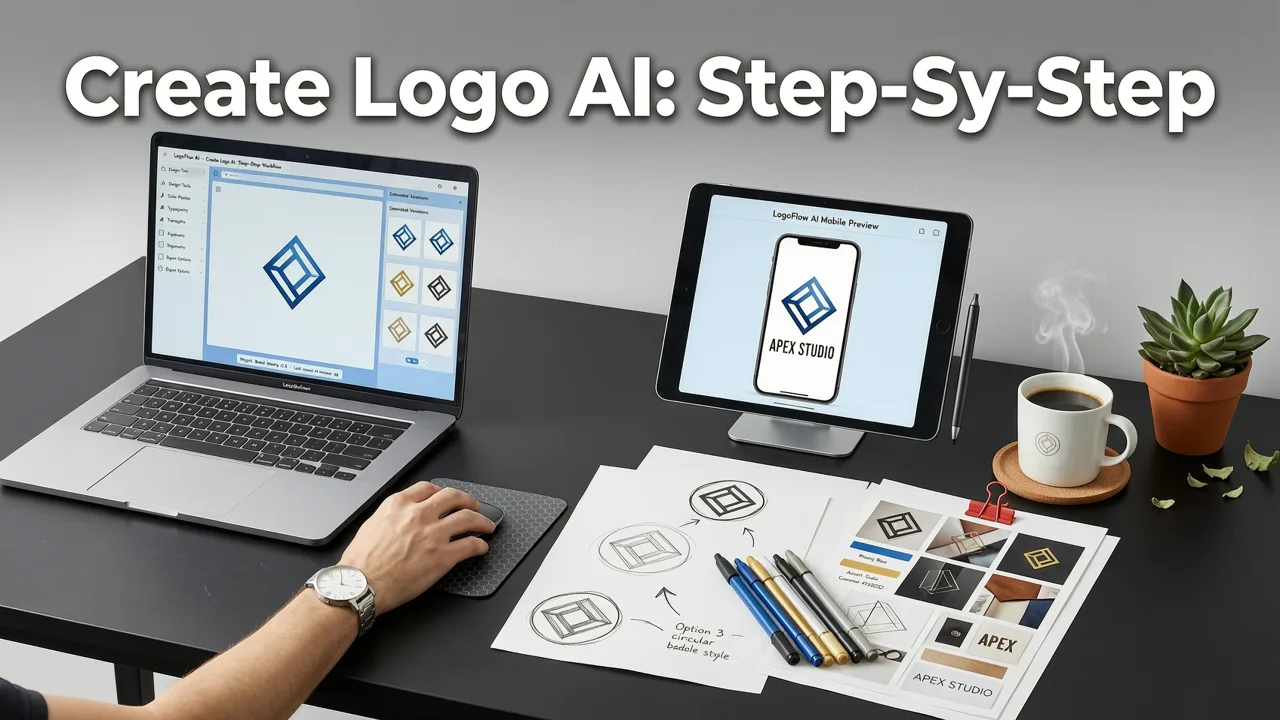
Creating a professional logo using AI in 2026 is a streamlined, intentional process — not a guessing game. Here’s how it works on modern platforms like AI Logo Generator:
Step 1: Define Your Brand Context — Not Just Your Name
Instead of only entering your business name, you’ll specify:
- Primary industry (e.g., “SaaS cybersecurity,” “local pet grooming,” “TikTok-first beauty brand”)
- Target audience (e.g., “Gen Z buyers,” “B2B procurement managers,” “parents aged 35–45”)
- Core brand values (e.g., “trust + transparency,” “playful innovation,” “heritage craftsmanship”)
This context informs everything from icon symbolism to typographic weight — ensuring your logo communicates before it’s even read. For example, an AI trained on OpenAI’s multimodal documentation principles will avoid pairing bold, aggressive fonts with “calm wellness” positioning.
Step 2: Select Style Direction — With Real-World Anchors
Gone are vague labels like “elegant” or “bold.” Today’s best tools offer style options grounded in proven design outcomes:
- Conversion-Optimized: Prioritizes high-contrast letterforms, tight tracking, and simplified iconography for digital storefronts (ideal for ecommerce logo AI tools)
- Local Trust: Uses warm, rounded type and community-oriented symbols — optimized for service businesses like HVAC contractors or dental clinics
- Creator-First: Emphasizes personalizability, signature-style strokes, and adaptable lockups for YouTubers, podcasters, and indie designers
Step 3: Refine With Intelligent Controls — Not Just Sliders
Modern interfaces let you adjust meaningfully:
- Typography weight toggle: Shift from “approachable light” to “authoritative medium” — with previewed readability scores at 12px and 24px
- Color harmony engine: Suggests accessible alternatives if your chosen palette fails WCAG 2.2 contrast thresholds
- Icon abstraction slider: From literal (a coffee cup for a café) to symbolic (steam lines evoking warmth and ritual)
Step 4: Generate, Review & Iterate — All in One Session
You’ll receive 8–12 initial concepts — not random variations, but logically grouped families:
- Family A: Typography-forward, icon-minimal (best for text-heavy platforms like LinkedIn or email)
- Family B: Icon-dominant, wordmark secondary (ideal for app icons or social avatars)
- Family C: Balanced lockup, responsive spacing (optimized for multi-environment use)
Each concept includes real-time previews on mockups: iPhone home screen, Shopify product page, business card, and dark-mode website header.
Key Features That Separate Top-Tier AI Logo Tools in 2026
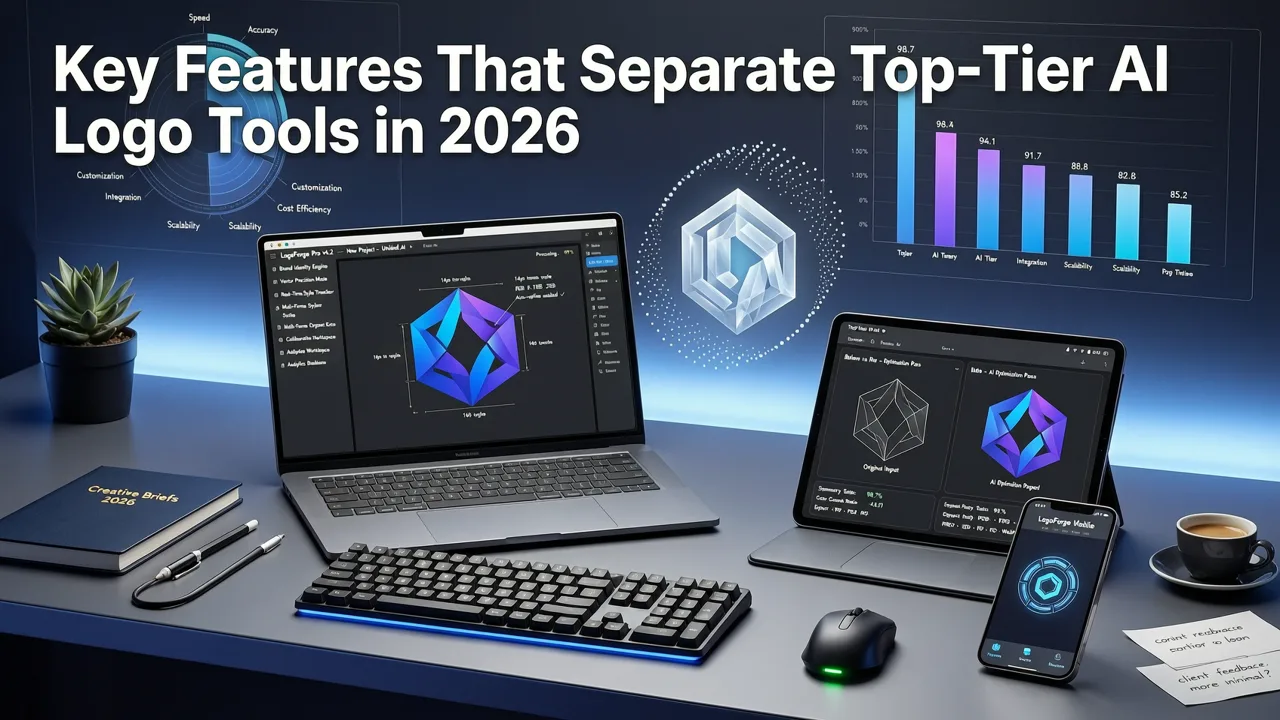
Not all tools that let you create logo with AI deliver equal value. Below is what truly differentiates enterprise-grade solutions from novelty apps — based on real user feedback and technical benchmarks from Q2 2026.
| Feature | Basic AI Logo Tools (2024–2025) | Leading AI Logo Tools (2026) |
|---|---|---|
| Industry Awareness | Generic category dropdown (e.g., “Food,” “Tech”) | Semantic sub-category modeling (e.g., “plant-based meal kits,” “open-source dev tools,” “hyperlocal salon booking”) |
| File Outputs | PNG only (max 1024px) | SVG, EPS, PDF, PNG (up to 4K), Figma plugin export, and animated Lottie for web |
| Commercial Rights | Watermarked unless paid subscription | Full commercial license included — no attribution required, even on free tier |
| Responsive Preview | Static desktop-only mockups | Live device simulation: iOS/Android status bar, dark/light mode toggle, browser tab preview |
| Brand Consistency Engine | Each generation is independent | Save a “brand seed” — reuse colors, spacing logic, and icon semantics across future projects |
These distinctions matter most when scaling. A founder launching their second brand can reuse their established color DNA — ensuring cohesion across ventures without relearning the tool. Likewise, an agency managing five client brands benefits from batch-export capabilities and consistent naming conventions across assets.
Why File Format Flexibility Matters More Than Ever
In 2026, “download your logo” means more than grabbing a PNG. It means having:
- SVG: Scalable for retina displays, embedded directly into HTML/CSS, and editable in code
- EPS: Print-ready for signage, packaging, and embroidery vendors
- Figma plugin export: One-click import into design systems — with auto-generated color tokens and typography styles
- Lottie JSON: Lightweight, performant animations for landing pages and micro-interactions
As noted in our deep dive on the logo generator for small business, production-ready file outputs aren’t a luxury — they’re the baseline expectation. Without them, you’ll waste hours converting assets or paying freelancers to fix AI-generated limitations.
Who Benefits Most From Creating Logo with AI in 2026?
While anyone can use AI to create a logo, certain users see outsized ROI — especially those balancing speed, budget, and strategic alignment.
Startup Founders Validating Ideas
Founders launching MVPs or testing landing pages no longer wait weeks for designer quotes. With AI, you can create logo with AI in parallel with domain registration and ad copywriting — building a cohesive first impression before writing a single line of code. As covered in Best AI Logo Maker for Startups in 2026, the strongest tools integrate with no-code stacks (Webflow, Bubble, Softr), auto-generating favicon packs and social media banners from the same source.
Small Business Owners Launching Locally
A local bakery doesn’t need a $5,000 identity system — but it does need a logo that reads clearly on a van decal, a laminated menu, and a Facebook cover photo. AI tools trained on regional business patterns understand how “rustic,” “modern,” or “family-run” translate visually — avoiding clichés while preserving authenticity. Our logo generator for small business guide details how these contextual cues drive higher local SEO trust signals and customer recall.
Ecommerce Brands Scaling Across Platforms
Whether you’re selling on TikTok Shop, Amazon, or your own Shopify store, your logo appears in wildly different contexts — tiny app icons, scroll-stopping banners, and checkout page headers. The best ecommerce logo AI tools don’t just generate one logo; they generate a *system*: primary mark, simplified icon, monochrome variant, and responsive lockup — all tested against platform-specific UI constraints.
Creators Building Personal Brands
YouTubers, newsletter writers, and course creators need logos that feel human — not corporate. Leading AI tools now include “creator mode,” which favors expressive typography, subtle texture overlays, and flexible lockups that adapt to vertical video thumbnails or horizontal podcast artwork. Unlike templated solutions, these outputs retain editorial voice — crucial when your logo represents *you*, not just your business.
Free vs. Paid: What You Actually Get When You Create Logo with AI
Many users assume “free AI logo generator” means compromised quality. In 2026, that’s outdated. Thanks to improved model efficiency and cloud infrastructure optimization, leading tools offer full functionality at zero cost — with monetization focused on advanced collaboration and integration features.
For example, the Free AI Logo Generator — Create Professional Logos in Minutes (2026) includes:
- Unlimited generations
- Full-resolution SVG, PNG, and PDF exports
- Commercial license for all generated assets
- Basic brand seed saving (1 saved project)
Premium plans add:
- Team workspace with version history
- API access for custom integrations (e.g., auto-generate logos from Airtable rows)
- Priority rendering for complex iterations
- White-label export (remove AI Logo Generator branding)
Crucially, no tier locks core creative control — sliders, color engines, or industry filters remain fully available across all plans. This reflects a broader 2026 trend: ethical AI tooling prioritizes accessibility over artificial scarcity.
Common Pitfalls — and How to Avoid Them
Even powerful tools require thoughtful input. Here’s what trips up new users — and how to sidestep each:
❌ Vague or Overly Broad Inputs
“I want something modern and cool.” → AI has no anchor. Instead, try: “A clean, trustworthy logo for a B2B SaaS that helps HR teams reduce turnover — target audience: mid-sized companies with 50–200 employees.”
❌ Ignoring Platform Constraints
Designing a logo for Instagram without checking how it renders at 110×110px leads to illegible text. Always preview across devices — and use tools that simulate real-world rendering (not just idealized mockups).
❌ Skipping Color Accessibility Checks
A stunning purple-on-blue combo may fail contrast checks for users with deuteranopia. Leading tools now flag contrast issues in real time and suggest compliant alternatives — never skip this step.
❌ Assuming “AI-Generated” Means “Final Version”
Your first AI logo is a strong foundation — not a finished product. Use it as a springboard: test it with customers, apply it to real touchpoints (email signature, invoice header), and refine based on actual usage. Iteration is built-in — embrace it.
Looking Ahead: What’s Next for Creating Logo with AI?
By late 2026, we’re seeing early adoption of three emerging capabilities:
- Dynamic logo systems: Logos that subtly adapt based on context — e.g., a darker variant loads automatically on dark-mode websites
- Brand voice alignment: AI cross-references your website copy or pitch deck to ensure visual tone matches linguistic tone (“friendly but expert” vs. “disruptive and bold”)
- Trademark conflict pre-screening: Real-time comparison against USPTO and WIPO databases to flag high-risk similarities (still advisory — not legal counsel)
These aren’t sci-fi concepts. They’re live in beta for select enterprise partners — and will roll out publicly in Q4 2026. The goal remains consistent: empower non-designers to make confident, brand-aligned decisions — faster, cheaper, and more strategically sound than ever before.
Final Thoughts: Create Logo with AI — Your First Strategic Brand Decision
To create logo with AI in 2026 is to make a statement: you value intentionality over inertia, clarity over complexity, and speed without sacrifice. It’s not about replacing designers — it’s about removing friction between idea and execution. Whether you’re bootstrapping a DTC brand, launching a local service, or building your creator empire, your logo is the visual handshake that opens every door. Make it count.
Ready to begin? Create logo with AI in under 90 seconds — no signup, no credit card, no compromise.


