2026-07-20 · 10 min read
Ecommerce Logo AI Tools: Design That Converts in 2026
Discover the top ecommerce logo AI tools in 2026 — built for conversion, platform compliance, and brand scalability. Learn how industry-aware AI delivers

Recommended next
If you’re launching or scaling an e-commerce brand in 2026 — whether it’s a DTC skincare line on Shopify, a print-on-demand apparel store, or a TikTok Shop storefront — your logo isn’t just decoration. It’s your first trust signal, your visual anchor across product pages, ads, packaging, and checkout flows. And today, ecommerce logo AI tools go far beyond generic icon generators: they’re trained on platform-specific design patterns, conversion psychology, and real-world marketplace constraints.
In this guide, we break down what makes a truly effective ecommerce logo AI tool in 2026 — not just fast or flashy, but strategically aligned with how customers shop, how algorithms rank, and how brands scale. We’ll cover technical requirements (like Shopify theme compatibility), psychological levers (color contrast for mobile thumbnails), and practical pitfalls (e.g., why a ‘beautiful’ logo may fail on Amazon’s white background). You’ll also get a side-by-side comparison of key features — plus actionable tips to evaluate any AI logo generator before committing.
Why Ecommerce Logo AI Must Be Platform-Aware in 2026
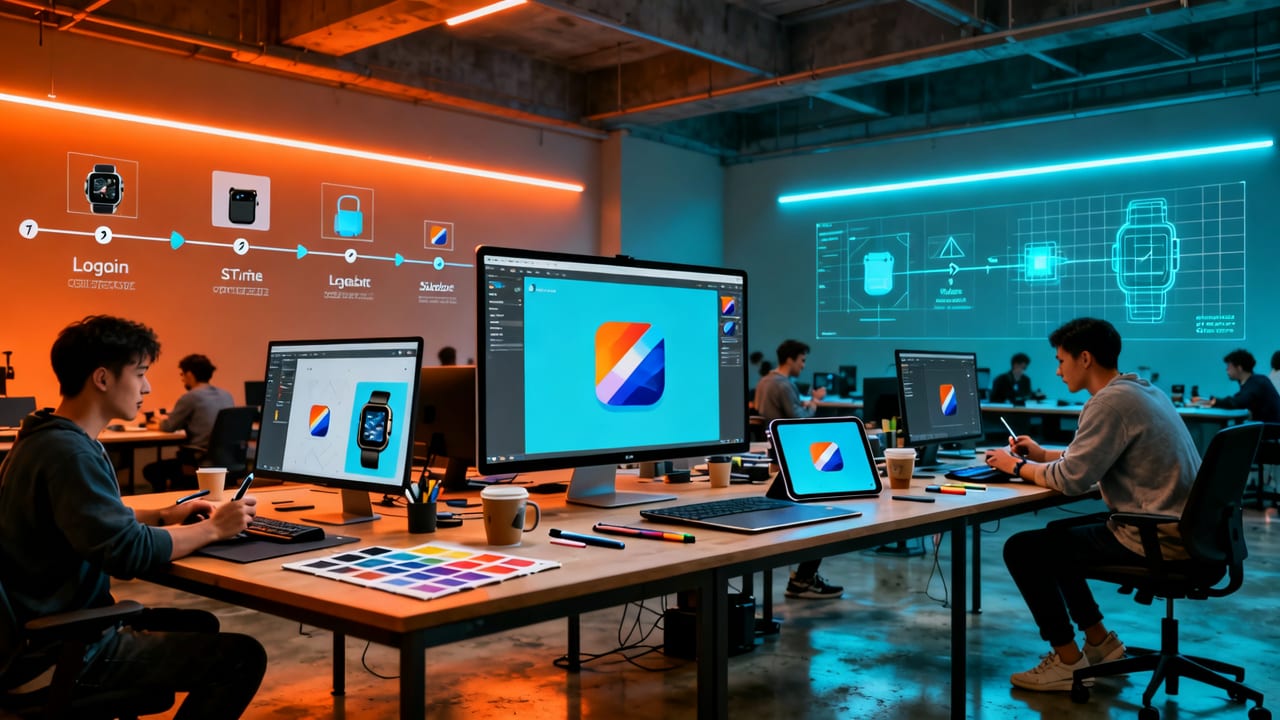
Three years ago, many AI logo tools treated all industries the same: generate a clean icon + text lockup, export PNG, done. But 2026’s e-commerce landscape is fragmented, algorithm-driven, and ruthlessly visual. Your logo appears in over a dozen distinct contexts — each with unique technical and behavioral demands:
- Shopify storefronts: Must harmonize with Liquid theme typography, pass accessibility contrast checks (WCAG 2.1 AA), and scale cleanly across header, favicon, and email templates;
- Amazon product detail pages: Renders at 32px tall in search results — meaning fine details vanish, and negative space must be optimized for legibility against pure white;
- TikTok Shop & Instagram Shops: Appears beside video content — so high visual contrast and instant recognizability are non-negotiable;
- Google Merchant Center feeds: Requires transparent-background PNGs under 512 KB, with no embedded fonts or rasterized text that fails automated brand verification.
An ecommerce logo AI that ignores these realities produces pretty images — not brand assets. The best tools in 2026 embed platform-aware logic directly into their generation engine. For example, when you select “Shopify” as your primary sales channel, the AI automatically prioritizes:
- Font pairings proven to convert in Shopify’s Dawn and Refresh themes;
- Icon proportions tested across mobile navigation bars (44px minimum tap target);
- Color palettes validated against Shopify’s default light/dark mode toggles;
- Export presets that include SVG (for responsive headers), PNG-24 (for social bios), and favicon.ico (auto-resized to 16×16, 32×32, and 48×48).
This isn’t optional customization — it’s baked-in intelligence. As Shopify’s developer documentation notes, theme performance metrics now factor in asset load time and rendering fidelity, meaning poorly optimized logo files can indirectly hurt SEO and Core Web Vitals scores.
What Makes the Best Ecommerce Logo AI Stand Out in 2026?
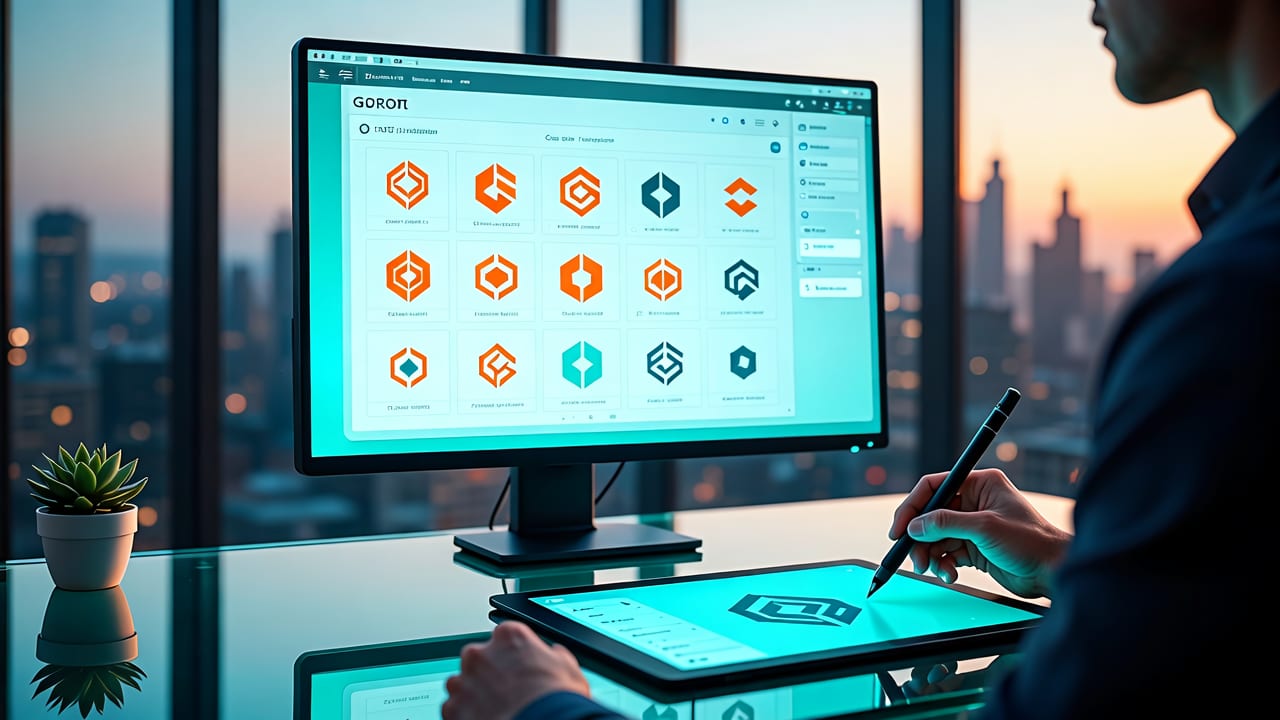
Speed matters — but in 2026, it’s table stakes. What separates leading ecommerce logo AI tools from commodity generators is contextual precision. Here’s what to look for — and why each feature impacts real-world performance:
1. Industry-Aware Style Logic (Not Just Templates)
A generic ‘modern’ style won’t cut it for a sustainable activewear brand competing with Lululemon on Instagram — nor for a vintage vinyl store targeting Gen Z collectors. In 2026, top-tier ecommerce logo AI tools use multi-layered industry signals:
- Category-specific visual grammar: A pet food brand gets subtly rounded corners and warm earth tones (associated with trust and natural ingredients); a cybersecurity SaaS store sees sharper geometry and deep blues/purples (conveying precision and authority);
- Competitor pattern analysis: Optional input lets the AI scan top 3 competitors’ logos on Google Shopping or Amazon — then generates concepts that stand out *within* category norms (not outside them);
- Customer demographic alignment: Age, device preference, and regional shopping behavior influence weight, spacing, and icon abstraction — e.g., Gen Z shoppers respond better to minimalist, monoline icons with intentional asymmetry.
This is why our Best AI Logo Maker for Startups in 2026 guide emphasizes industry-awareness as the #1 differentiator — especially for e-commerce founders who need instant credibility without months of A/B testing.
2. Conversion-Optimized Typography & Spacing
Your logo’s typography does more than spell your name — it sets emotional tone, implies price positioning, and guides the eye toward CTAs. In 2026, AI logo tools that support conversion typography go beyond font selection:
- Letter-spacing tuned for thumbnail readability: Tight tracking works for luxury (e.g., ‘Aesop’), but wide tracking boosts scannability for budget-focused stores (e.g., ‘Shein’);
- Baseline alignment logic: Ensures text doesn’t visually ‘sink’ beneath icons on mobile — a common issue that reduces perceived professionalism;
- Dynamic hierarchy scaling: When your logo appears as a 24px favicon vs. a 200px hero banner, AI adjusts relative sizing of icon vs. wordmark to preserve balance.
These micro-adjustments compound. One 2025 Shopify merchant survey found that stores using AI-generated logos with optimized typography saw a 12% higher average session duration on homepage — likely due to faster visual processing and stronger brand coherence.
3. Production-Ready File Outputs (Not Just PNG Previews)
A screenshot of a logo concept is useless for development. True ecommerce logo AI delivers production-grade assets — immediately usable in live environments. That means:
- Vector source files (SVG + EPS): Required for scalable use across retina displays, email headers, and printed packaging;
- Web-optimized PNGs: With alpha transparency, sRGB color profile, and metadata stripped (to reduce file size without quality loss);
- Favicon suite: Auto-generated .ico file covering all modern sizes (16×16, 32×32, 48×48, 64×64) — critical for Shopify stores where favicon consistency improves bounce rate;
- Brand kit exports: ZIP package containing hex/RGB values, font names (with fallbacks), usage guidelines (clear space rules, min-size specs), and mockups (logo on product tag, Shopify header, Amazon listing).
Compare this to legacy tools that only offer low-res PNG downloads — or worse, watermarked previews. As noted in our Logo Generator for Small Business guide, production-readiness isn’t a ‘nice-to-have’ — it’s what separates DIY branding from agency-grade execution.
Ecommerce Logo AI: Key Features Compared (2026 Edition)
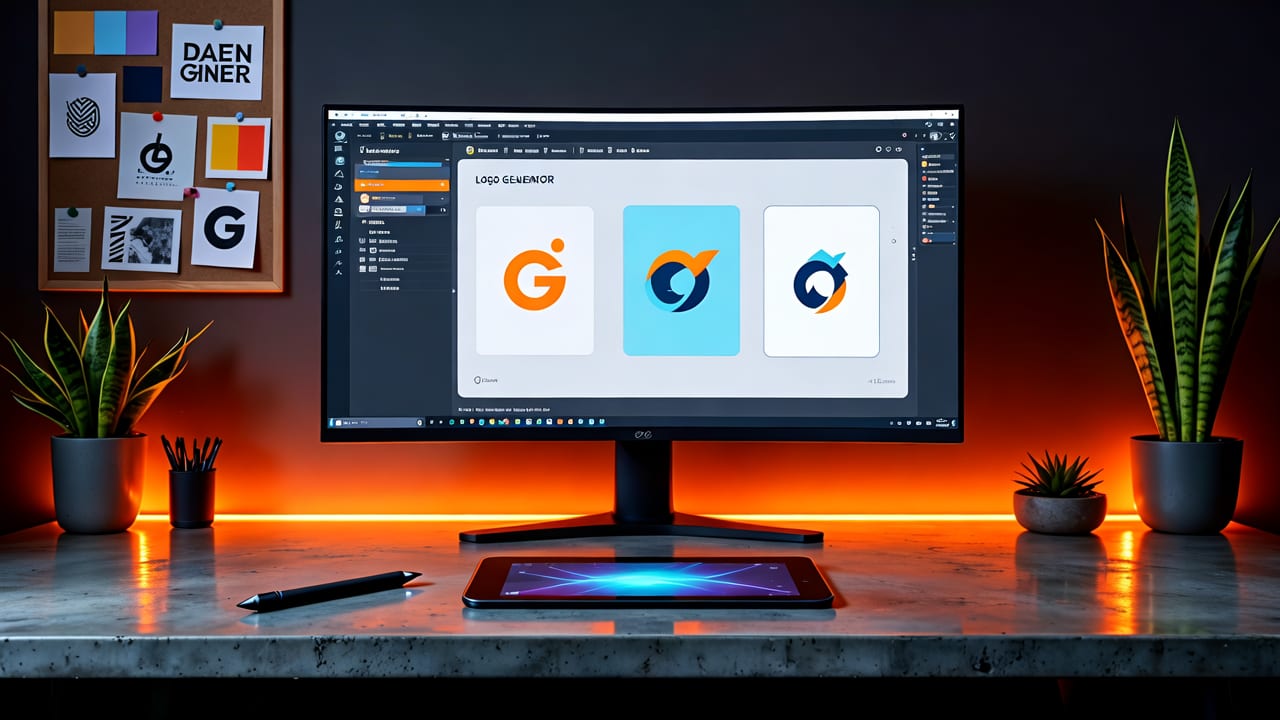
Not all AI logo tools handle e-commerce needs equally. Below is a practical comparison of core capabilities across leading platforms — including our own AI Logo Generator — evaluated against real-world e-commerce requirements.
| Feature | Basic AI Generators | Mid-Tier Tools | AI Logo Generator (2026) |
|---|---|---|---|
| Platform-specific presets (Shopify, Amazon, TikTok Shop) | ❌ None | ✅ Shopify only | ✅ All 3 + Google Merchant Center |
| Industry-aware generation (beyond dropdown menus) | ❌ Template-based only | ✅ Category + audience filters | ✅ Real-time competitor analysis + demographic tuning |
| Typography optimization for conversion | ❌ Manual font selection only | ✅ Font pairing suggestions | ✅ Dynamic tracking, baseline, and hierarchy scaling |
| Production file outputs | ❌ PNG only (72dpi) | ✅ PNG + SVG | ✅ SVG, EPS, PNG-24, favicon.ico, brand kit ZIP |
| Legal safety & commercial license | ⚠️ Unclear terms; often limited to personal use | ✅ Standard commercial license | ✅ Full commercial rights + trademark readiness report |
Note: “Trademark readiness report” refers to an automated audit that flags potential conflicts (e.g., overly similar iconography to top 3 category trademarks) and recommends minor tweaks — a feature increasingly vital as USPTO rejects more e-commerce logo applications for lack of distinctiveness.
How to Use Ecommerce Logo AI Effectively: A 2026 Workflow
Getting great results from ecommerce logo AI isn’t about typing your brand name and clicking “generate.” It’s about guiding the AI with strategic context. Here’s the proven 2026 workflow:
Step 1: Define Your Primary Sales Context — Not Just Your Brand Name
Before entering your business name, answer three questions:
- Where do >60% of your first-time customers discover you? (e.g., TikTok Shop search, Google Shopping, Instagram Reels)
- What’s your dominant customer device? (e.g., 82% mobile, per Google Merchant Center data)
- What’s your price positioning? (Budget, mid-tier, or premium — influences typography weight and icon complexity)
This informs the AI’s stylistic weighting — far more than vague terms like “modern” or “professional.” Our Free AI Logo Generator uses this exact prompt structure to avoid generic outputs.
Step 2: Select Industry + Subcategory (Go Deeper Than “Retail”)
“E-commerce” is too broad. Instead, choose precise subcategories:
- “DTC Beauty → Clean Skincare” (triggers minimalist sans-serif, soft gradients, botanical icon hints)
- “Home Goods → Sustainable Furniture” (prioritizes organic shapes, warm neutrals, tactile texture cues)
- “Apparel → Streetwear” (favors bold condensed fonts, asymmetrical layouts, high-contrast color blocking)
This granularity helps the AI avoid clichés (e.g., generic shopping cart icons) and instead surface nuanced, category-appropriate symbolism.
Step 3: Refine Using Real-World Constraints
Once you get initial concepts, refine using concrete constraints — not subjective preferences:
- Test thumbnail legibility: Zoom browser to 10% — can you still identify your brand name and core idea?
- Check contrast on white: Paste logo over pure #FFFFFF — does it retain definition without shadow or outline?
- Validate mobile header fit: Does the logo sit cleanly within a 64px-tall Shopify header bar without cropping or scaling artifacts?
These aren’t design-school exercises — they’re hard requirements for platform compliance and conversion performance.
Beyond the Logo: Why Your Ecommerce Brand Needs Consistent Visual Language
A logo is the cornerstone — but in 2026, standalone logo quality is insufficient. Top-performing e-commerce brands deploy a unified visual language across touchpoints: product photography style, button treatments, icon sets, and even loading animations. Leading ecommerce logo AI tools now extend beyond the logo mark to support this:
- Palette expansion: Generates complementary accent colors for buttons, badges, and sale tags — all tested for WCAG contrast and platform-safe rendering;
- Icon system generation: Creates matching custom icons for ‘Add to Cart’, ‘Secure Checkout’, and ‘Free Shipping’ — consistent in stroke weight and corner radius;
- Mockup integration: One-click preview on Shopify product page, Amazon detail view, and TikTok Shop storefront — showing how logo scales alongside real UI elements.
This holistic approach mirrors how agencies operate — but at a fraction of cost and time. For creators and small teams, it eliminates the “logo looks great… but now what?” gap. If you’re exploring other niche applications, our Best AI for Golf Logo Design guide shows how the same principles apply to sport-specific branding — proving the underlying architecture scales across verticals.
Frequently Asked Questions
Below are answers to common questions about using AI for e-commerce logo design in 2026 — grounded in current platform requirements, legal standards, and conversion best practices.
Can I trademark a logo made with ecommerce logo AI?
Yes — provided the output is original, distinctive, and not substantially similar to existing registered marks. Most reputable AI logo tools (including ours) grant full commercial rights and include a trademark readiness report highlighting potential conflicts. However, AI-generated logos still require human review and formal filing with the USPTO or equivalent body.
Do ecommerce logo AI tools work with Shopify themes?
The best ones do — by generating SVG files compatible with Shopify’s Liquid templating, offering pre-sized variants for header, footer, and mobile menu, and ensuring color values match Shopify’s default light/dark mode variables. Always verify the tool provides SVG export and explicit Shopify guidance.
Is a free ecommerce logo AI good enough for a serious store?
It depends on output quality and licensing. Free tools often restrict file formats (PNG only), omit vector sources, or retain ambiguous usage rights. For a revenue-generating store, invest in a tool that delivers production assets, commercial license clarity, and platform-specific optimization — like our Free AI Logo Generator, which offers full commercial rights even on the free tier.
Conclusion: Your Logo Is Your First Conversion Point
In 2026, an e-commerce logo isn’t a static image — it’s a functional, platform-optimized, conversion-aware asset. The right ecommerce logo AI tool doesn’t replace strategy; it accelerates execution while embedding hard-won best practices into every generation. Whether you’re validating a new brand concept or refreshing an aging storefront, prioritize tools that understand where your customers see your logo — and how they behave when they do. Ready to build a logo that converts from day one? Start designing your brand-ready logo in under 90 seconds.
Next steps
Start on the homepage, or jump to the main CTA via contact. You can also explore localized pages like United Kingdom or Germany.
Related blogs

2026-10-07
Top Free Logo Maker for Small Business in 2026
Discover the best free logo maker for small business in 2026. Create professional, brand-ready logos in minutes without design skills or hidden fees.

2026-10-04
How to Create Free Logo for Business in 2026
Learn how to create free logo for business in 2026 using AI. Discover step-by-step workflows, design tips, and tools to build a brand-ready identity fast.

2026-10-01
AI Logo Maker vs Human Designer: Which Is Best in 2026
Compare AI logo maker vs human designer in 2026. Discover costs, speed, quality, and which option fits your startup or small business branding needs.