
By AI Logo Generator · Published · 5 min read
How to Make a Logo with AI in 2026: A Complete Guide
Learn how to make a logo with AI in 2026. Discover the exact process to create professional, scalable brand identities in minutes without design skills.

Recommended next
Why Learning How to Make a Logo with AI Matters in 2026
Launching a brand in 2026 requires speed, precision, and a professional visual identity. If you are wondering how to make a logo with AI, the process has evolved from basic text overlays to sophisticated, context-aware design engines that produce brand-ready assets in minutes. This guide breaks down exactly how to make a logo with AI, ensuring your final design is scalable, unique, and perfectly aligned with your business goals.
For startup founders and small business owners, the days of waiting weeks for agency deliverables or settling for generic clip-art are over. Modern AI logo generators understand typography, color theory, and industry-specific aesthetics. By leveraging these tools, you can establish a credible market presence on day one. If you are building a new venture, exploring custom logo design for startups through AI ensures your visual identity is both fast and highly professional.
Step-by-Step: How to Make a Logo with AI
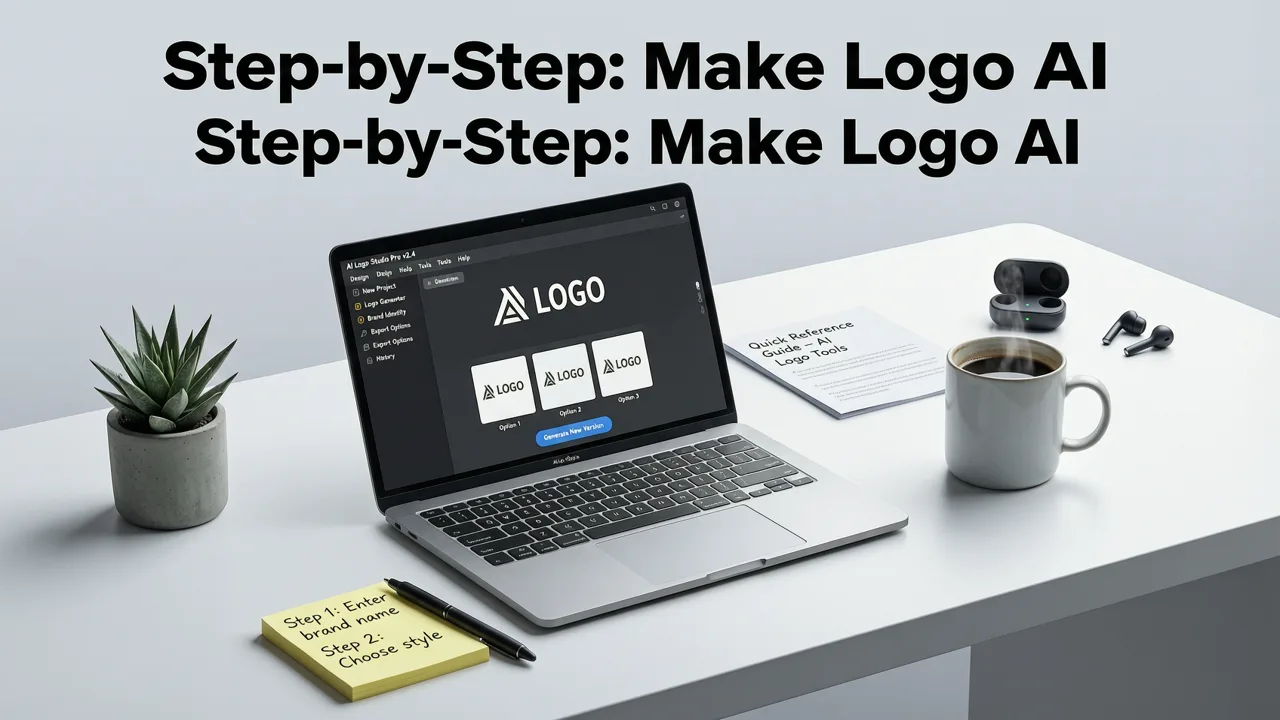
Creating a professional logo using artificial intelligence is a straightforward process, but achieving the best results requires a strategic approach. Follow these steps to transform your brand concept into a polished visual identity.

Step 1: Define Your Brand Identity and Name
Before generating any visuals, clarify your core brand elements. Enter your exact business name into the AI logo generator. Consider your target audience, your unique value proposition, and the primary emotion you want your brand to evoke. A clear brand foundation helps the AI engine suggest more relevant and impactful design concepts.
Step 2: Select Your Industry and Style Preferences
Next, specify your industry and select your preferred design styles. Most advanced platforms allow you to choose from categories like minimalist, vintage, bold, abstract, or typographic. The AI uses these parameters to filter through millions of design combinations, ensuring the initial concepts align with your specific market sector.
Step 3: Generate and Refine AI Concepts
Once your parameters are set, the AI will generate a diverse gallery of logo concepts. Review the options and select the designs that resonate most with your vision. Use the built-in editing tools to refine your choice. You can adjust the color palette, swap out icon elements, and test different font pairings until the design perfectly captures your brand essence.
Step 4: Export in Scalable Vector Formats
A professional logo must look crisp on a business card and a billboard alike. Always export your final design in true vector formats such as SVG or EPS. Raster images like JPEGs will pixelate when scaled. Utilizing a top free logo maker for small business ensures you get access to these essential, scalable file types without compromising on quality.
Key Features to Look for in an AI Logo Generator
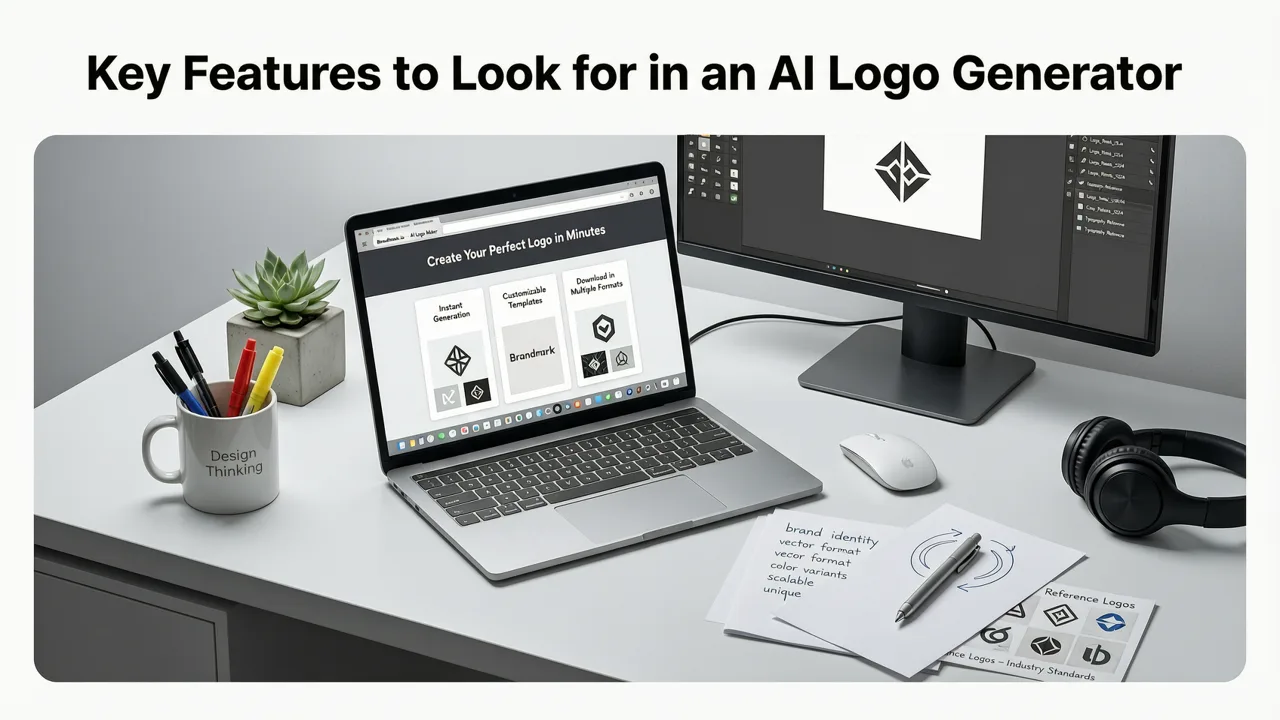
Not all AI design tools are created equal. When evaluating platforms to build your brand identity, prioritize features that guarantee commercial viability and design flexibility.
| Feature | Why It Matters | What to Expect in 2026 |
|---|---|---|
| True Vector Export | Ensures your logo remains crisp at any size for print and digital use. | Instant downloads in SVG, EPS, and high-resolution PNG formats. |
| AI Style Matching | Aligns the visual output with your specific industry and brand personality. | Advanced algorithms that understand nuanced design trends and sector norms. |
| No Watermarks | Allows you to use and evaluate the design cleanly before finalizing. | Full-resolution previews and clean exports upon completion. |
| Commercial Rights | Protects your business legally, allowing you to trademark the final asset. | Full ownership transfer and exclusive rights upon download. |
AI Logo Design vs. Traditional Agencies
Understanding the shift in the design landscape helps founders make informed decisions. Traditional design agencies offer deep, collaborative partnerships but often come with high retainers and extended timelines. In contrast, an AI-powered custom logo design service delivers immediate results at a fraction of the cost.
With traditional agencies, the iterative process can take weeks. You submit a brief, wait for initial concepts, provide feedback, and wait for revisions. AI generators compress this timeline into minutes. You can generate, tweak, and finalize dozens of variations in a single session. This speed is particularly valuable for ecommerce brands and digital creators who need to launch campaigns and storefronts rapidly.
Best Practices for AI-Generated Branding
While AI handles the heavy lifting of layout and generation, human oversight is still critical for creating a timeless brand. Follow these best practices to ensure your AI-generated logo stands the test of time.
Prioritize Simplicity and Scalability
The most iconic logos are remarkably simple. Avoid overly complex illustrations or intricate gradients that lose detail when scaled down. A clean, minimalist design ensures your logo remains recognizable on mobile app icons, social media avatars, and large-format signage. If you are building an online store, reviewing an ecommerce logo maker guide can help you optimize your design for digital storefronts.
Understand Color Psychology
Colors evoke specific emotions and associations. Blue often conveys trust and professionalism, making it popular in finance and tech. Green is associated with growth, health, and sustainability. When refining your AI concepts, ensure the color palette aligns with the psychological message you want to send to your customers.
Ensure Ethical and Responsible Use
As generative AI becomes standard in commercial design, adhering to ethical guidelines is essential. Reviewing resources like Google AI guidance on responsible AI use can help you understand the broader implications of generative technology. Ensure your final design is sufficiently unique and does not infringe on existing trademarks.
Test Across Multiple Mediums
Before finalizing your logo, test it in various real-world contexts. View it in black and white to ensure the contrast works without color. Print it on paper and view it on different screen sizes. A truly effective logo must maintain its integrity whether it is embossed on a letterhead or displayed on a smartwatch screen. Understanding the underlying mechanics of these models, as detailed in OpenAI documentation, can also provide insight into how prompt adjustments influence visual output.
Conclusion
Learning how to make a logo with AI in 2026 empowers founders and creators to build professional, scalable brand identities without the traditional bottlenecks of cost and time. By following a structured process, prioritizing vector exports, and applying core design principles, you can create a visual asset that drives credibility and growth. Ready to build your brand? Use our AI Logo Generator to create your custom, brand-ready logo in minutes.
Make your logo with AI Logo Generator
Describe your business or upload the logo you have, then edit the design and download it as PNG, SVG or PDF.
You can try it for free: new accounts get free credits to create logos. Logos you download without a plan have a watermark, and buying a plan removes it.
Next steps
Create a logo with AI Logo Generator, or redesign a logo you already have. Before you download it, check which logo sizes you need for the web, social media and print, and see how the main types of logo differ. Questions? Contact our support team.
More on logo design guides

2026-11-03
Free AI Logo Maker Tutorial: 2026 Step-by-Step Guide
Follow this free ai logo maker tutorial to design a professional brand identity in minutes. Learn the 2026 step-by-step process for founders.

2026-10-31
The Best Free AI Logo Generator for 2026: Ultimate Guide
Looking for the best free ai logo generator in 2026? Discover how modern AI tools create custom, scalable, and watermark-free logos for your brand in minutes.

2026-10-13
How to Prompt AI Logo Generator for Professional Results
Discover how to prompt ai logo generator tools in 2026 for stunning, brand-ready marks. Learn the exact formula, see examples, and master expert tips.