2026-08-20 · 9 min read
AI Logo Sticker Maker: Create Branded Stickers Instantly (2026)
AI logo sticker maker lets founders and creators design print-ready, die-cut branded stickers in minutes. Learn how it works, best practices, and 2026 tips.

Recommended next
AI Logo Sticker Maker — What It Is and Why It Matters in 2026
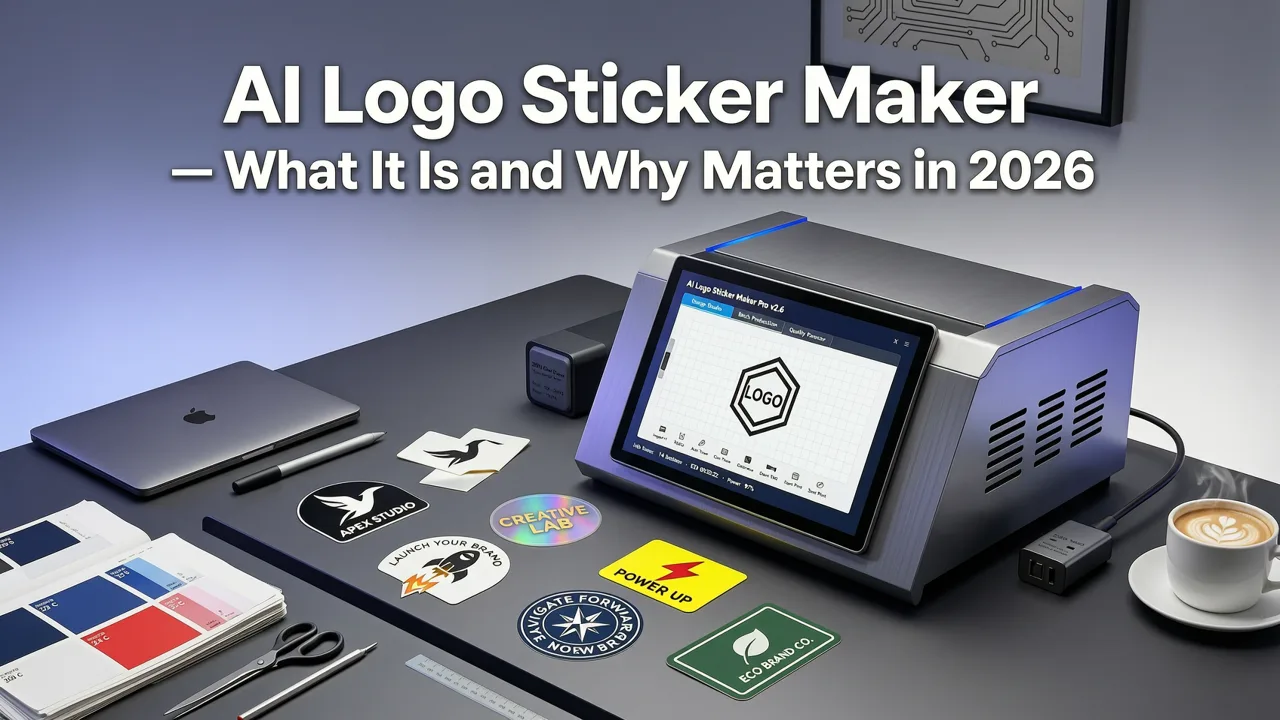
In 2026, a branded sticker is no longer a throwaway giveaway — it is a portable brand asset that travels on laptops, water bottles, packaging, and storefront windows. An ai logo sticker maker turns your brand identity into a print-ready, die-cut sticker design in minutes, without Illustrator skills, agency retainers, or guesswork about bleed lines and color profiles.
If you are a startup founder, ecommerce seller, or independent creator, the short answer is this: an AI-powered sticker generator analyzes your brand name, industry, style preferences, and color palette, then outputs a scalable vector sticker mockup optimized for physical production. Below is a complete guide to how these tools work, what separates a great sticker design from a forgettable one, and how to get from brand concept to a box of stickers on your desk — fast.
What Makes a Truly Great AI Logo Sticker Maker in 2026?
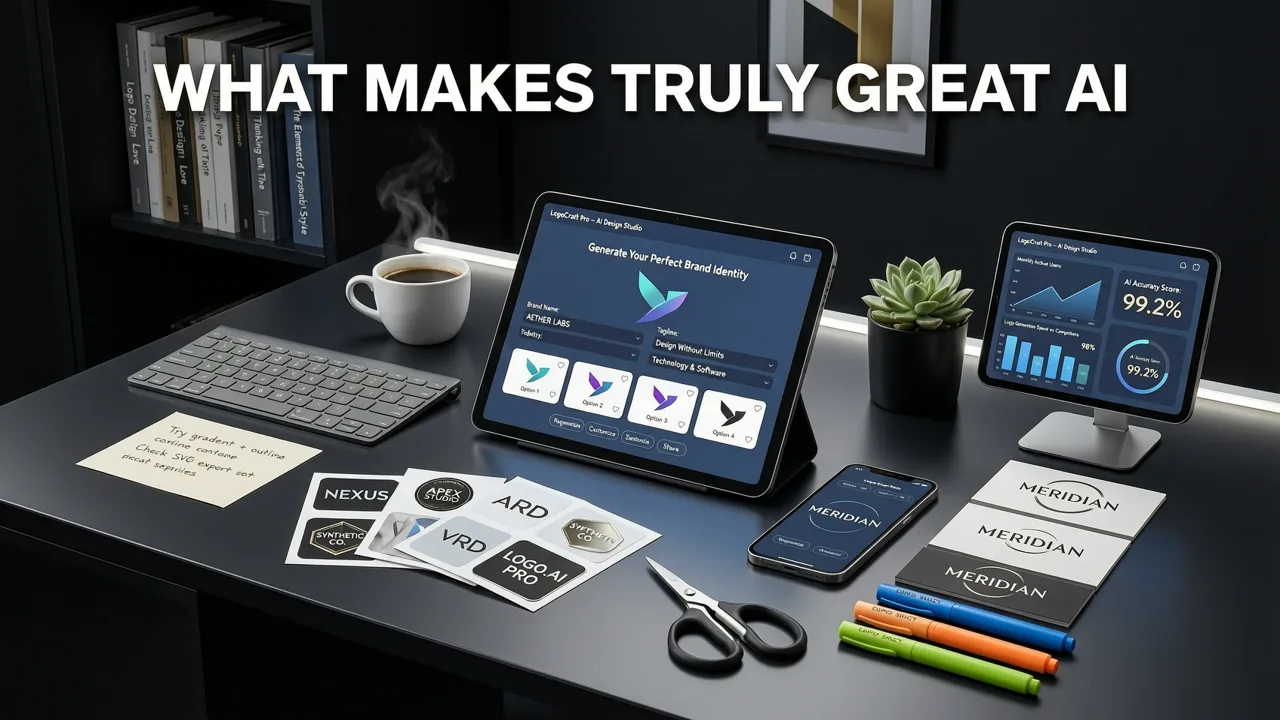
Not every logo generator produces sticker-ready output. A purpose-built ai logo sticker maker accounts for the physical constraints of adhesive vinyl, kiss-cut dies, and CMYK color translation. Here is what separates a professional-grade tool from a generic logo creator.
1. Print-Optimized Output Architecture
The best generators deliver vector files (SVG, EPS, or PDF) alongside high-resolution PNGs. Raster-only output looks crisp on a screen but pixelates when printed at sticker scale. A quality AI sticker maker renders at 300 DPI minimum and provides CMYK color separation so your brand colors survive the jump from screen to press.
2. Die-Cut and Kiss-Cut Awareness
A die-cut sticker follows the exact contour of your design. A kiss-cut sticker leaves a border of backing paper around the shape. Leading AI tools in 2026 simulate both cut styles in preview, so you can see how your logo will look before you send files to a printer. This is the same logic used in a baseball cap logo generator, where physical-first rendering ensures the design actually works in the real world.
3. Monochrome and Single-Color Variants
Many sticker applications — warehouse labels, product seals, notebook decals — use single-color vinyl. A strong AI sticker maker automatically generates one-color and two-color variants so you are not stuck redesigning when your print shop asks for a simplified version.
4. Scalability Without Distortion
Your sticker might be printed at 2 inches for a laptop decal or 12 inches for a storefront window. Vector-based output ensures the design scales cleanly at any size, the same principle that makes a logo for stamp design effective across applications.
How It Works: From Brand Identity to Sticker in Under 90 Seconds
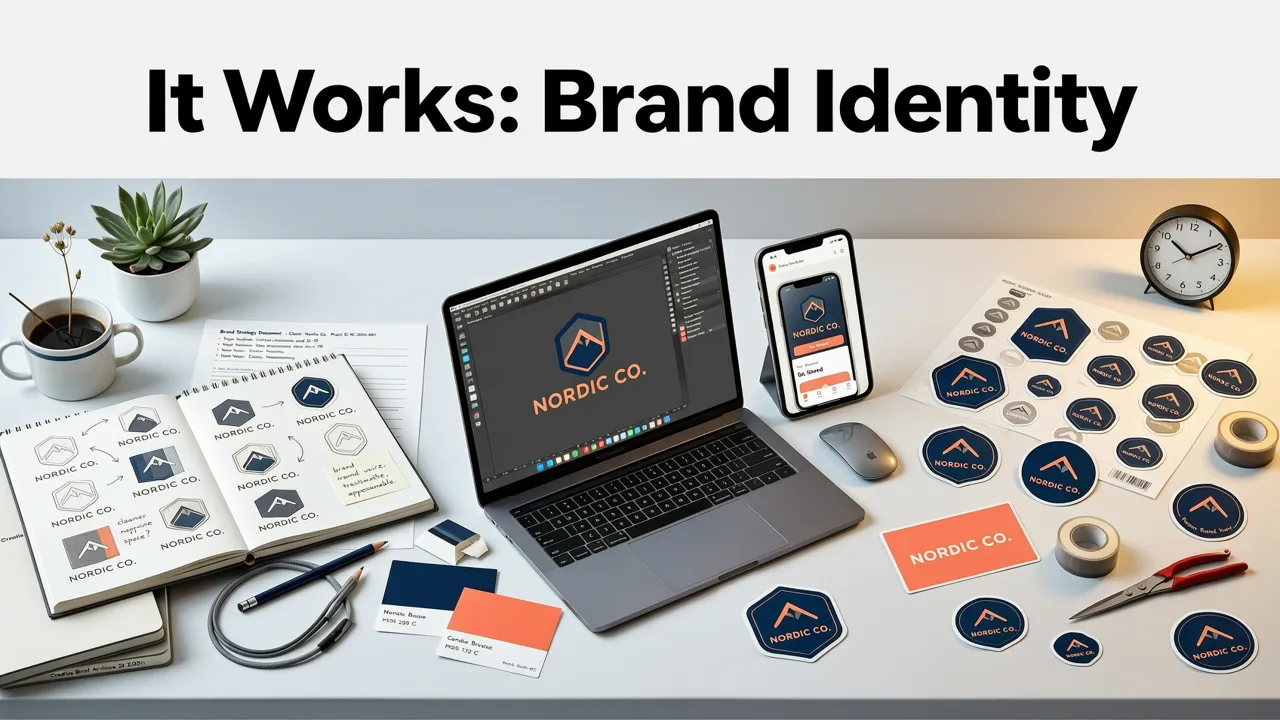
Modern AI logo sticker makers follow a streamlined workflow. Here is the typical process, step by step.
Step 1: Enter Your Brand Identity
Type your brand name, tagline, and select your industry. The AI uses this context to pull relevant iconography, typography pairings, and layout conventions. A coffee roaster will get different visual suggestions than a cybersecurity startup.
Step 2: Choose Style, Shape, and Color Palette
Pick a style direction — minimalist, vintage, bold, hand-drawn, geometric — and select your brand colors. The tool generates sticker concepts that respect your palette while ensuring enough contrast for legibility at small sizes.
Step 3: Review AI-Generated Concepts
The engine produces multiple sticker concepts, each shown in context: on a laptop, on a water bottle, on packaging. This contextual preview is critical because a sticker that looks good on a white background may fail when applied to a dark surface.
Step 4: Customize and Refine
Adjust spacing, swap icons, change fonts, or tweak the border width. Most AI sticker makers in 2026 allow real-time editing with instant preview updates.
Step 5: Export Print-Ready Files
Download your sticker as a vector file for professional printing, or as a high-resolution PNG for home or office printers. Include bleed margins and cut lines if your print provider requires them.
Sticker Design Best Practices That Actually Matter
Having the right tool is only half the equation. The design decisions you make inside the tool determine whether your stickers get used or discarded. Here are the principles that separate effective sticker design from amateur output.
Keep the Core Message Readable at 2 Inches
The average laptop sticker is 2 to 3 inches wide. If your brand name or core symbol cannot be read at that size, simplify. Remove secondary text, tighten letter spacing, and increase the weight of your primary mark.
Design for Contrast, Not Just Color
Stickers end up on dark laptops, light water bottles, and colored packaging. A design that relies on a specific background color will fail in most real-world contexts. Build your sticker to work on both light and dark surfaces, or create two variants.
Use a Clear Visual Hierarchy
A sticker has roughly one second to communicate. Lead with the most important element — usually the brand symbol or name — and support it with a single accent element. Avoid cluttering the design with multiple icons, slogans, and decorative borders.
Leave Adequate Quiet Space
Just as a logo needs breathing room, a sticker needs clear space around its edges. This is especially important for die-cut designs where the cut line sits close to the artwork. A minimum 1/8 inch quiet zone prevents the design from feeling cramped.
AI Logo Sticker Maker vs. Traditional Design: A 2026 Comparison
Founders often wonder whether an AI tool can match the output of a professional designer. The answer depends on your use case, timeline, and budget. Here is a direct comparison.
| Factor | AI Logo Sticker Maker | Traditional Designer |
|---|---|---|
| Turnaround time | Minutes | Days to weeks |
| Cost per design | $0–$30 | $200–$2,000+ |
| Print-ready file output | Vector + PNG included | Depends on deliverables |
| Custom illustration | Limited to AI library | Fully custom |
| Iterations | Unlimited in session | Billed per revision |
| Brand strategy input | Template-guided | Deep discovery process |
| Best for | Startups, small biz, creators | Established brands, complex identity |
For most small businesses and early-stage startups, an AI sticker maker delivers 90 percent of the value at a fraction of the cost and time. If your brand requires bespoke illustration or a comprehensive identity system, a designer remains the right call — but you can use AI-generated concepts as a strong starting point for those conversations.
Common Use Cases for AI-Generated Branded Stickers
Branded stickers have become one of the most versatile and cost-effective marketing assets available to small businesses. Here are the most common applications in 2026.
Product Packaging and Seals
Handmade goods, artisan foods, and boutique cosmetics use branded stickers as product seals, ingredient labels, or decorative accents. A custom sticker transforms plain packaging into a branded unboxing experience.
Laptop and Device Decals
Stickers on laptops and phones are organic brand exposure. Every time someone sets their device down in a coffee shop or coworking space, your brand gets seen. This is why tech startups and developer tools invest heavily in sticker distribution.
Shipping and Fulfillment
A branded sticker on a shipping box or packing slip turns a routine delivery into a brand moment. It costs pennies per unit and increases the perceived value of the unboxing experience.
Event and Trade Show Giveaways
Stickers remain one of the most requested items at conferences and pop-up events. They are lightweight, inexpensive to produce in bulk, and have a high retention rate compared to branded pens or stress balls.
Community and Loyalty Programs
Brands use exclusive sticker drops — limited editions, member-only designs, or milestone celebrations — to reward loyal customers and build community identity. This mirrors the strategy behind physical brand assets like a custom logo stamp maker, where tactile objects deepen brand connection.
How to Choose the Right AI Logo Sticker Maker for Your Brand
With dozens of tools on the market, selection comes down to a few critical factors.
- File format support: Ensure the tool exports SVG, EPS, or PDF for professional printing. PNG-only output limits your options.
- Cut style preview: Look for tools that simulate die-cut and kiss-cut results so you can visualize the final product.
- Color mode flexibility: CMYK export is essential for offset or digital printing. RGB-only tools will produce unexpected color shifts.
- Editing depth: Can you adjust individual elements — fonts, colors, spacing, icons — or are you locked into the AI's first suggestion?
- Commercial licensing: Confirm that your subscription or purchase includes full commercial rights to the sticker design.
Tips for Getting the Most From Your AI Sticker Design Session
The quality of your output depends significantly on the quality of your input. Follow these tips to get sticker designs that actually reflect your brand.
- Define your audience first. A sticker for a children's product brand should feel very different from one for a B2B SaaS company. Enter your industry and audience context honestly.
- Limit your color palette. Two to three colors produce cleaner, more legible stickers than five or six. The AI will respect your constraints and produce stronger results.
- Test at actual print size. Most tools offer a scale preview. Zoom out to 2 inches and check whether the core element is still identifiable.
- Generate multiple variants. Create a full-color version, a single-color version, and a reversed version for dark surfaces. This gives you flexibility across applications.
- Save your source files. Always download the vector file, even if you plan to print PNGs initially. You will need the vector file for resizing or reprinting later.
Looking Ahead: Sticker Design and AI in 2026 and Beyond
The trajectory of AI-powered design tools points toward even tighter integration between digital creation and physical production. In 2026, leading platforms already connect directly to print-on-demand sticker services, so you can go from concept to a box of stickers on your doorstep without leaving the browser.
As generative models improve, expect more sophisticated shape recognition, better handling of complex typography, and smarter suggestions based on your existing brand assets. The tools referenced in guides like the AI logo stamp generator are already demonstrating how physical-world constraints can be baked into AI output — and sticker design is following the same path.
For founders and creators, the takeaway is simple: the barrier to professional branded stickers has never been lower. The investment is no longer money or time — it is the strategic thinking behind what your sticker should say, where it will live, and how it will represent your brand in the physical world.
Final Thoughts
An ai logo sticker maker is a practical, cost-effective way to extend your brand into the physical world. Whether you are sealing product packages, distributing laptop decals at a conference, or adding a branded touch to your shipping boxes, AI-generated stickers deliver professional results in minutes. The key is choosing a tool that outputs print-ready vector files, understands cut styles, and gives you editing control. Start with your brand identity, respect the constraints of physical printing, and let the AI handle the heavy lifting.
Ready to create your first branded sticker? Head to aigeneratelogos.com and generate a sticker design that reflects your brand in under two minutes.
Related resources
Next steps
Start on the homepage, or jump to the main CTA via contact. You can also explore localized pages like United Kingdom or Germany.
Related blogs

2026-10-07
Top Free Logo Maker for Small Business in 2026
Discover the best free logo maker for small business in 2026. Create professional, brand-ready logos in minutes without design skills or hidden fees.

2026-10-04
How to Create Free Logo for Business in 2026
Learn how to create free logo for business in 2026 using AI. Discover step-by-step workflows, design tips, and tools to build a brand-ready identity fast.

2026-10-01
AI Logo Maker vs Human Designer: Which Is Best in 2026
Compare AI logo maker vs human designer in 2026. Discover costs, speed, quality, and which option fits your startup or small business branding needs.