
2026-08-22 · 11 min read
Printable Logo Sticker Template: Free AI-Generated Designs for 2026
Discover how to use a printable logo sticker template in 2026. Learn AI-powered design tips, print specs, die-cut formats, and free tools to create brand-ready stickers

Recommended next
Printable Logo Sticker Template — What It Is and Why It Matters in 2026
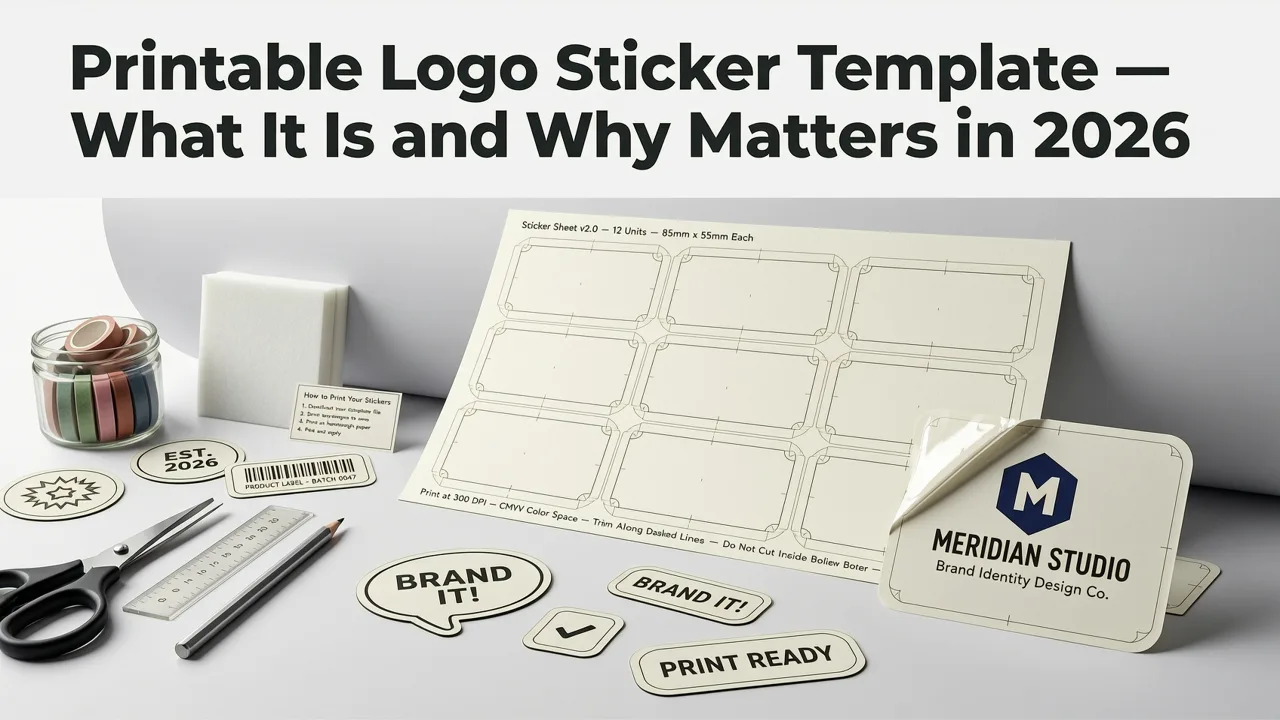
A printable logo sticker template is a pre-sized, print-ready layout that lets you place your brand logo onto sticker stock and produce professional results using a home printer, office copier, or commercial print shop. In 2026, branded stickers have evolved from simple giveaways into portable brand assets that travel across laptops, water bottles, packaging, and storefronts — and a well-structured template is the bridge between a digital logo file and a physical sticker that actually looks polished.
The short answer: a printable logo sticker template gives you a correctly dimensioned canvas with bleed, trim, and safe-zone guides so your logo prints cleanly, cuts accurately, and adheres properly to any surface. Pair that template with an AI logo generator and you can go from brand concept to a sheet of finished stickers in under ten minutes — no graphic design software, no agency retainer, no guesswork about DPI or color profiles.
This guide walks you through what makes a truly effective printable logo sticker template, how AI tools have changed the sticker-design workflow in 2026, the exact print specifications you need to follow, and a step-by-step process for creating your own branded stickers from scratch.
What Makes a Truly Effective Printable Logo Sticker Template in 2026?
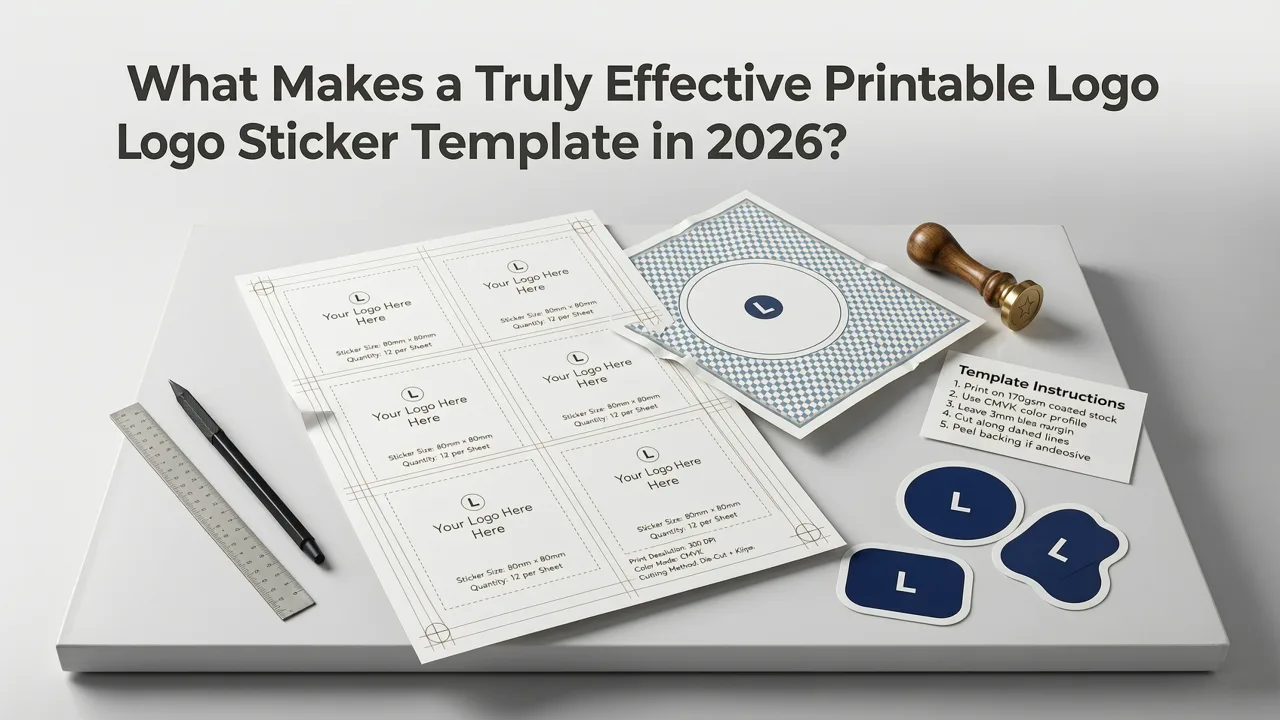
Not every template labeled "print-ready" actually delivers print-ready results. The gap between a template that looks fine on screen and one that produces clean, durable stickers comes down to a handful of technical and design decisions. Here are the criteria that separate a genuinely useful printable logo sticker template from a generic placeholder.
1. Correct Document Dimensions and Bleed Settings
A proper template must include the finished sticker size, a bleed area (typically 1/8 inch or 3 mm beyond the trim line), and a safe zone where critical logo elements sit well inside the cut line. Without bleed, even a fraction-of-a-millimeter shift during printing or cutting will leave an ugly white edge. Templates designed for standard sticker paper sizes — US Letter with round stickers, A4 with circular or square formats, or roll-fed dimensions for commercial printers — remove that guesswork entirely.
2. High-Resolution Output Architecture
In 2026, AI-generated logos export at resolutions that easily exceed 300 DPI, which is the minimum for crisp sticker printing. A quality template preserves that resolution end-to-end. It should accept vector formats (SVG, PDF) as well as high-DPI PNG files, ensuring your logo stays sharp whether it prints at one inch or six inches across.
3. Die-Cut and Kiss-Cut Awareness
A die-cut sticker follows the exact contour of your logo; a kiss-cut sticker is cut through the sticker material but not the backing paper, leaving a border. Your template should indicate which cut style it supports and include a cut-line layer or guide. Many modern AI tools now generate both layers automatically, but understanding the difference helps you choose the right template for your production method.
4. Color-Profile Alignment
Most home and office printers use CMYK or a wide-gamut RGB profile. A template built for sticker printing should specify the target color profile so your brand colors don't shift unexpectedly. If your AI logo tool exports in sRGB, the template should either convert automatically or flag colors that fall outside the printable gamut.
5. Modular Layout for Multiple Sticker Sizes
The best printable logo sticker templates let you place the same logo at several sizes on one sheet — for example, a 2-inch round sticker, a 3-inch round sticker, and a rectangular label on a single Letter-size page. This modularity maximizes sticker-paper usage and gives you variety for different applications, from product packaging to laptop branding.
How AI Has Changed the Printable Logo Sticker Template Workflow
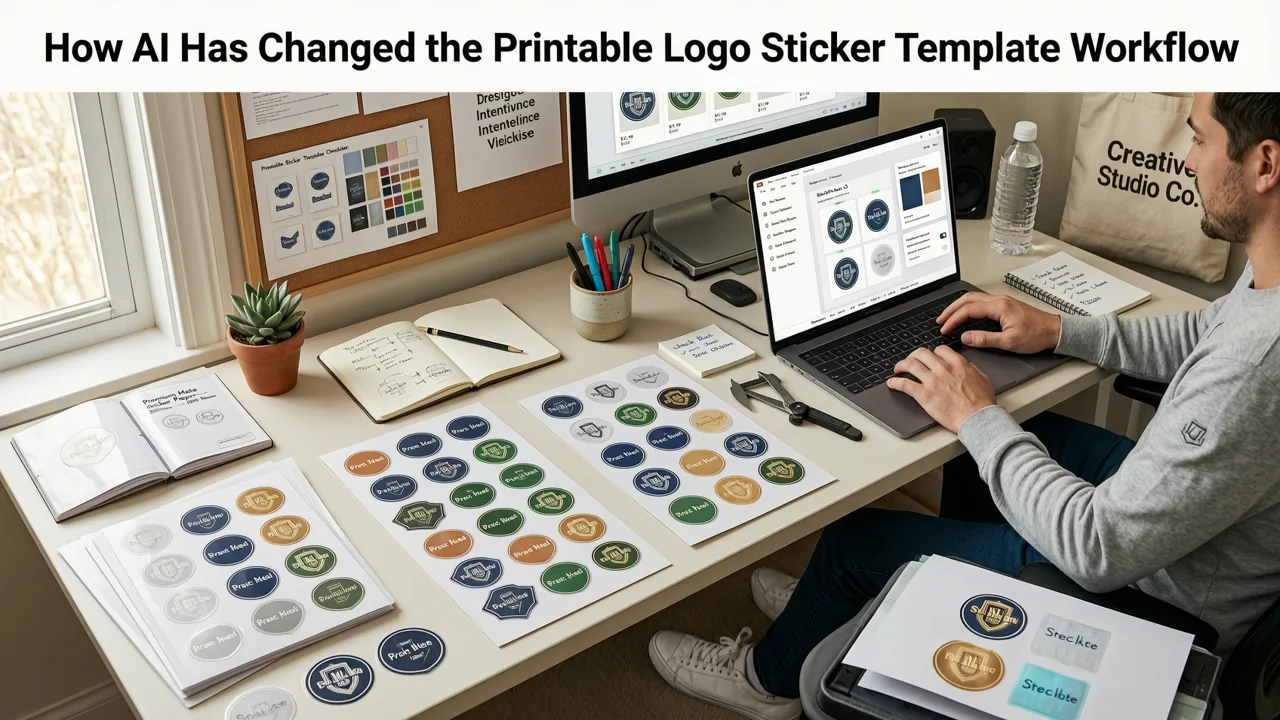
Before AI-powered design tools, creating a printable logo sticker template meant opening a vector editor, manually setting up artboards, drawing cut lines, and exporting multiple file formats. Today, the process is almost entirely automated. You enter your brand name, select an industry and style preference, and the AI generates logo concepts that are already optimized for sticker output.
Tools like the AI Logo Sticker Maker take this a step further by generating sticker-specific layouts directly from your logo. The AI understands bleed requirements, cut-line geometry, and color-profile constraints, producing a template you can send straight to a printer or print at home on adhesive sticker sheets.
This shift matters because it collapses a process that used to take hours — or a professional designer's fee — into a matter of minutes. Founders, ecommerce brands, and creators can now iterate on sticker designs as quickly as they iterate on product ideas.
Step-by-Step: Creating a Printable Logo Sticker Template with AI
Here is the exact workflow to produce a print-ready sticker sheet using AI-generated logos and a structured template.
- Generate your logo. Use an AI logo generator to create a brand-ready mark. Enter your brand name, choose your industry, pick a style direction, and select brand colors. Download the logo in both SVG (vector) and high-resolution PNG formats.
- Select a sticker template. Choose a printable logo sticker template that matches your sticker paper size and shape. Common options include 2-inch circles on Letter-size sheets, 3-inch circles on A4 sheets, or custom rectangular labels.
- Place the logo on the template. Import your logo file into the template canvas. Center it within the safe zone, ensuring no critical elements extend into the bleed area.
- Add a cut line (if needed). For die-cut stickers, draw or generate a contour cut line around your logo. Many AI tools do this automatically; if you are using a manual template, use a vector path tool to trace the logo boundary with a 1/16-inch offset.
- Set the color profile and resolution. Confirm the document is set to at least 300 DPI and the correct color profile for your printer. Export as PDF for professional printing or high-resolution PNG for home printing.
- Print and cut. Load your sticker paper, print a test sheet, and check alignment. If everything looks correct, print the full run and cut along the guide lines or feed through a digital die-cutter.
Print Specifications You Must Follow
A printable logo sticker template is only as good as the specifications behind it. Use this reference table to ensure your sticker output meets professional standards.
| Specification | Recommended Value | Why It Matters |
|---|---|---|
| Resolution | 300 DPI minimum | Prevents pixelation and blurry edges on printed stickers |
| Bleed | 1/8 inch (3 mm) beyond trim | Eliminates white edges caused by minor print-shift |
| Safe Zone | 1/8 inch inside trim line | Keeps logo elements away from the cut edge |
| Color Profile | CMYK for commercial; sRGB for home inkjet | Ensures brand colors print accurately |
| File Format | PDF (commercial); PNG 300 DPI (home) | Preserves vector data and resolution |
| Sticker Material | White vinyl or BOPP for durability | Resists water, UV, and peeling over time |
| Cut Style | Die-cut or kiss-cut | Determines final sticker shape and backing |
Design Best Practices for Sticker-Ready Logos
Your printable logo sticker template is only one piece of the puzzle. The logo itself must be designed with sticker output in mind. Follow these principles to ensure your logo translates well from screen to adhesive surface.
Keep It Simple and Bold
Stickers are small, often viewed from a distance, and sometimes placed on curved or textured surfaces. Intricate details get lost. A clean, bold mark with strong contrast reads clearly at any size.
Test in Monochrome
If your logo cannot be recognized in black and white, it will struggle on a sticker. Many sticker applications — especially on dark surfaces or single-color vinyl — require a monochrome version. Designing with monochrome legibility in mind from the start saves rework later. For deeper guidance, explore these best practices for stamp-compatible logo design, which share the same monochrome optimization principles.
Use Vector-First Output
Always start with a vector logo. Vector files scale infinitely without quality loss, which means the same file works for a 1-inch sticker and a 12-inch bumper decal. AI logo generators that export SVG or PDF ensure you have this flexibility built in.
Consider the Background
Stickers are often placed on colored or textured surfaces. Design your logo so it works on both light and dark backgrounds, or create two versions. Transparent-background PNG exports give you maximum placement flexibility when filling your printable logo sticker template.
Common Printable Logo Sticker Template Formats
Understanding the most popular template formats helps you choose the right one for your production method and use case.
Round Sticker Sheets (Letter / A4)
The most common format for home and small-office printing. A Letter-size sheet typically holds 10 to 30 round stickers depending on diameter (2-inch to 3.5-inch). These templates are ideal for product packaging, thank-you cards, and laptop giveaways.
Rectangular Label Sheets
Used for shipping labels, product information stickers, and jar or bottle labels. Standard templates follow Avery-compatible dimensions, making them compatible with widely available label stock.
Custom Die-Cut Layouts
For stickers that follow the exact shape of your logo, a custom die-cut template includes a contour cut line. These are typically sent to professional print shops or cut on a digital plotter like a Cricut or Silhouette.
Roll-Fed Templates
Commercial sticker production uses roll-fed printers with continuous templates. If you are ordering from a print service, they will usually provide the template file. Your job is to ensure your AI-generated logo meets their resolution and color-profile requirements.
Free vs. Paid Printable Logo Sticker Templates: What to Expect
Free templates are widely available online, but they vary enormously in quality. A truly useful free template includes bleed guides, safe-zone indicators, and correct document settings — not just a blank rectangle with a logo placeholder. Paid templates often add pre-built cut lines, multiple size variations on one sheet, and printer-specific color profiles.
That said, AI-powered tools have narrowed the gap considerably. Platforms that combine logo generation with sticker-template output give you professional-grade files without requiring you to understand print-production minutiae. The AI Logo Stamp Generator demonstrates how the same AI workflow applies across related branding assets, from stamps to stickers.
How to Choose the Right Sticker Paper for Your Template
Your template and your sticker paper must work together. Here is a quick guide to the most common sticker materials and when to use each.
- White vinyl: Durable, weather-resistant, ideal for outdoor use, water bottles, and laptops.
- Clear vinyl: Creates a "no-label" look on glass, packaging, and product containers.
- BOPP (polypropylene): Water-resistant and oil-resistant, perfect for product labels on jars, bottles, and cosmetics.
- Paper sticker stock: Economical for indoor use, event giveaways, and packaging seals. Not waterproof.
- Holographic or metallic: Premium finish for limited-edition runs, music branding, and high-visibility giveaways.
Scaling Your Sticker Strategy Beyond the Template
Once you have a printable logo sticker template and a production workflow, think about how stickers fit into a broader brand strategy. Stickers are one of the most cost-effective brand touchpoints available — they travel, they get seen, and they create a tactile connection with your audience.
Consider extending your sticker program across multiple brand assets. A baseball cap logo generator can help you create embroidered-ready marks that pair visually with your sticker designs, building a cohesive physical brand presence. Consistency across stickers, apparel, packaging, and digital assets is what separates a memorable brand from a forgettable one.
Quick-Start Checklist: Your Printable Logo Sticker Template Workflow
- Generate an AI logo optimized for sticker output (bold, simple, vector-ready).
- Download in SVG and high-resolution PNG formats.
- Select a printable logo sticker template matching your sticker paper size and shape.
- Place the logo within the safe zone; verify bleed extends 1/8 inch beyond trim.
- Confirm 300 DPI resolution and correct color profile.
- Add a cut line for die-cut stickers or use the template's kiss-cut grid.
- Print a test sheet on your chosen sticker material.
- Cut, apply, and iterate based on real-world results.
Final Thoughts
A printable logo sticker template is more than a layout — it is the operational link between your digital brand identity and the physical world. In 2026, AI tools have made it possible for any founder, creator, or small business owner to produce professional stickers without design software, print-production expertise, or agency costs. The key is understanding the specifications that matter: bleed, resolution, color profile, cut style, and material selection.
Start with a strong AI-generated logo, pair it with a properly structured template, and print on the right material for your use case. You will have brand-ready stickers that look like they came from a professional design studio — because in every way that matters, they did.
Ready to create your first batch? Generate your logo, choose your template, and start printing today. Your brand deserves to stick.
Related resources
Next steps
Start on the homepage, or jump to the main CTA via contact. You can also explore localized pages like United Kingdom or Germany.
Related blogs

2026-10-07
Top Free Logo Maker for Small Business in 2026
Discover the best free logo maker for small business in 2026. Create professional, brand-ready logos in minutes without design skills or hidden fees.

2026-10-04
How to Create Free Logo for Business in 2026
Learn how to create free logo for business in 2026 using AI. Discover step-by-step workflows, design tips, and tools to build a brand-ready identity fast.

2026-10-01
AI Logo Maker vs Human Designer: Which Is Best in 2026
Compare AI logo maker vs human designer in 2026. Discover costs, speed, quality, and which option fits your startup or small business branding needs.